Dynal.AI
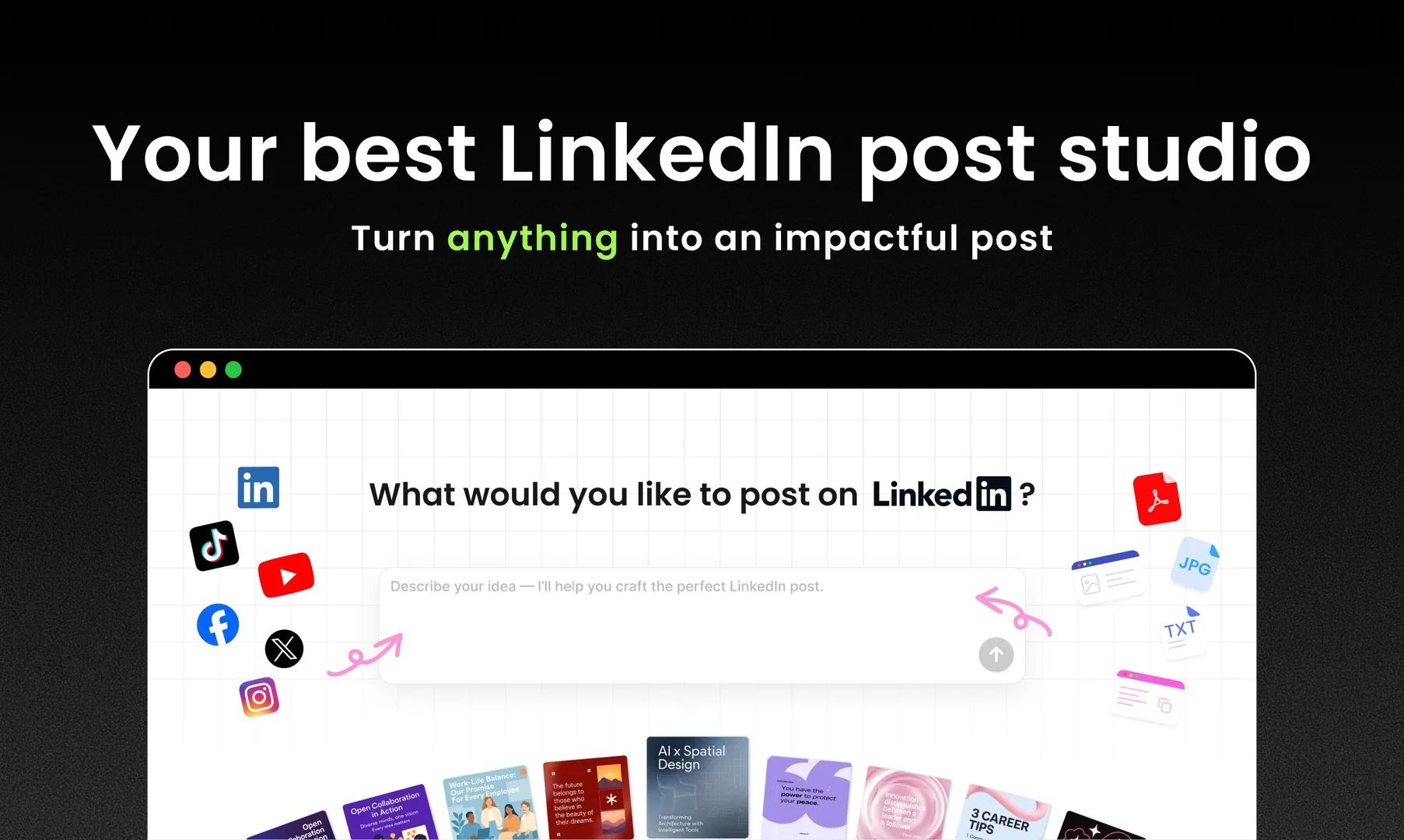
Description
🖼️ Tool Name:
Dynal.AI
🔖 Tool Category:
AI-powered productivity & workflow assistant; it falls under the category of smart calendars, task automation, and personal AI assistants.
✏️ What does this tool offer?
Dynal.AI is an intelligent personal productivity assistant that helps users manage tasks, schedules, meetings, and workflows automatically. It integrates with calendars, email, and work apps to prioritize tasks, summarize information, and organize daily routines using AI. The tool focuses on helping individuals and teams stay organized without manual planning.
⭐ What does the tool actually deliver based on user experience?
• AI-powered task creation and prioritization
• Smart daily planning based on deadlines and workload
• Calendar integration with automatic scheduling suggestions
• Meeting summaries and action-point extraction
• Email-to-task conversion
• Reminders and habit tracking
• Personalized productivity insights
• Unified dashboard for tasks, notes, meetings, and deadlines
• Automatic detection of important events and commitments
• Multi-platform syncing for seamless workflow management
🤖 Does it include automation?
Yes — Dynal.AI provides extensive automation, such as:
• Auto-generating tasks from emails, chats, and notes
• Automatic scheduling recommendations
• Meeting summarization and key-point extraction
• Smart reminders and follow-up prompts
• Auto-prioritization based on urgency and context
• Workflow automation rules for repetitive tasks
💰 Pricing Model:
Freemium (free plan + paid tiers)
🆓 Free Plan Details:
• Core task management
• Basic AI prioritization
• Limited smart scheduling
• Standard reminders
• Limited meeting summaries
💳 Paid Plan Details:
• Unlimited AI task automation
• Advanced smart calendar insights
• Full meeting transcription & summarization
• Team collaboration dashboards
• Custom automation workflows
• Priority processing and support
• Monthly and annual subscription options
🧭 Access Method:
• Web App
• iOS & Android apps (depending on availability)
• Integrations with Google Calendar, Outlook, Notion, Slack, and others
🔗 Experience Link: