💡 Compass Tip
Do you have a great photo but don't know how to describe it professionally?
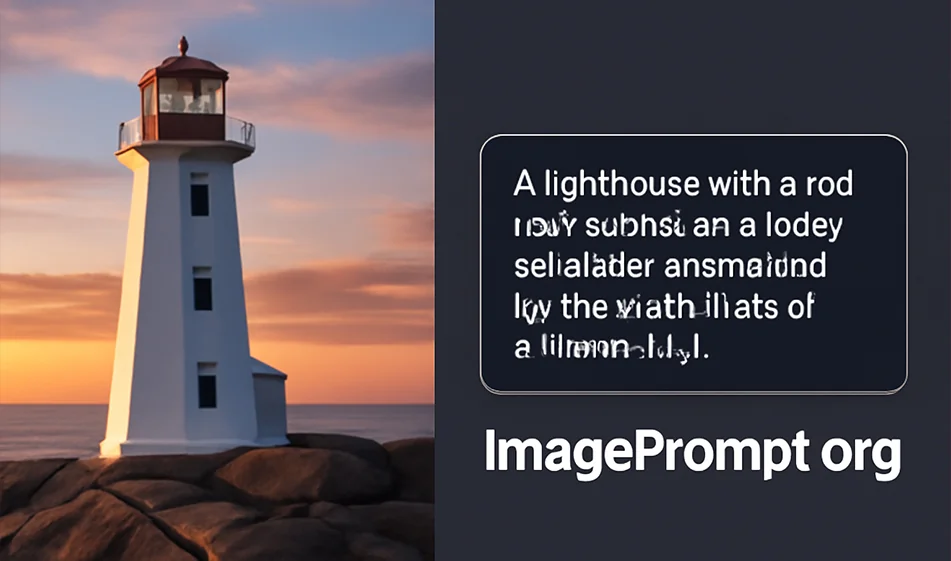
Use ImagePrompt.org to turn any photo into a professionalPrompt that can be used to generate similar images or inspire creativity. The tool analyzes the image and converts it into a precise textual description (Prompt) that can be used with AI image generation tools.
️ ⚙ How does it work?
- Upload the image you want to analyze and turn it into a Prompt.
- ImagePrompt.org analyzes the image and generates an accurate Prompt that describes the scene in every detail: Colors, lighting, key elements.
- You can copy the Prompt and use it with AI image generation tools like DALL-E 2 or MidJourney to create similar images based on the textual description.
⭐ Highlights
- Convert image to text: Turn any image into a Prompt that accurately describes details.
- Accurate analysis: Captures colors, text, shapes, and lighting to generate ready-to-use prompts.
- Easy to use: Upload an image with one click and convert it in seconds.
- Flexibility of use: You can modify the generated prompt or use it as it is in other image generation tools.
💰 Plans and Pricing
- Free Plan: Offers one photo to Prompt conversion per day with some limitations in size and resolution.
- Paid plan (starting at $5/month):
- Unlimited Prompt Generator.
- Higher resolution in analyzing the image and more detail in the prompt.
- Ability to download brompts in different formats (TXT ,JSON).
🧭 Golden Compass Tip
️ 🖊 Start by defining the goal before uploading the image.
Define the goal of the Prompt:Do you want to redesign the image itself or create a new image similar to it?
ImagePrompt.org works best when you have a clear idea of the result you want to achieve.
Try tweaking the prompts it generates, adding or deleting details to get the perfect result.
Compass Summary
ImagePrompt.org isn't just an image-to-text tool, it's your key to turning visual ideas into descriptions that can be used in AI image generation tools.
The tool helps you save time and effort in writing prompts, while ensuring high accuracy in converting details from image to text.
Use it to quickly create unique visual content without the need for advanced design skills.