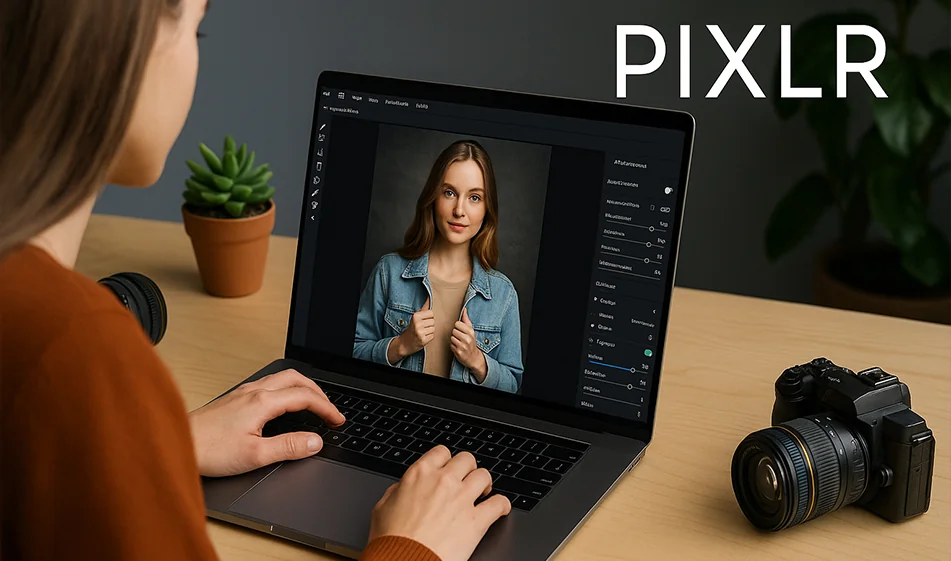
🖌️ Pixlr - fast and professional photo editing with artificial intelligence

🖌️ Pixlr - fast and professional photo editing with artificial intelligence

💡 Compass Tip

If you're looking for a fast and powerful photo editor that works from the browser without downloading heavy software, try Pixlr.
This tool gives you the ability to edit, optimize, and add professional touches to your photos in seconds, thanks to its built-in AI technology.

️ ⚙ How does it work?

  1. Open Pixlr and choose an editing mode (Quick - Advanced).
  2. Upload your photo directly from the device or from a link.
  3. Use the AI tools: Remove background, optimize lighting, fix imperfections.
  4. Add text, filters, or ready-made effects.
  5. Download the final image in high quality and ready to publish.

Highlights

  • Instant background removal in high resolution.
  • Automatic color and lighting enhancement in one click.
  • Skin repair and smoothing tools for portraits.
  • Ready-made templates for quick designs and ads.
  • Easy interface that works on your computer and phone without installing software.

💰 Plans and Pricing

  • Free Plan: Basic tools with good quality for everyday use.
  • Paid plan (starting at $5/month):
    • Additional professional filters.
    • Watermark removal.
    • Advanced AI tools and high-quality output.
  • Pro/Teamsplan: Suitable for designers and businesses with group editing features.

🧭 Golden Compass Tip

Start by optimizing the lighting before any other adjustment.
Good lighting makes a photo look professional even without many filters.
Also try Auto Adjust for a quick balance of colors and shadows.

Compass Conclusion

Pixlr is a cloud-based photo editor that's both easy and professional.
Whether you want a simple edit for a portrait or a quick design for a marketing post,Pixlrhas all the tools you need - right from your browser, without the complexity.

November 17, 2025 02:06 PM GMT
About Pixlr

🖼️ Tool name:

Pixlr

🔖 Tool Rating:

A browser-based, AI-powered image design and editing platform that provides professional tools for editing photos, creating designs, and generating images from text, with support for automation.

✏️ What does this tool offer?

Pixlr offers a smart and seamless photo editing environment for users of all levels and provides the following tools:
  1. Advanced photo editing tools including cropping, rotating, removing backgrounds, adjusting colors, and improving quality.
  2. Create designs from scratch with drawing tools and effects, or via ready-made professional templates.
  3. AI image generator to create artistic images from a text description (Text-to-Image).
  4. Batch Editing to apply standardized edits to a large number of photos at once.
  5. One-click tools to remove unwanted items from photos with AI Remove Object.
  6. Support for layers, effects, and animated visual effects to create professional-looking designs.
  7. Work directly from the browser without the need to download software, with apps available for iOS and Android.

🤖 Does the tool have automation features?

Yes, Pixlr offers advanced AI-based automation, including:
  1. Batch Editing: Automatically edit a large number of photos with the same settings (e.g. contrast, sharpness, size).
  2. Automatic background removal: One-click background removal without manual intervention.
  3. Automatically optimize photos: With tools like "AI Enhance", "Auto Fix", and "Super Resolution" that automatically adjust the quality.
  4. Automatically remove unwanted elements: Such as people or objects using an AI brush.
  5. AI Image Generator: An intelligent tool that enables the production of completely new images based on a textual description.
This automation makes Pixlr an ideal tool for designers, marketers, and everyday users looking for speed and quality.

💵 Type of tool (in terms of cost):

Pixlr is partially free. The free version is fully available, but is limited in terms of the number of daily uses and export quality, and contains ads. The paid version offers an ad-free experience with expanded features.

🎁 What does the free version offer you?

  1. Photo editing with basic tools.
  2. Free background removal for a limited number of photos.
  3. Access to a limited number of templates and library.
  4. Access to the AI photo generator with daily attempts.
  5. Saves images in medium quality with occasional watermarking.

🎁 What does the paid version offer you?

  1. Unlimited access to all AI tools and filters.
  2. Complete removal of ads.
  3. High quality export without watermark.
  4. Possibility to use the designs commercially.
  5. Performance priority when using generators or removing backgrounds.

⚙️ Access or source:

The tool is fully available through the official website: https://pixlr.com/and is available as apps on iOS and Android.

🔗 Link to try the tool:

👉 https://pixlr.com/

About Pixlr AI Image

️ 🖼Tool name: Pixlr Image to Video Generator

🔖 Tool Category: AI Image to Video Generator / Online Video Creator

️ ✏What does this tool do?

  • Convert still images into dynamic and engaging videos.

  • Add motion effects, transitions, and background music.

  • Support vertical (16:9) and horizontal (16:9) video formats.

  • Easily customize the video without the need for editing experience.

  • Ability to download videos in high quality and without watermarks.

What does it actually offer based on user experience?

  • A fast and efficient tool for creating short videos for social media.

  • Simple and straightforward user interface.

  • Multiple customization options such as adding music and effects.

  • Support for cross-platform video formats.

🤖 Does it include automation?

  • Yes, it does:

    • Automatically generate videos from photos with effects and transitions.

    • Automatically add background music.

    • Convert still images into dynamic videos without much manual intervention.

💰 Pricing model:

  • Free plan:

    • Create short videos for free.

    • Upload videos in high quality and without watermark.

🧭 How to access the tool:

  • Visit the Pixlr website via browser.

  • Upload images (JPG, PNG, or WEBP).

  • Edit captions and settings if needed.

  • Click "Generate" to create the video.

  • Upload the video immediately after processing.

🔗 Link to the demo or official website: