💡 Compass Tip
If you want to produce a fun educational video for kids - about health, hygiene, nutrition, or positive behavior - without learning editing or design software, it's easier than you think!
Just type in a simple idea... and let the AI create the video for you.
🧠 How do you do it?
1) Start with two images from ImageFX
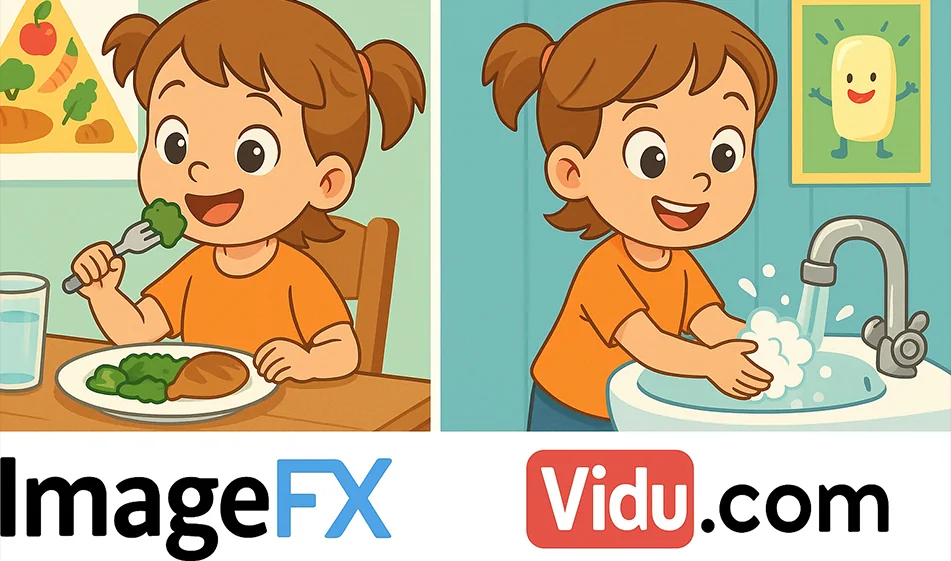
Use ImageFX to create just two images:
- An image for the beginning of the scene (e.g. a child getting ready to wash his hands).
- An image for the end of the story (child smiling after successfully washing their hands).
Choose a kid-friendly health topic such as:
🟢 proper nutrition
🟢 hand washing
🟢 tidying up
🟢 brushing teeth
Each image is created by a realistic or cartoonish AI, depending on your preference.
2) Animate images via Vidu.com
Go to Vidu.com and upload just the two images.
The AI will:
- animate the characters
- Merge the two images into one scene
- Add seamless animations
- Produce a fully animated video
It's all done automatically - no software, no editing experience.
The result ✨?
A short, simple, and fun educational video:
- Engages children visually
- Conveys a clear educational message
- Helps learning in a fun way
- Suitable for schools, educational pages, and targeted channels
🧭 Golden Compass Tip
Write a short story with only three steps before you start: Start - Problem - Solution.
Then let ImageFX draw the idea... and let Vidu animateit.
This way you get a video that attracts the child and easily fixes the idea in his/her mind.
CompassConclusion
By combining the power of ImageFX to generate images and the intelligence of Vidu.com to animate them, you can produce amazing quality educational videos for kids... with minimal effort.
Just type in your idea - and let the AI complete the journey for you!