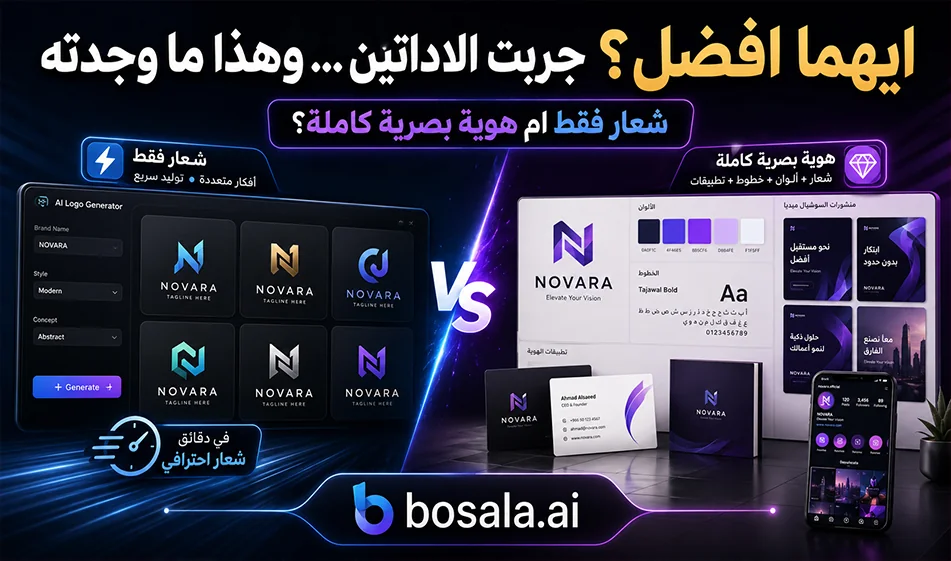
A Comparison of Looka andLogoAI for Logo and Brand Identity Creation
If you want to quickly create a logo and visual identity for your project, there are two tools you can try: Looka andLogoAI. Both rely on artificial intelligence to help you generate logos based on your project’s name, industry, and your preferred colors or styles. However, the differences between them lie in the quality of the results, the visual identity tools, and the pricing structure.
Links:
First tool: https://looka.com/explore
Second tool: https://www.logoai.com/generate
How does the logo creation process work?
In both tools, you start by entering the project name, then select the industry or type of business, and then specify some preferences such as colors, logo shape, or visual style. The tool then suggests a variety of logo designs, and you can choose the one that best matches your vision and customize it.
You can change the fonts, colors, icon, element arrangement, and text size until you achieve a look that fits your project’s identity. After that, you can purchase the final logo files or choose a package that includes additional visual identity elements.
Looka: Ideal for a Complete Visual Identity
Lookais ideal for those who want to create a logo along with a complete visual identity package. It doesn’t just generate a logo; it also provides templates for business cards, social media posts, email signatures, letterheads, invoices, ads, posters, flyers, and presentations.
The practical advantage of Looka is that it gives you an experience close to building a complete brand, not just a single logo. Therefore, it is suitable for small business owners, stores, restaurants, business pages, and anyone who wants to establish a unified brand image across multiple platforms.
LogoAI: Best for Logos and One-Time Payments
LogoAI, on the other hand , is better suited for those who want to create a logo quickly, with one-time purchase packages. The tool generates multiple logo options based on the project name and design preferences, then allows you to customize the layout, fonts, icons, and colors.
A key advantage of LogoAI is that its pricing model is typically based on a one-time logo purchase, rather than a recurring subscription for the logo itself. This makes it a practical option for those who want to pay a single fee and receive the final logo files without a long-term commitment.
A Practical Comparison of the Two Tools
In terms of ease of use, both tools are simple. You enter the project name, select the industry and style, and then receive numerous suggestions. However, Looka seems stronger when you want to build a complete and cohesive brand identity around the logo, as it links the logo to marketing templates and visual assets.
LogoAI, on the other hand , is better suited for those who want a quick logo with ready-to-use files and a one-time payment. Therefore, it can be said that Looka is better for those who want a broader visual identity system, while LogoAI is better for those who want a logo and its final files quickly.
Free Trial
On Looka , you can design, edit, and preview logos for free, but downloading the logo and using the final files requires payment.
With LogoAI, you can also try designing a logo for free, but payment is required when downloading the final logo and using the files in high quality.
Pricing
Looka offers packages for logos only and packages for visual identity. The basic logo package typically costs around $20 for a simple file, while the advanced package can go up to about $65 and includes more files and logo variations. The visual identity package is usually on an annual subscription basis.
At LogoAI, packages are usually one-time payments, such as: Basic for about $29,Pro for about $59, andBrandfor about $99. Each package varies depending on the files it offers, suchas PNGs, transparent files, vectorfiles, mockups, or additional branding elements.
Which one should you choose?
Choose Looka if you want a logo with a complete visual identity and ready-made templates for social media, business cards, and marketing materials.
Choose LogoAI if you want a professional logo quickly, prefer a one-time payment over a subscription, and need files ready to use in your project.
Compass Tip
Before finalizing the logo, test it on light and dark backgrounds, on a small profile picture, on a business card, and on a social media post. A successful logo isn’t just beautiful—it must be clear, simple, and versatile enough to work in multiple contexts.
Conclusion
Looka is best for those who want a complete visual identity and ready-to-use marketing templates centered around the logo, while LogoAI is best for those who want to purchase a professional logo with a one-time payment. Both tools are suitable for small business owners and content creators, but the choice depends on your needs: a complete identity with a subscription, or a logo and ready-to-use files with a one-time payment.