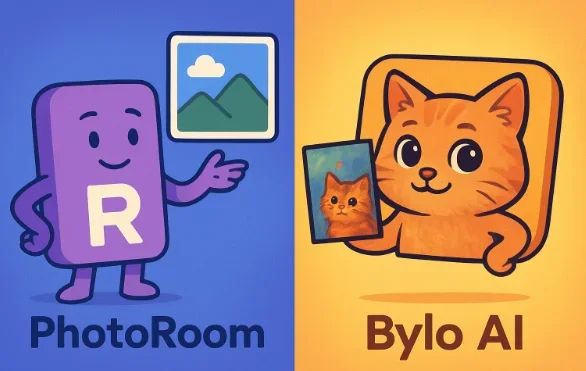
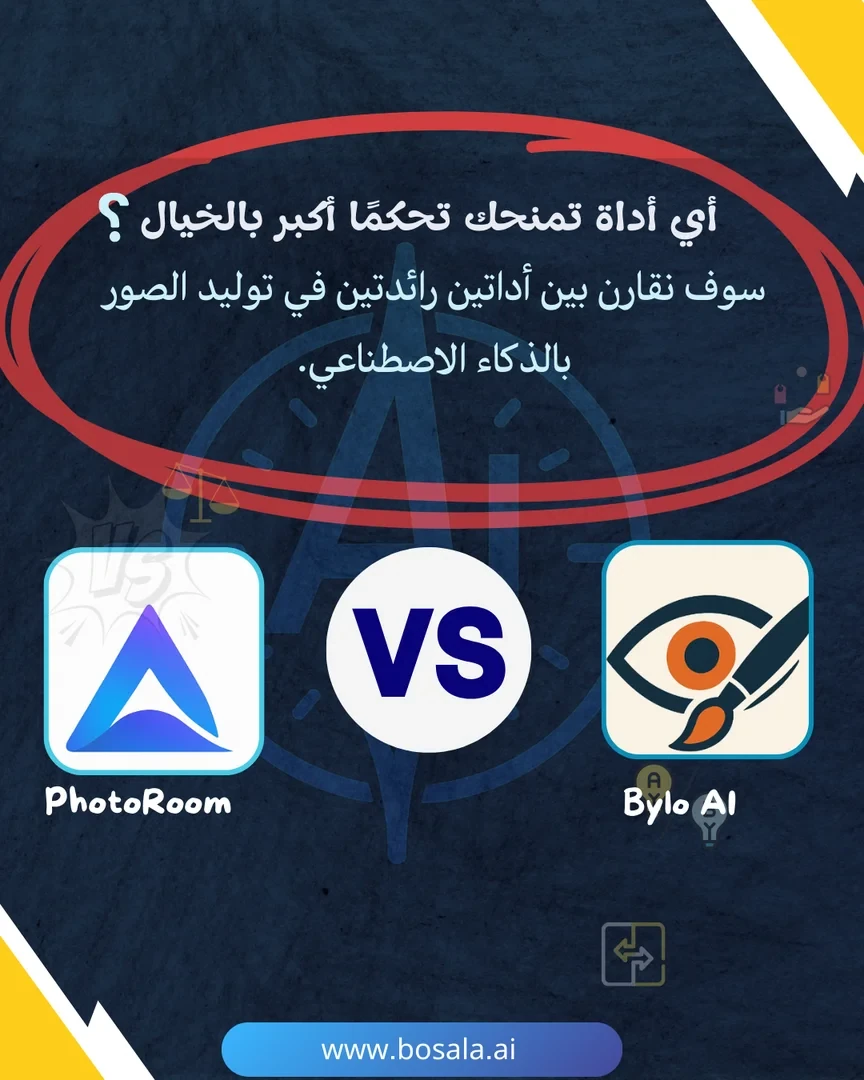
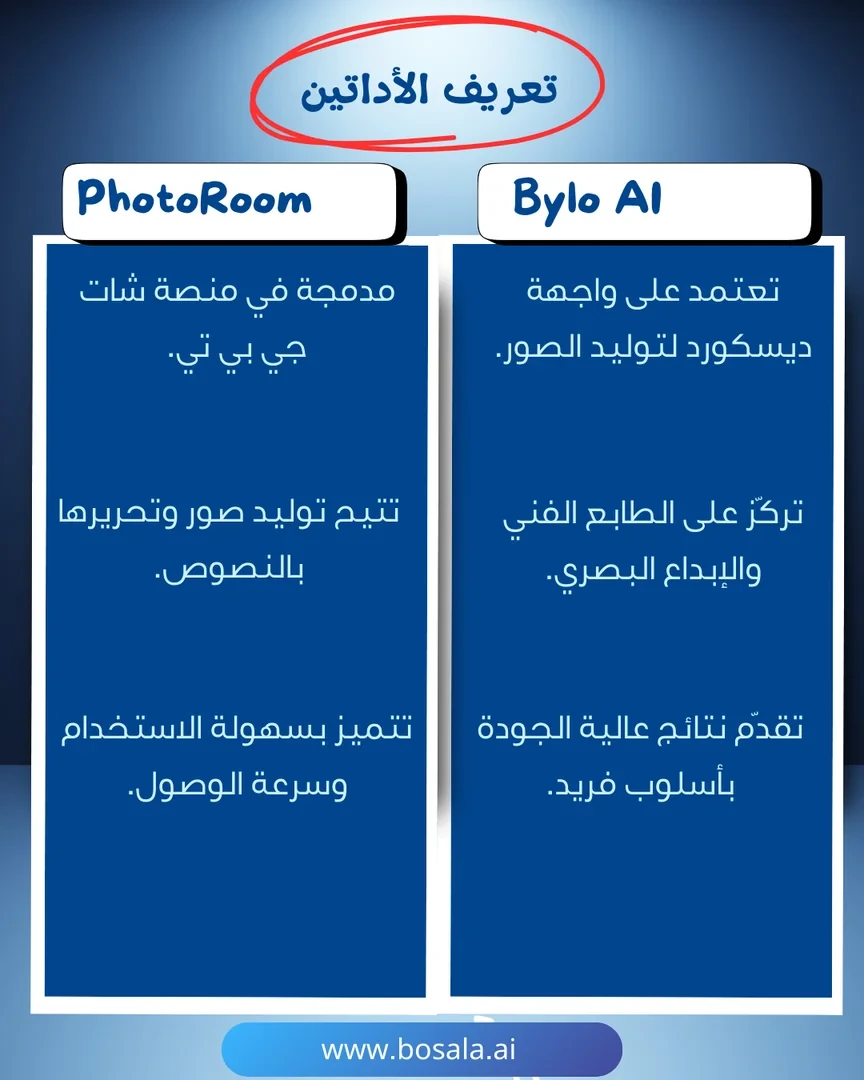
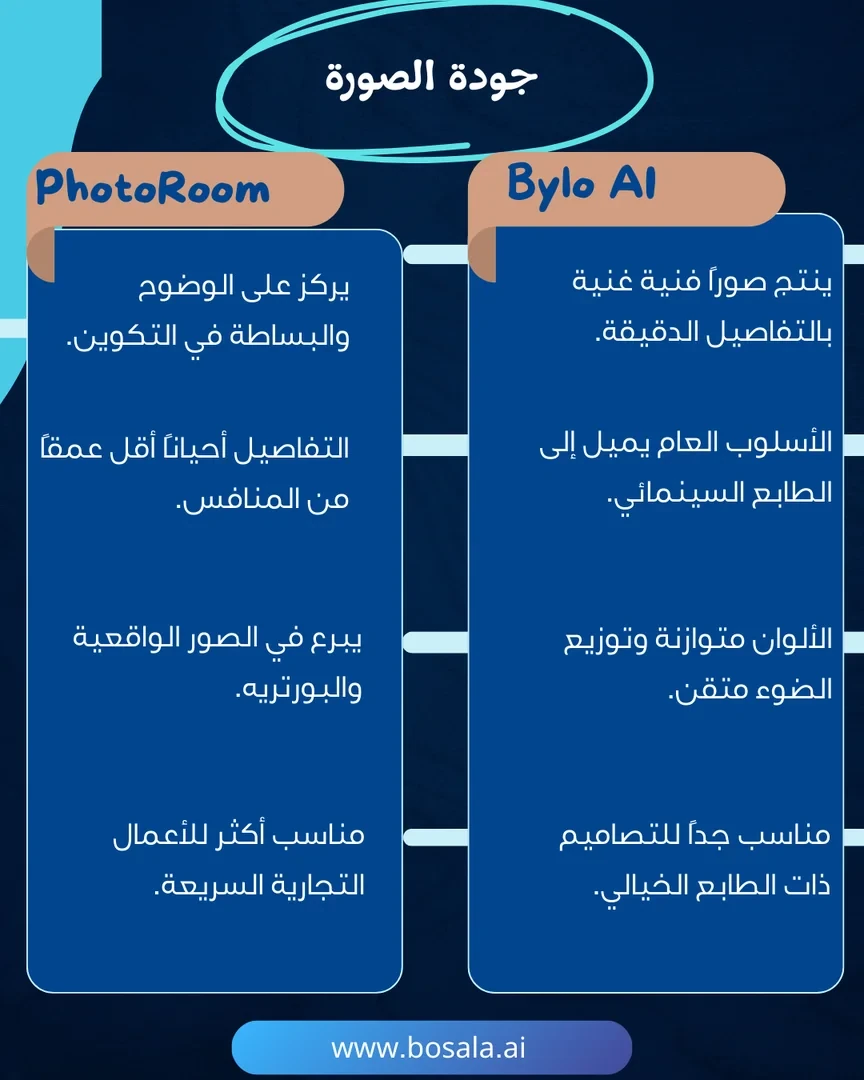
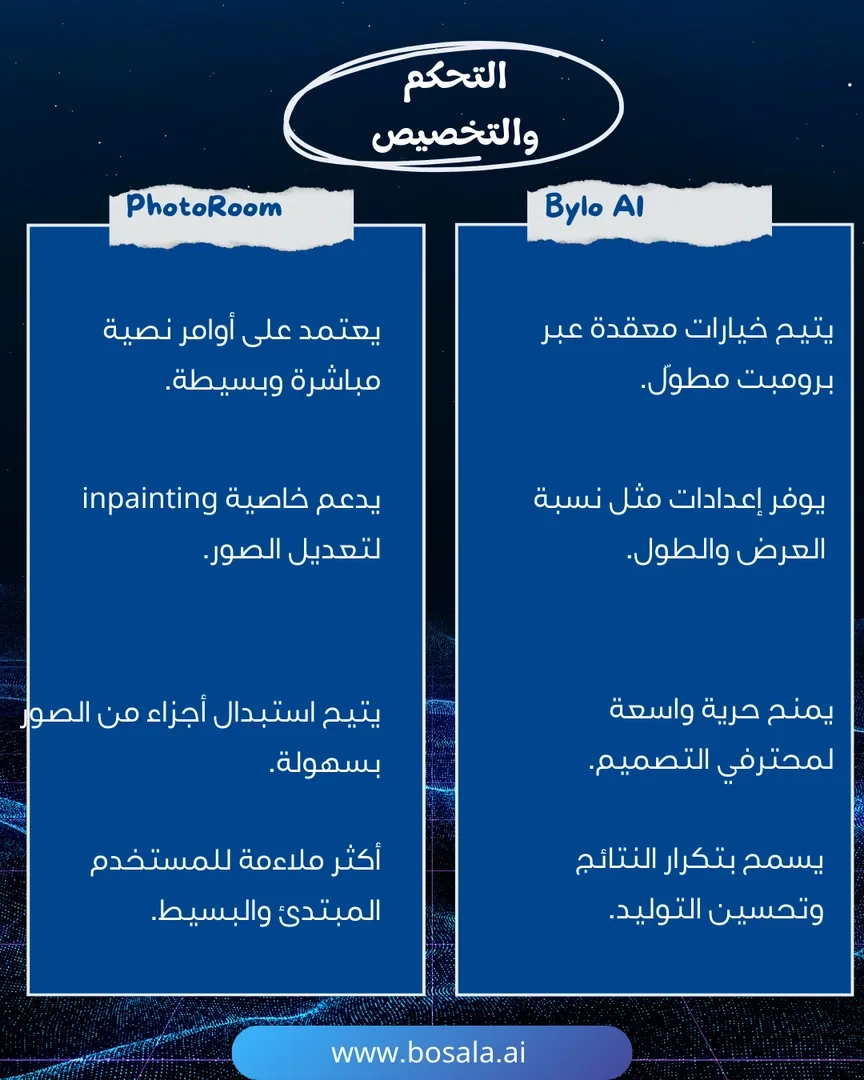
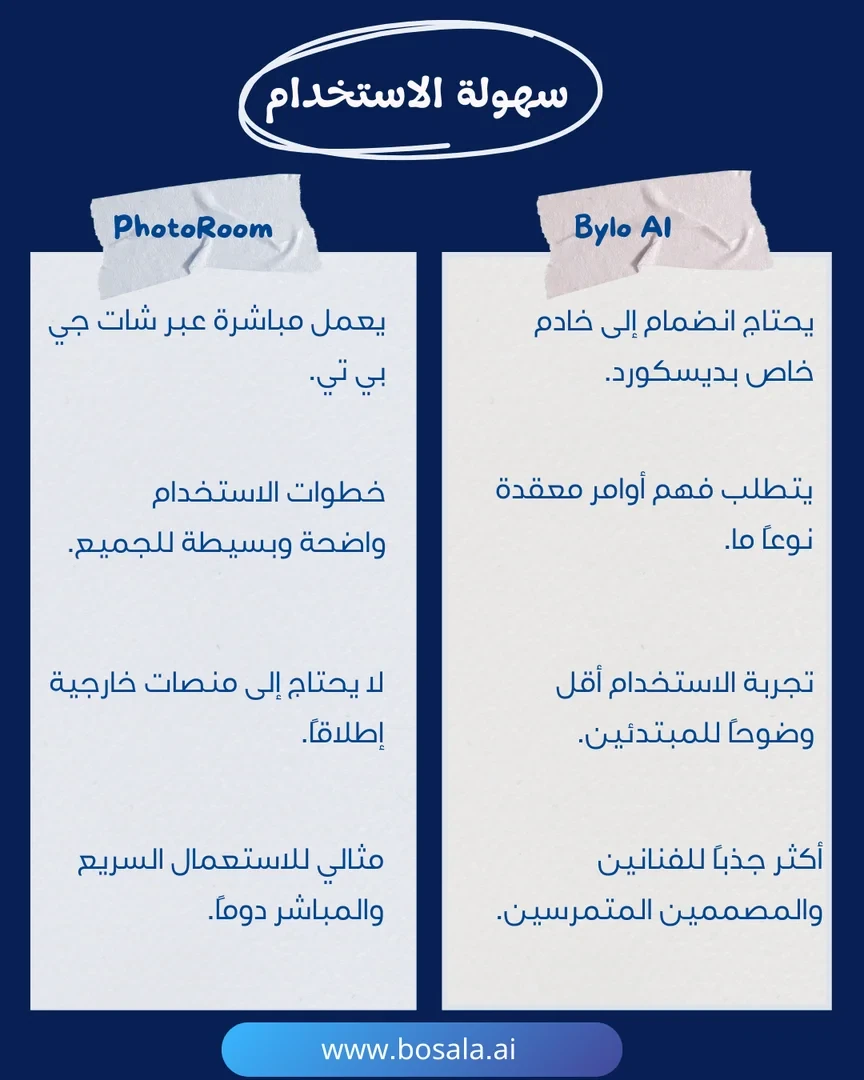
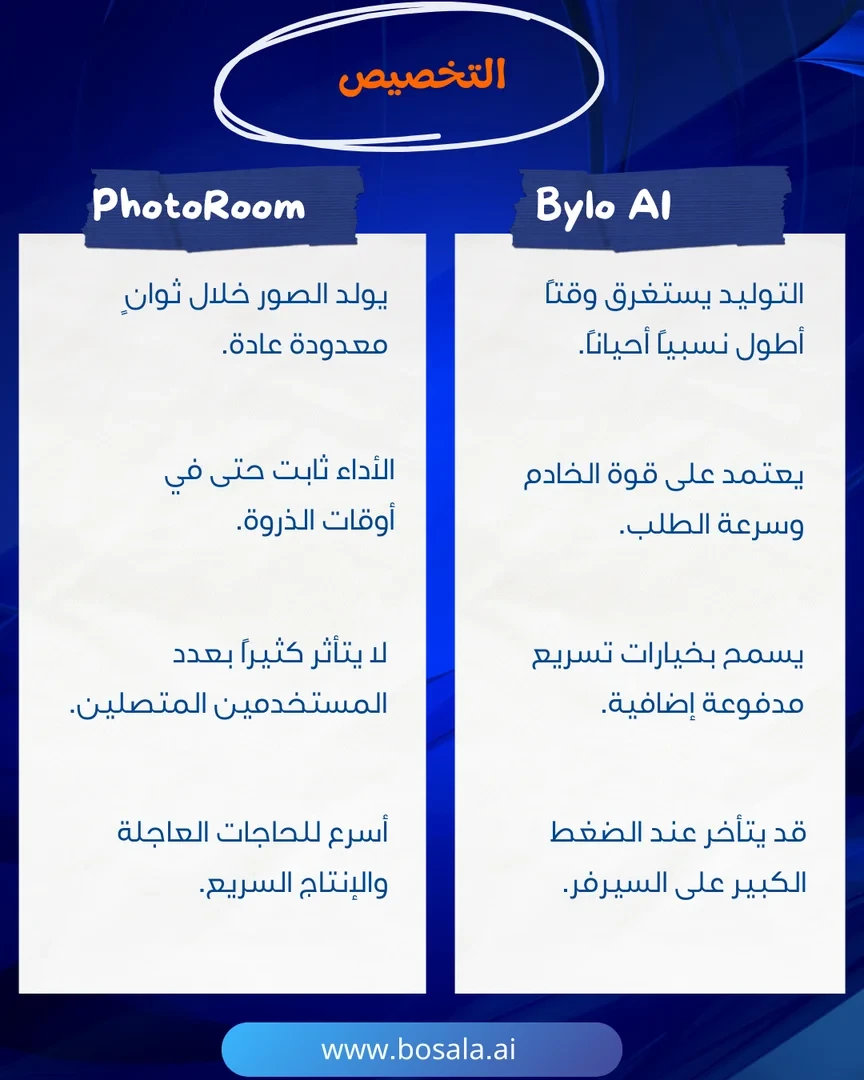
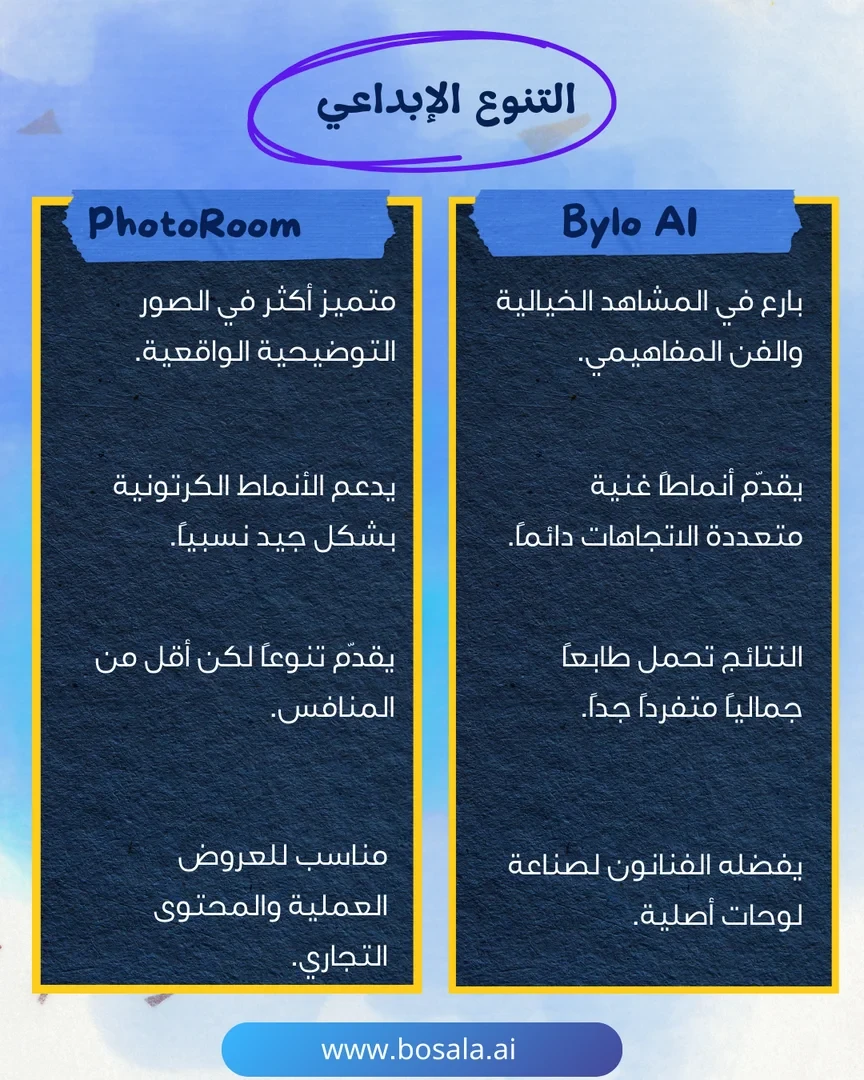
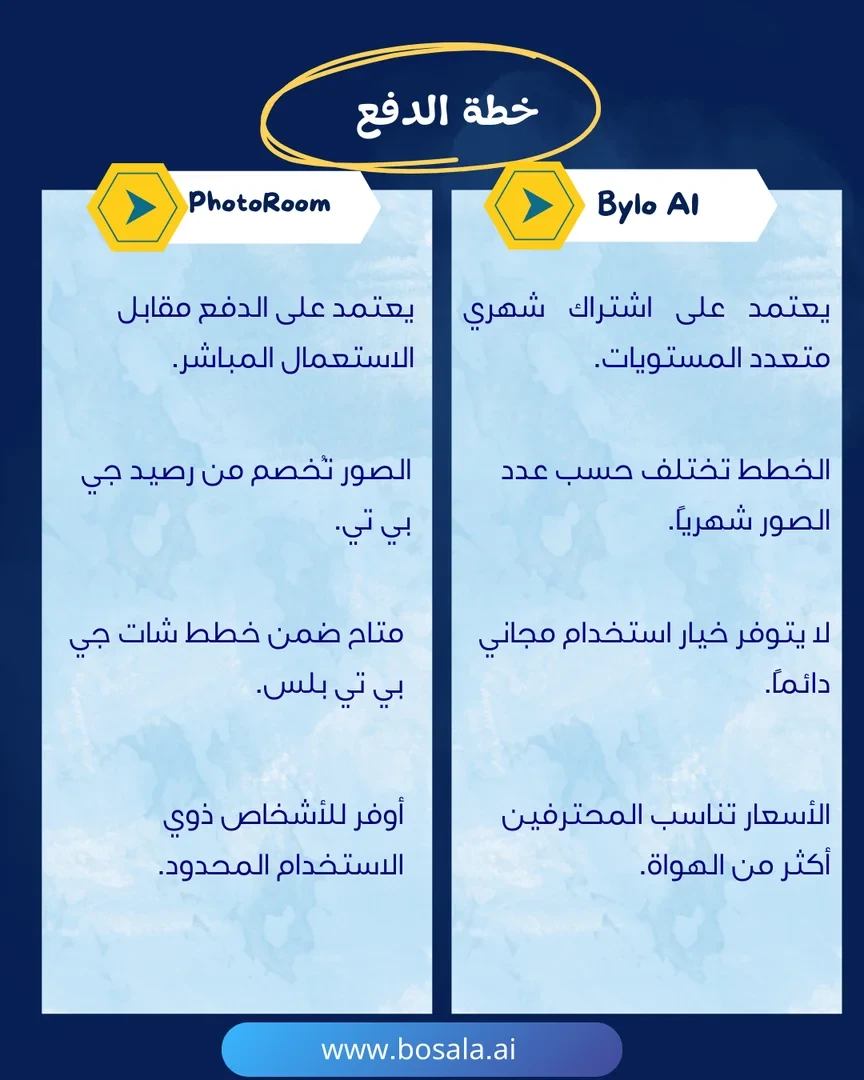
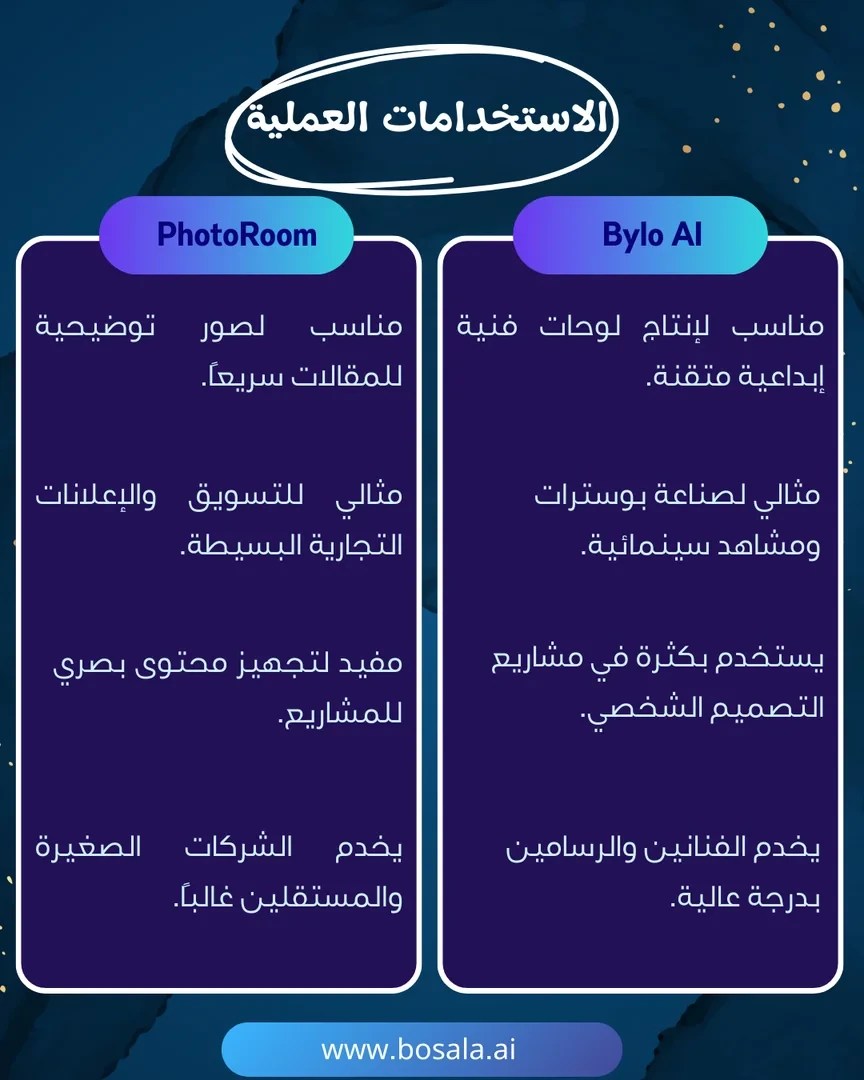
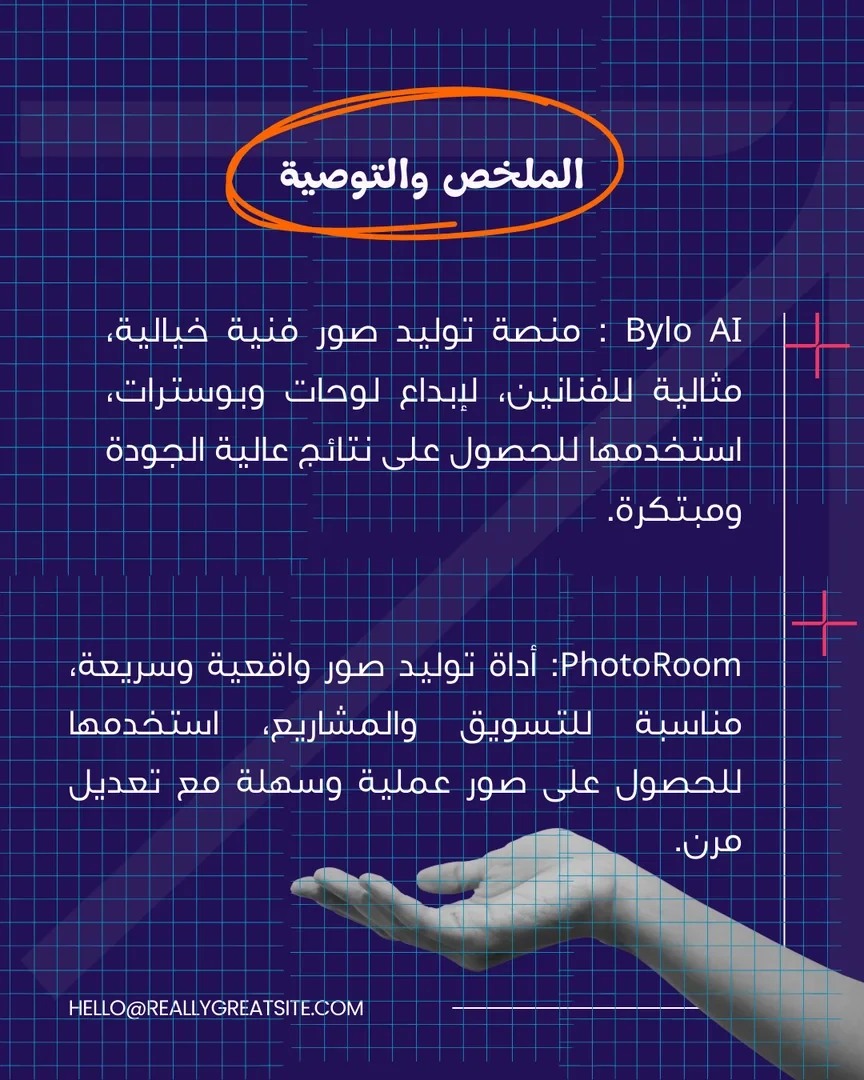
Two leading AI photo tools are competing: PhotoRoom and Bylo AI. The former allows for quick and easy removal of unwanted elements and photo editing, while the latter specializes in generating artistic pet portraits. Each tool offers a different experience and serves a variety of needs from editing to artistic creation. Check out the slides below to find out which one suits you best.
About PhotoRoom
️ Tool Name: 🖼
Photoroom
Categories: 🔖
Photo Design and Editing
Remove and Replace Elements and Backgrounds
Editing/Enhancing/Upscaling
Marketing and Sales
Digital Asset Management
Integrations and APIs
Image generation from text
Automation and Smart Agents
️ What does this tool offer? ✏
Photoroom is an AI platform specialized in professionally creating and editing product images, specifically designed for e-commerce.
It helps users transform ordinary photos into ready-to-use marketing images by automatically removing backgrounds, creating professional backgrounds, enhancing image quality, and designing realistic product scenes without the need for studio photography.
It also provides advanced tools such as creating product images in different environments, editing elements within the image, producing promotional images, and creating visual content ready for sale, advertising, or publication on online stores.
What does it actually offer based on user experience? ⭐
- High-precision image background removal
- Creating professional, sales-ready product images
- Generating realistic product scenes (AI Product Staging)
- Image creation using artificial intelligence
- Quick editing tools (object removal, enhancement, reshaping)
- Design images suitable for ads and social media
- Batch image processing
- Integration with platforms like Shopify
- Support for creating consistent brand imagery
Does it include automation? 🤖
Yes.
It features powerful automation for batch image processing, product optimization, and automatic image generation, as well as an API that allows for the integration of image creation and editing workflows into enterprise systems.
How to access the tool: 🧭
Website + Apps (Web / Mobile / Desktop)
Demo link or official website: 🔗
https://www.photoroom.com
About Bylo.ai –
Related Tips
A video prompt that gives you the feel of GTA with an Arabic twist
2 million free tokens to create videos! on Seedance
How to Create a Series of Educational Videos Using ChatGPT, PixVerse, and Nabat?
An Explanation of GeminiGen AI for Creating Videos and Images for Children
A brief overview of Vidu and how to create entertaining animated videos