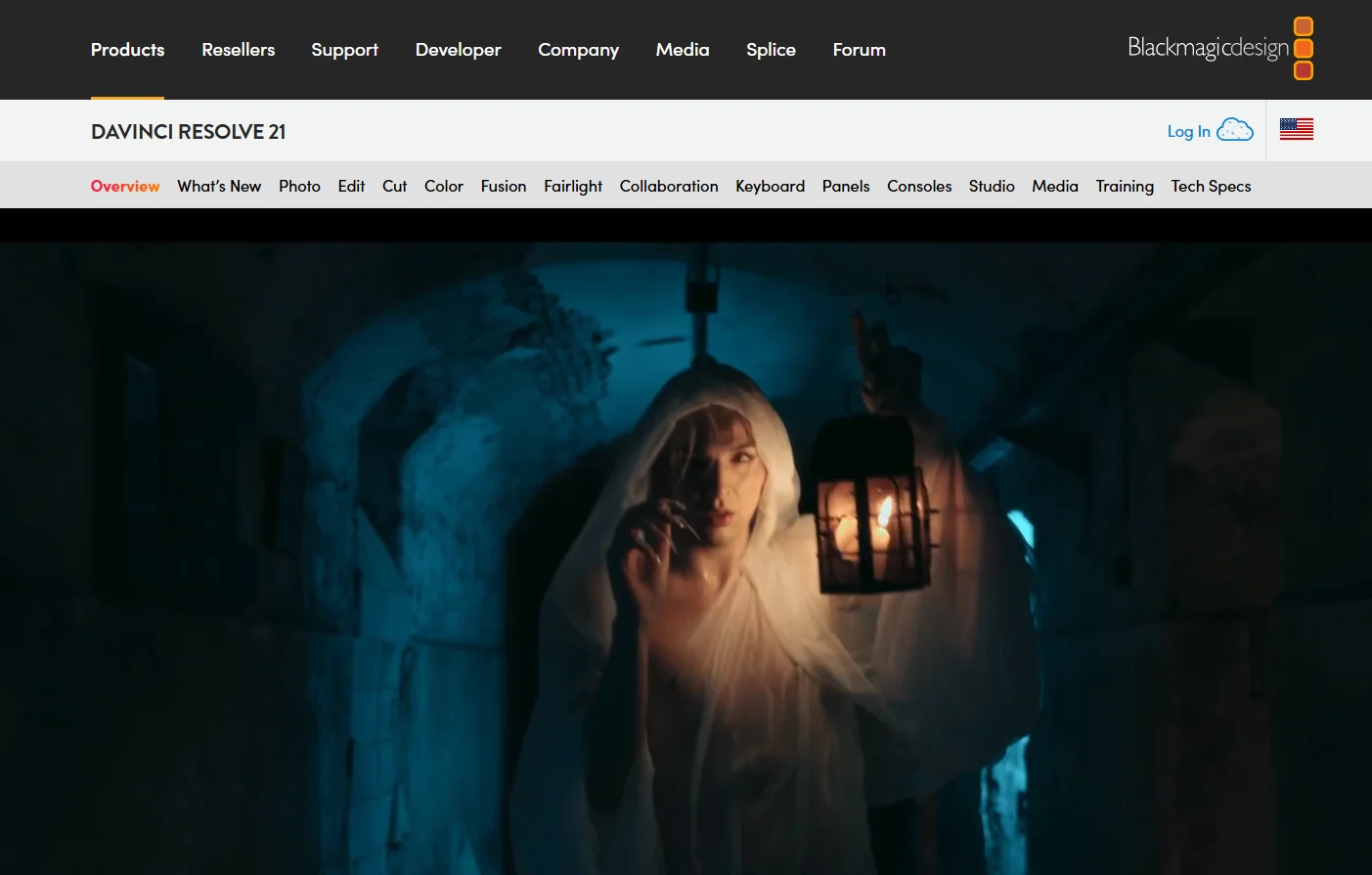
DaVinci Resolve
DaVinci Resolve is a comprehensive professional video production and editing software developed by Blackmagic Design. It combines multiple stages of post-production into a single application, including video editing, color correction and grading, visual effects, animation, audio processing, media organization, and exporting. The software is available for Windows, macOS, and Linux. (Confirmed)
- Audio & Voice
- Audio Cleanup & Mixing
- Video Generation & Editing
- Motion, Titles & Subtitles
- Image Design and Creation
- Editing, Enhancement & Upscaling
- Automation & Agents
Last updated
Features
- Video editing, color correction, visual effects, audio and export in one application
- Page-based workspaces: Media, Cut, Edit, Fusion, Color, Fairlight and Deliver
- Advanced color correction, grading and HDR tools
- Photo page with native RAW support from Canon, Fujifilm, Nikon and Sony cameras
- Studio AI tools: face recognition, Magic Mask, Super Scale, Speed Warp and text-based editing
- AI noise reduction and automatic region tracking in Studio
- Multi-user collaboration via Blackmagic Cloud
- Python and Lua scripting in Studio
- Runs on Windows, macOS and Linux
Pricing Details
Pricing Model: DaVinci Resolve uses a free version + one-time paid license model, offering a powerful free version that can be downloaded and used without a monthly or annual subscription. The professional version, DaVinci Resolve Studio 21, is available for $295 according to Blackmagic Design’s current pricing in the United States and adds a wide range of advanced professional tools. (Confirmed)
The free version allows users to edit video, build stories, and arrange clips, along with a wide range of color correction and grading tools, including HDR support. It also supports resolutions up to Ultra HD 3840×2160 at up to 60 frames per second for supported 8-bit video formats, as well as multi-user collaboration capabilities. (Confirmed)
The free version is available on Windows, macOS, and Linux, and offers a wide range of tools suitable for video editing and color grading without the need to pay a fee or subscribe to a monthly plan. It also includes HDR grading capabilities, making it suitable for users who want professional-grade tools without purchasing the paid version. (Confirmed)
DaVinci Resolve Studio 21 costs $295 as a one-time license and includes all the features of the free version, plus advanced tools such as the DaVinci AI Neural Engine, automatic region tracking, Magic Mask, text-based editing, AI-powered temporal and spatial noise reduction, and an additional set of Resolve FX effects. The Pro version also supports 10-bit video at up to 120 frames per second and resolutions exceeding 4K. (Confirmed)
How to access the software: You can download DaVinci Resolve and start using the free version right away, while users who need advanced professional tools can purchase DaVinci Resolve Studio 21 with a one-time license fee. This model does not rely on a monthly or annual subscription, making it suitable for users who prefer to pay a one-time fee for the professional version.
Related Tips
- A video prompt that gives you the feel of GTA with an Arabic twist · Video Generation & Editing, Text and Images to Video
- 2 million free tokens to create videos! on Seedance · Video Generation & Editing, Text and Images to Video
- How to Use the Pokecut Tool to Easily Extract Images · Image Design and Creation, Editing, Enhancement & Upscaling…
- A professional prompt for turning a meal name into a full recipe infographic · Image Design and Creation, Text to Image Generation…
- Bosala Brand Studio Explains: How to Create a Complete Visual Identity from a Logo in Minutes? · Image Design and Creation, Text to Image Generation…