Qlik Sense Cloud
Description
️ 🖼Tool name:
Qlik Sense Cloud
🔖 Tool Category:
Data Analytics + Business Intelligence / BI Dashboards
️ ✏What does this tool offer?
Create interactive reports and dashboards
Analyze data visually using an intuitive interface
Connect data from multiple sources (files, databases, cloud)
Share and analyze data within teams
Support intelligent analysis and Associative Engine for deeper data analysis
⭐ What do you actually deliver based on user experience?
Highly flexible data visualization and analysis
Ability to handle relatively large datasets
Easy sharing of reports and dashboards across the cloud
Some complexity in setting up permissions and managing users for large teams
Excellent performance with automatic data updating
🤖 Does it include automation?
Yes, Scheduled Data Refresh can be scheduled
Support for Automated Alerts & Subscriptions
Integration with other automation tools as needed
💰 Pricing model:
🆓 F ree plan details:
Create limited dashboards and reports in the cloud
Share limited content with small teams
Use the basic analytics interface
💳 Details of paid plans:
Professional/Enterprise: Offers larger team management capabilities, more storage, more updates, and broader data integration
Price depends on team size and number of users, and can be agreed directly with Qlik (qlik.com)
Advanced technical support for large organizations
🧭 How to access the tool:
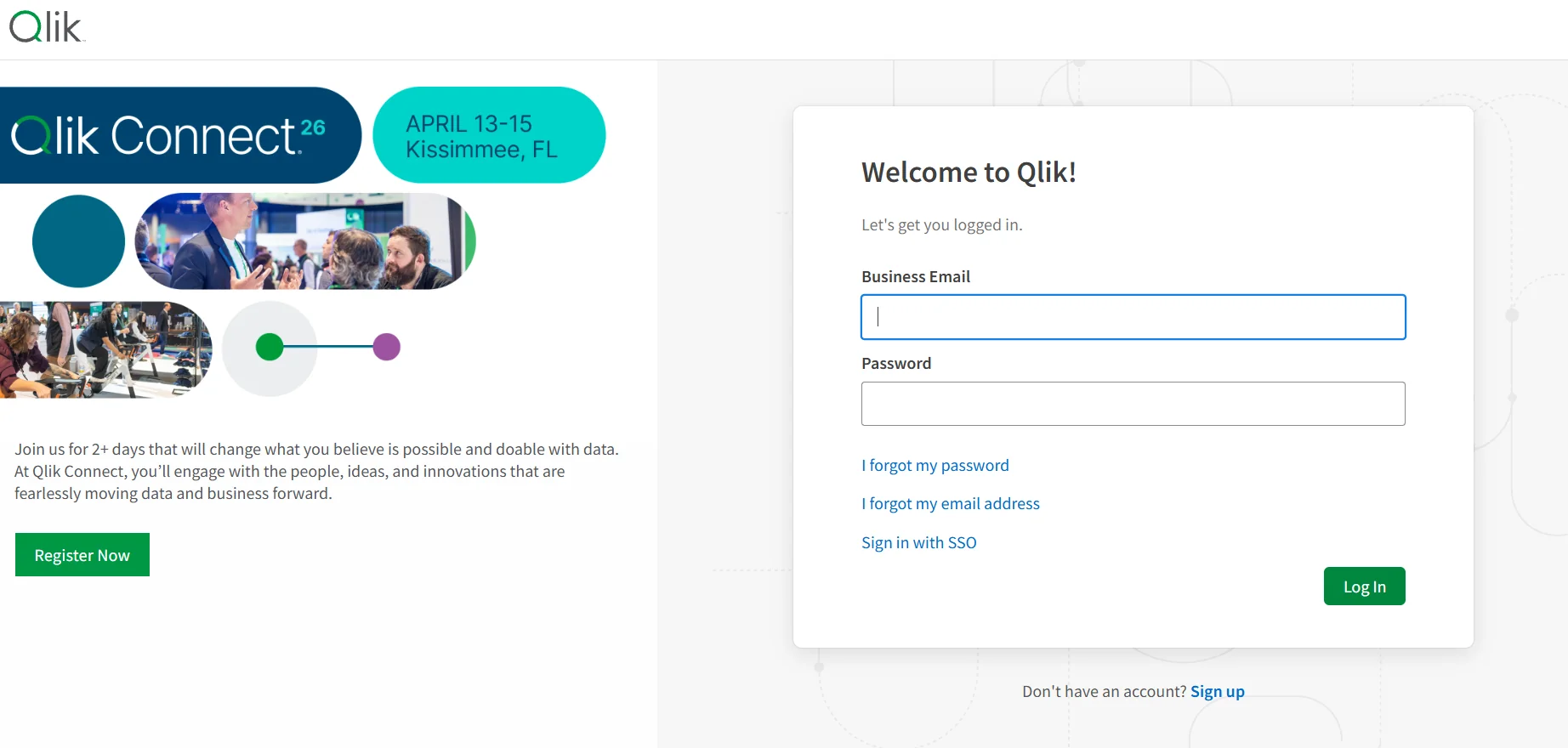
Via browser through the My Qlik portal:
https://myqlik.qlik.com/portal/index.htmlSign in with your Qlik account
After logging in, select your Tenant to access reports and dashboards
🔗 Link to the demo or official website:
My Qlik Portal