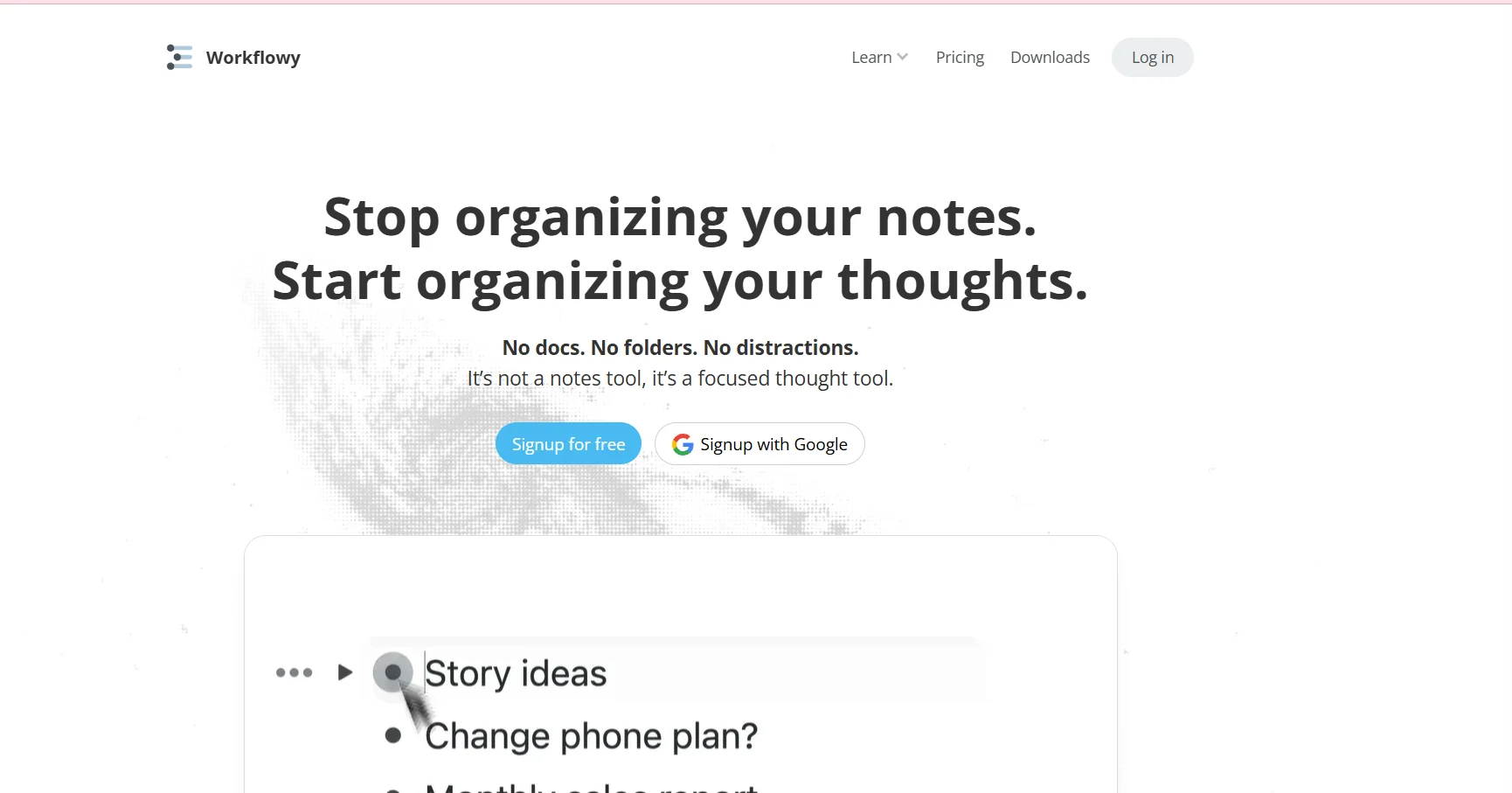
️ 🖼Tool name: WorkFlowy
🔖 Tool Category:
Productivity / Outliner & Task Management tool for managing notes, organizing ideas, and hierarchical to-do lists
️ ✏What does it do?
Allows you to create expandable and zoomable lists and notes hierarchically, making it easy to organize ideas and projects large or small, with quick search, tags, and links between different points.
⭐ What does it actually offer based on user experience?
A simple, clean interface that allows you to focus on the content without distractions.
Seamless hierarchical organization that allows large projects to be broken down into easily manageable elements.
Powerful tagging and search support for quick access to any point.
Share lists with others and collaborate in real time.
Used by professionals and small and large companies to manage projects and ideas.
🤖 Does it include automation?
It doesn't have advanced AI, but provides some smart features like linking between items, copying lists, and advanced search to make content management easier.
💰 Pricing model:
Limited free plan + Pro plan for unlimited use.
🆓 F ree plan details:
Completely free with no expiration date.
Suitable for personal use or familiarization with Workflowy.
Access to all basic features.
Limit of 100 items per month.
100 MB file upload limit.
Basic sharing options.
Community support.
💳 Paid plans details:
Pro: $6.99 per month (or depending on annual payment).
Unlimited access to all items.
Unlimited file uploads.
Full sharing options with teams.
Premium support.
Suitable for professionals who need unlimited power and flexibility.
🧭 How to access the tool:
Available as a web and mobile app on iOS and Android, with synchronization between all devices.
🔗 Experience Link or official website - Experience Link:
https://workflowy.com/?utm_source=chatgpt.com