Airtable
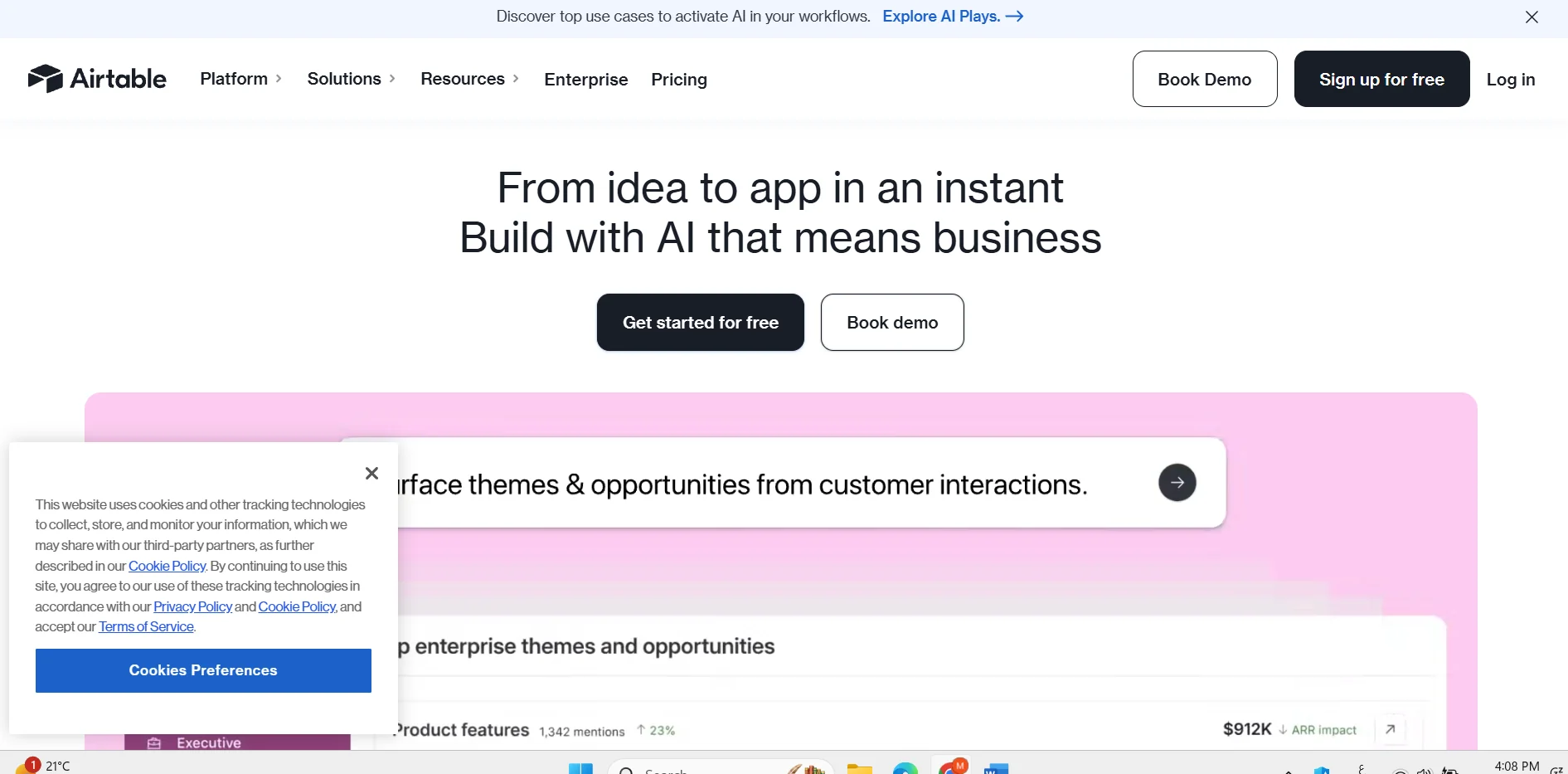
Description
:
️ 🖼Tool name: Airtable - Airtable
🔖 Category: Cloud platform for data and project management - a combination of spreadsheets and databases + project management + team collaboration + automation.
️ ✏What does it offer?
Create flexible tables/databases with multiple field types (text, number, date, dropdowns, attachments).
Link tables together to manage complex data such as CRM, inventory management, multiple projects.
Display data in a variety of formats: Grid, Calendar, Timeline, Timeline, Kanban, Gallery, Gantt.
Team collaboration tools: Sharing rules between team members, real-time editing, comments, different permissions.
Automation: Set up triggers and actions to automatically perform repetitive tasks such as sending notifications or updating records.
Ready-made templates for various uses: Projects, content calendar, CRM, calendar, task tracking, and more.
Highly flexible for individuals and small and medium-sized teams, whether for managing data, projects, or content.
⭐ What does it actually offer based on user experience?
A powerful alternative to traditional spreadsheets (Excel/Google Sheets) that combines the simplicity and power of databases.
It makes it easy to organize and manage data, projects, and tasks clearly and seamlessly.
Collaboration between team members is organized and clear: Everything (data, edits, attachments, comments) is in one place.
Automation reduces repetitive tasks and saves time, such as sending reminders or automatically updating statuses.
🤖 Does it include automation?
Yes - provides built-in automation to create triggers and actions without code, to send notifications, update records, and connect to databases or external tools.
💰 Pricing model:
🆓 F ree plan details:
Completely free, allows for unlimited rule creation.
Limit ~1,000 records per rule, 1 GB attachments per rule, simple versions of automation and collaboration - suitable for individuals or very small teams.
💳 Details of paid plans:
Team/Plus: ~$20-24/month per user (when billed annually) - up to 50,000 records per rule, more attachment space, additional automation and control, Gantt/Timeline/Calendar views.
Business: Approximately $45-54/month per user - up to 125,000 records, 100 GB attachment space, advanced automation, advanced user management, extended permissions.
Enterprise: Customized pricing based on company size and needs, suitable for large organizations or heavy usage.
🧭 How to access the tool:
Via browser on any computer or mobile device (cloud platform).
Register with an account, create a rule, define fields, link tables if needed, add records, invite members, choose the appropriate view.
🔗 Link to the trial or official website:
https://www.airtable.com/?utm_source=chatgpt.com