Super Humanizer AI
Description
️ 🖼Tool name:
SuperHumanizer
🔖 Tool classification:
SuperHumanizer is classified as an AI Humanizer or AI-to-Human Text Converter, meaning that it focuses on rewriting the text rather than generating it from scratch, while preserving the original meaning.
️ ✏What does it do?
SuperHumanizer rewrites machine-produced text in a way that makes it sound like it was written in a natural, consistent human style, while maintaining the overall meaning of the original text. It modifies the tone, reduces monotony, and improves the linguistic rhythm, making the text more distant from the patterns picked up by detection tools. It also offers different modes for stylization, such as Super Lite, which offers light edits, and Super Ultra, which is a deeper and more expensive reworking to get away from the automated style.
⭐ What do you actually offer based on user experience?
Based on what users see, the tool works straightforwardly and easily without the need to create an account, and often succeeds in converting texts into smoother formulations. The overall experience gives the impression that the tool is suitable for quick use, especially for those who want to optimize text or reduce the likelihood of AI detection. The paraphrase stays close to the original meaning without compromise, with a clear ability to modify the style, add transitional sentences, and make the text sound natural and not artificial.
🤖 Does it include automation?
The tool relies entirely on AI algorithms that analyze and paraphrase text automatically without any human intervention. The system is programmed to recognize common linguistic patterns in AI-generated texts and then replace them with more varied human versions, making the humanization process fully automated and fast.
💰 Pricing model:
The site presents the tool in an open and user-friendly format without showing clear pricing plans in the official interface, indicating that the basic service is available for free. There is no pricing page visible, which means that either the tool is free for basic use or that advanced plans, if any, are only available to specific users or behind a special registration system.
🆓 F ree plan details:
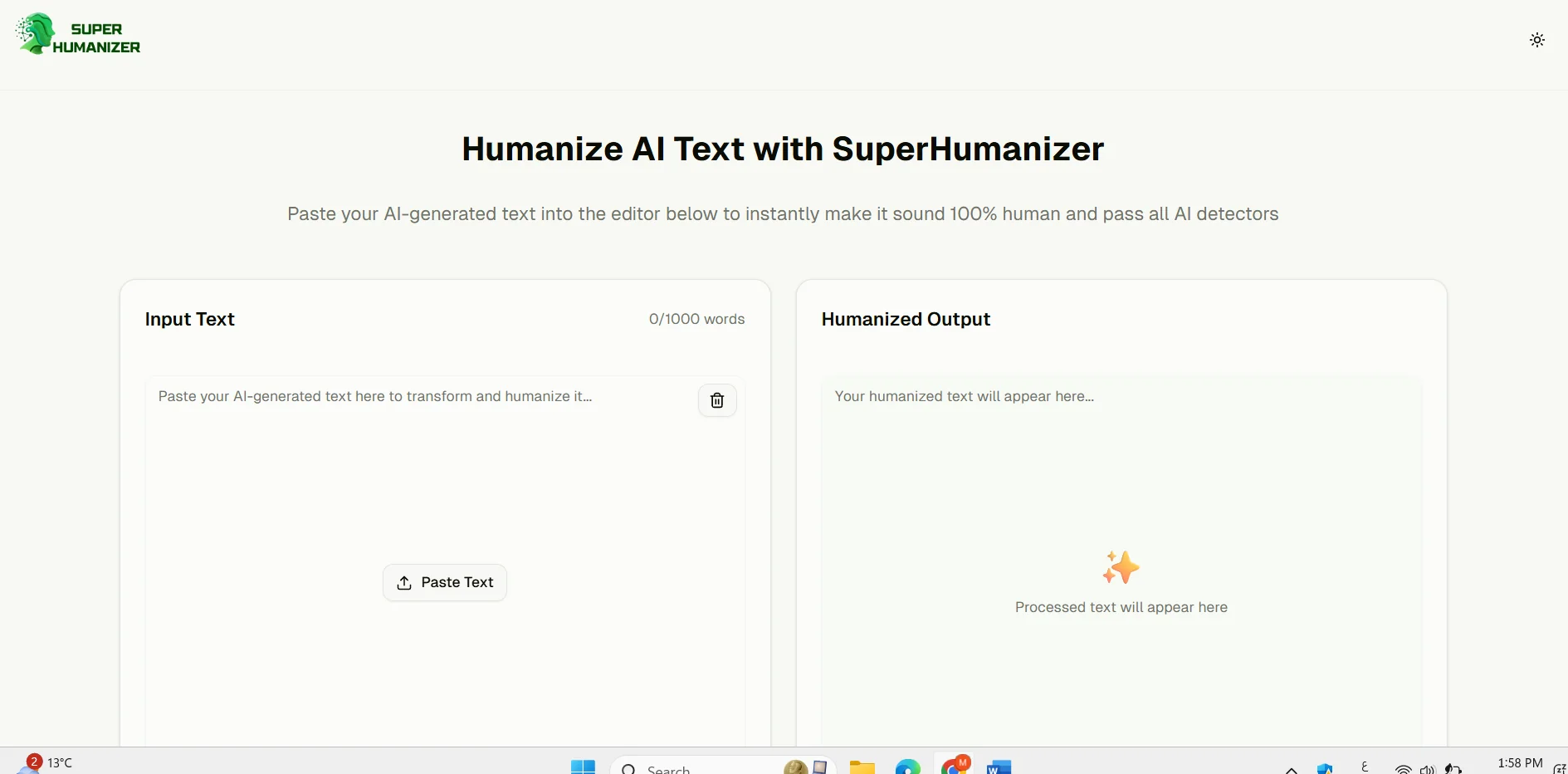
The free version allows the user to use the tool directly without registration and with an input limit of up to 1,000 words per conversion. You can enter text, choose a humanization style, and get the result immediately without any additional requirements. The interface shows that the service is free and unlimited according to the website, allowing the user to use it at any time to paraphrase texts.
💳 Details of paid plans:
The site does not display any specific paid plans on its public pages, and there is no pricing page, making it difficult to determine if there are professional or premium plans. There may be special editions or features that only appear within a membership system or after direct contact with the tool's team, but the version available to the general user appears to be completely free.
🧭 How to access the tool:
SuperHumanizer can be accessed directly through the official website, where the user can enter the text as soon as he enters the page, then choose the conversion pattern and press the "Humanize" button to get the new text within seconds. The interface is simple and fast and does not require any registration steps, making access and use clear and smooth.
🔗 Link to the demo or official website:
https://superhumanizer.ai/