PDNob PDF Editor
Description
🖼️ Tool Name:
PDNob PDF Editor
✏️ What does this tool offer in 2026?
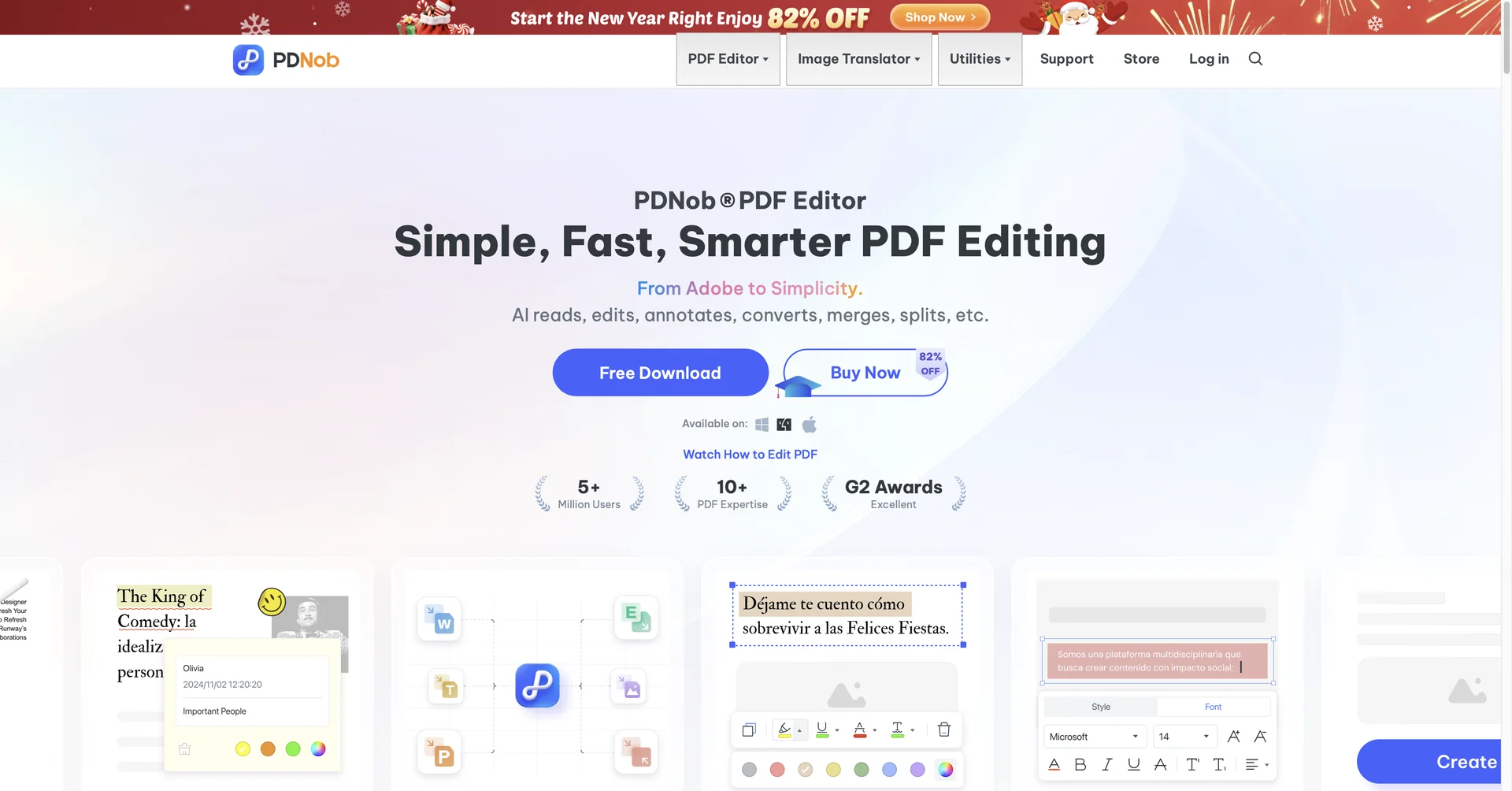
Full-Featured Editing: Modify text, images, and layouts directly within the PDF as easily as in a Word document.
AI Chat with PDF: A 2026 standout feature that allows you to "talk" to your documents. You can ask questions, get instant summaries of long reports, or extract key data points.
Smart OCR (Optical Character Recognition): Converts scanned PDFs and photos into editable and searchable text with high precision.
Batch Processing: Handles unlimited files simultaneously for tasks like format conversion, watermarking, or encryption.
Advanced Security: Protect sensitive files with password encryption, permissions, and digital signatures.
Cloud Integration: Includes up to 20 GB of cloud storage for syncing documents across devices.
AI Writing Suite: Built-in AI credits for Summarizing, Translating (50+ languages), Rewriting, and Expanding content directly within the editor.
Lightweight Performance: Known for being significantly faster and less resource-heavy than Adobe Acrobat, making it ideal for older PCs and MacBooks.
⭐️ What does it offer? (User Experience)
"Modern & Intuitive": Rated 4.7/5 for its clean, user-friendly interface that requires zero learning curve.
Value for Money: Frequently cited as the "best budget-friendly" choice for students and small businesses in 2026.
🤖 Automation:
One-Click Solutions: Features "One-Click Translate" and "One-Click Extract" to automate repetitive document tasks.
💵 Pricing (2026 Status)
PDNob is highly competitive, offering both subscription and Lifetime License models.
🎁 Is the free version a trial or completely free?
It is Freemium. The free version allows you to view and edit files, but saved documents will contain a watermark. To remove the watermark and access high-volume AI features, a license is required.
⚙️ Access or Source:
Official Website
Platforms: Windows 10/11, macOS (Intel & Apple Silicon), and iOS support.
🔗 Experience Link: