Squibler AI
Squibler is an integrated platform that helps writers and creators produce texts, manuscripts, and entire book chapters using artificial intelligence. It allows you to create manuscripts, organize content, convert texts into images, collaborate with teams, or publish content directly. It also provides powerful editing tools with the ability to track previous versions of files and easily manage projects.
- Text-to-Speech / Speech-to-Text
- Tasks & Projects
- Content Writing
- Product Descriptions & Copy
- Text to Image Generation
Last updated
Features
- Writes texts, manuscripts and entire book chapters with AI
- Generates outlines and chapter outlines
- Generates images from text
- Organizes content and manages projects
- Team collaboration with sharing permissions
- Revision history to track previous file versions
- Publishes content directly from the platform
- Runs in the browser without downloads
Pricing Details
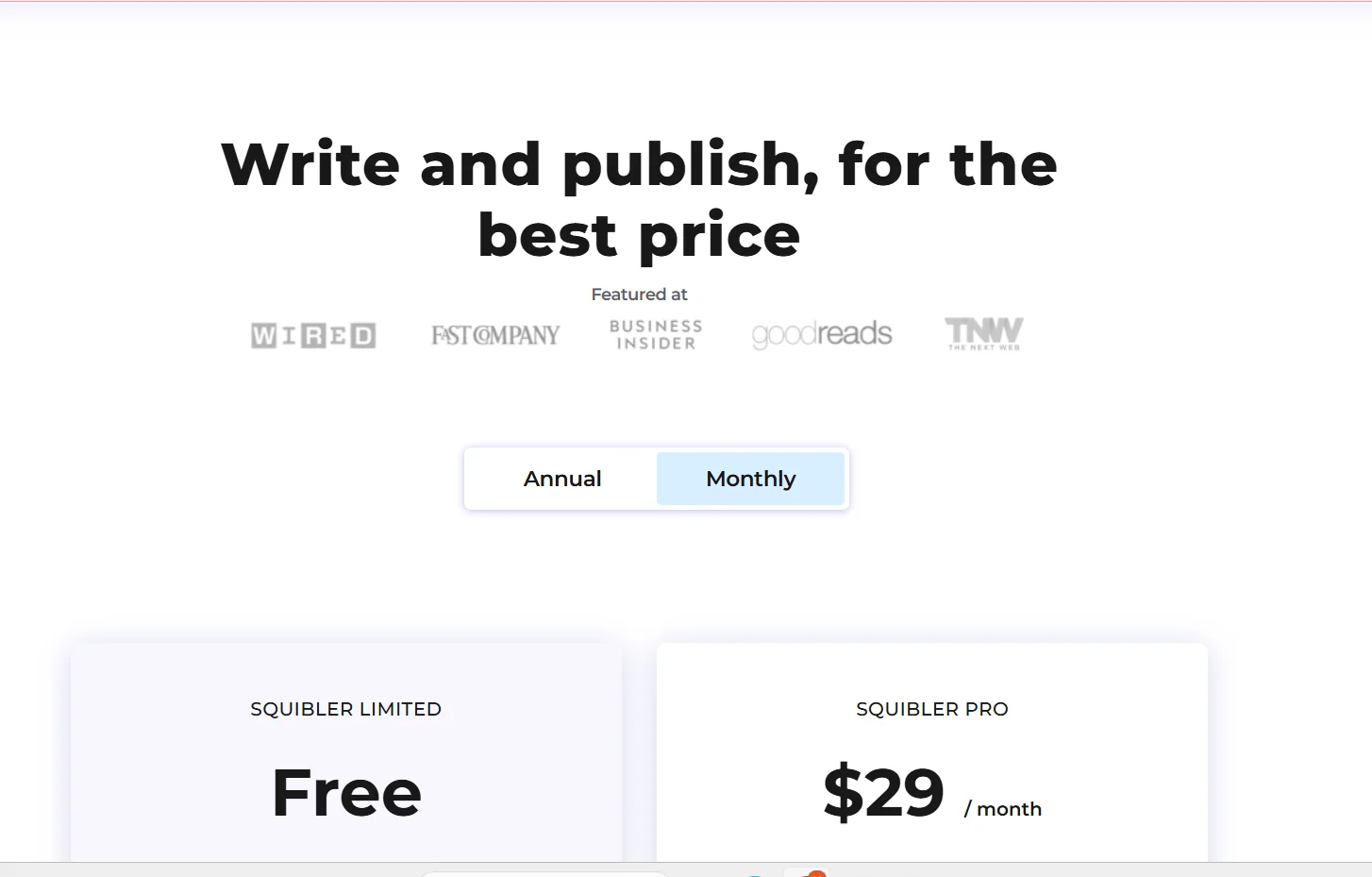
Squibler offers a limited free plan called Squibler Limited, which is suitable for a simple and initial writing experience. This plan includes the ability to use Smart Writer AI to produce up to 6,000 words per month, as well as AI Visualize to generate 5 images per month. Users can create 15 files within a single project, with a 30-day version history, use 8 elements without grouping, and have limited sharing privileges at the editing level only. This plan provides a practical experience for writing simple content and trying out the platform's basic AI tools.
The paid Squibler Pro plan is aimed at professional users who need to produce more extensive and accurate content. The monthly subscription price is $29, with the possibility of a discount for annual payment, bringing the price down to $16 per month, or $192 per year. This plan includes all AI features without restrictions, including unlimited generation of outlines and chapter outlines, and unlimited generation of text images. It also includes one free print copy from the platform, along with live online training to enhance the user's writing and creative production skills using smart tools.
Related Tips
- A professional prompt for turning a meal name into a full recipe infographic · Image Design and Creation, Text to Image Generation…
- Bosala Brand Studio Explains: How to Create a Complete Visual Identity from a Logo in Minutes? · Image Design and Creation, Text to Image Generation…
- How to Create a Series of Educational Videos Using ChatGPT, PixVerse, and Nabat? · Audio & Voice, Text-to-Speech / Speech-to-Text…
- An Explanation of GeminiGen AI for Creating Videos and Images for Children · Video Generation & Editing, Text and Images to Video…
- A Comparison of VisualGPT and NoteGPT for Creating Free Images and Designs on GPT Image 2 · Image Design and Creation, Text to Image Generation