BulkGen
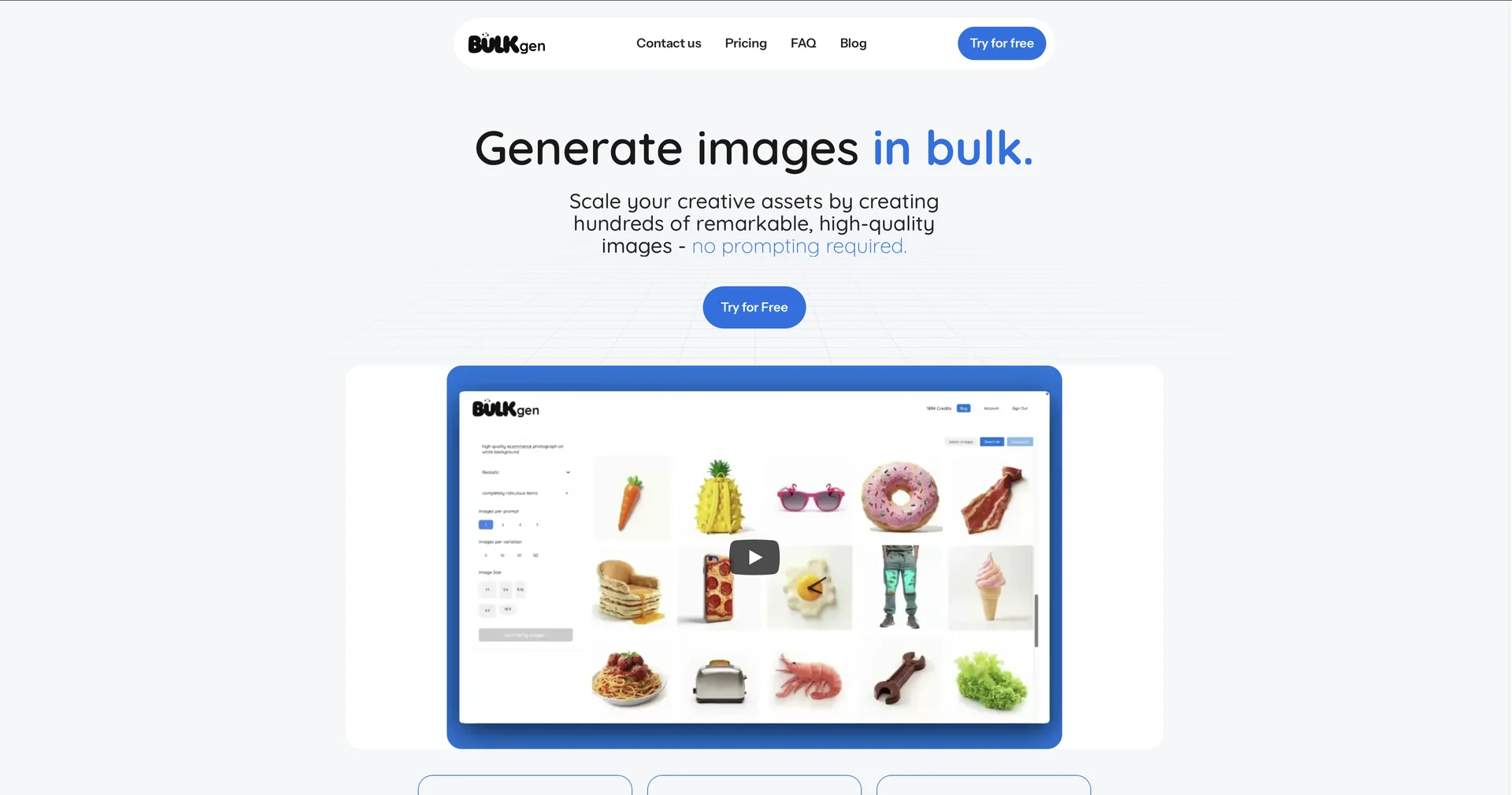
Create hundreds of AI images from one prompt.
Last updated
Features
- Generates a whole set of images from one base prompt plus variation tags
- Builds detailed prompts from plain-English descriptions
- Shows the same subject from multiple angles, lighting setups and times of day with consistency
- Generates 50+ images in parallel using GPU clustering
- Upscales favorite results to 8K with added textures
- Runs bulk generation from CSV files with hundreds of prompts
Pricing Details
💵 Pricing & Plans (February 2026 Status):
BulkGen moved away from subscriptions to a transparent "Pay-per-Batch" model:
| Plan | Price | Key Features |
|---|---|---|
| Starter | $10.00 | 50 high-quality images; AI-optimized prompts; Standard styles. |
| Creator | $15.00 | 100 high-quality images; Full style library; Infinite variations. |
| Professional | $50.00 | 500 high-quality images; Creative Upscaling; Priority GPU queue. |
🎁 How to Get Started:
Go to bulkgen.ai. Use the "Try for Free" option to generate your first 5 images. Describe a scene, hit the "Add Variation" button to see how the AI branches your idea, and then click Generate to start your first batch.
Related Tips
- How to Use the Pokecut Tool to Easily Extract Images · Image Design and Creation, Editing, Enhancement & Upscaling…
- A professional prompt for turning a meal name into a full recipe infographic · Image Design and Creation, Text to Image Generation…
- Bosala Brand Studio Explains: How to Create a Complete Visual Identity from a Logo in Minutes? · Image Design and Creation, Text to Image Generation…
- An Explanation of GeminiGen AI for Creating Videos and Images for Children · Video Generation & Editing, Text and Images to Video…
- A Comparison of VisualGPT and NoteGPT for Creating Free Images and Designs on GPT Image 2 · Image Design and Creation, Text to Image Generation