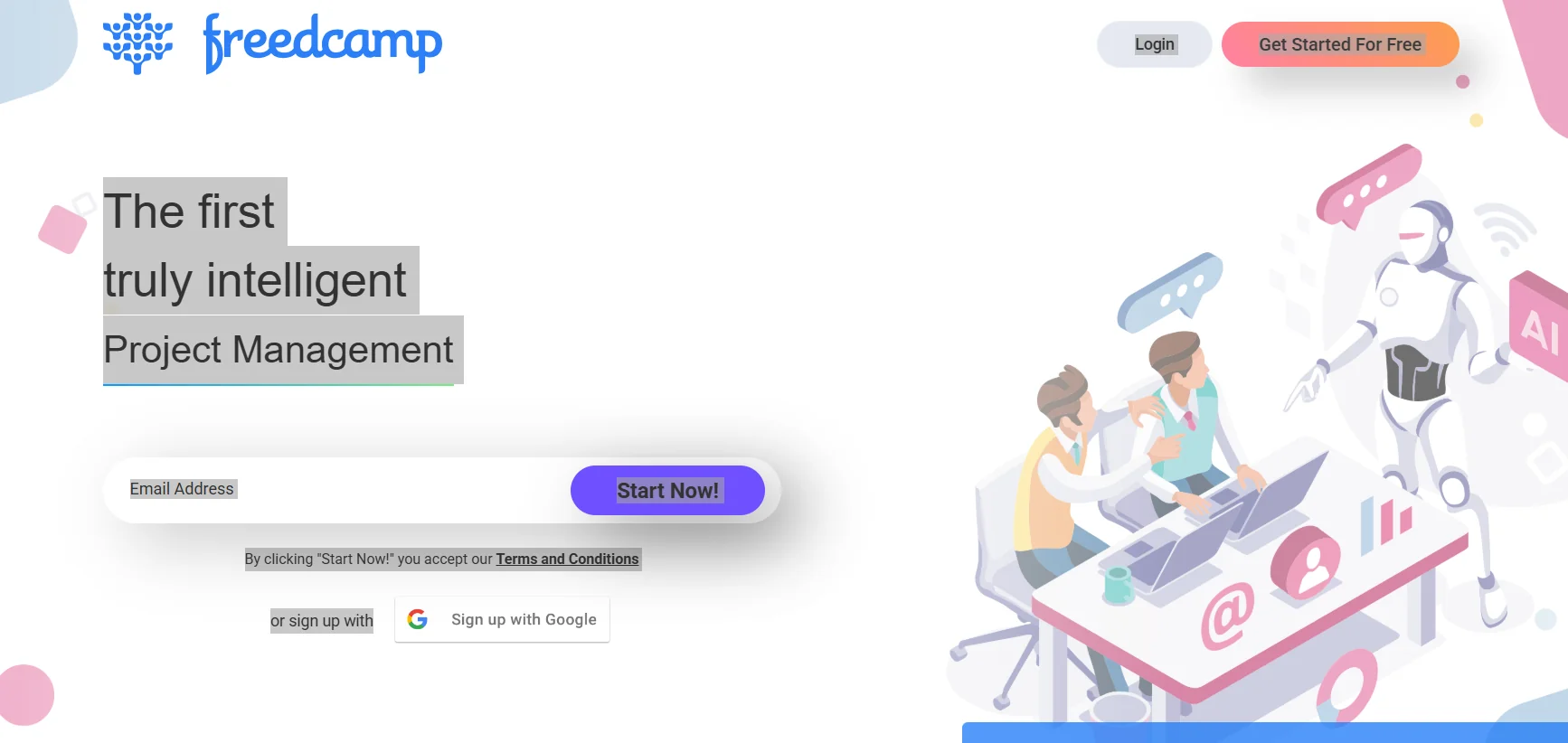
Tool name: Freedcamp
Tool category: 🔖
• Tasks and projects
• Productivity and Scheduling
• Business and Operations Management
• Notes and analysis
️ What does this tool offer? ✏
Freedcamp enables teams to manage projects effectively by organizing tasks, tracking progress, tracking time and issues, and achieving project goals with high efficiency. The platform includes task lists, Kanban boards for visual task management, breaking down large tasks into subtasks, Gantt Charts, creating calendars and internal discussions, document management via Wiki, issue tracking, CRM capabilities, invoicing, and file management. It also supports integration with third-party services such as Google Calendar, Google Drive, and Dropbox, and offers apps for smartphones (iOS and Android) and desktops (Windows and Mac).
What does it actually offer based on user experience? ⭐
Freedcamp offers a comprehensive project management experience, with powerful collaboration tools such as project cloning, commenting and versioning on files, customizable dashboards, widgets, and a white-label interface. It helps users track accomplishments, organize daily tasks, and facilitate collaboration between team members on both personal and professional projects, while maintaining simplicity and a smooth user experience. Some basic features are available in the free version, while paid plans offer additional advanced features to improve productivity and collaboration.
Does it include automation? 🤖
Yes, Freedcamp includes tools for automating project management such as automatic task division, custom board setup, time tracking, and integration capabilities with other tools and services to facilitate automated workflows.
Pricing model: 💰
Freedcamp is available in a basic free version, with upgrade options for advanced features through paid plans that include additional tools for project management, team collaboration, and extensive customization capabilities.
🆓 Free plan details:
The free version provides access to basic features such as task lists, Kanban boards, time tracking, timelines, calendar and discussion creation, Wiki, issue tracking, and basic file management capabilities, with support for team collaboration.
Paid plan details: 💳
Paid plans include advanced features such as integrated CRM capabilities, invoicing, broader integration with third-party services, custom widget creation, white-label branding, more detailed tracking of achievements and files, and expanded project backups, with better support for collaboration among large teams.
How to access the tool: 🧭
Freedcamp can be used directly through a browser or by installing smartphone apps (iOS and Android) and desktop apps (Windows and Mac) to access projects and tasks from anywhere.
Trial link or official website: 🔗
https://freedcamp.com/