Tool name:
MultiOn
Tool category: 🔖
Automation and Smart Agents
Article and Post Generation
Content management and publishing
Content and text writing
Conversion optimization and A/B testing
️ What does this tool offer? ✏
MultiOn allows users to create smart agents capable of executing text commands and converting them into actual actions on the Internet,such as searching, filling out forms, booking trips, shopping online, and analyzing data from web pages. It also provides the ability to integrate automation into applications and products via an application programming interface (API).
What does it actually offer based on user experience? ⭐
Users can save time and reduce repetitive work through smart agents that automatically perform tasks on various websites and services, with the ability to navigate complex steps and perform multi-step tasks based on simple text commands and without constant manual intervention.
Does it include automation? 🤖
Yes, agents automatically perform tasks on the internet instead of just responding to text, including multi-step procedures and performing repetitive or complex tasks.
Pricing model: 💰
MultiOn is based on a pay-as-you-go system, with multiple options to meet the needs of individuals and large companies, including:
🆓 Free plan details:
There is no full free plan, but new users can try out the tool by registering and gaining limited access to the interface, with the ability to try out some features before subscribing to paid plans.
Paid plan details: 💳
Basic plan: $0.04 per request, with a monthly minimum of $40 covering approximately the first 1,000 requests. Intended for individual use or developers in the trial phase, it supports up to 999,999 requests per year. Example: 10,000 requests cost $400.
Premium Plan: $0.025 per request, requires a minimum annual commitment of $50,000. Designed for companies with high consumption between 2 and 10 million requests per year, includes dedicated technical support and a service level agreement (SLA).
Custom Plan: For massive usage exceeding 10 million requests per year, the price is determined based on negotiation according to consumption volume and technical needs.
Retrieve API option: For queries only, priced at $0.01 per request, designed for fetching data without performing complex operations, and is the cheapest option for accessing data.
How to access the tool: 🧭
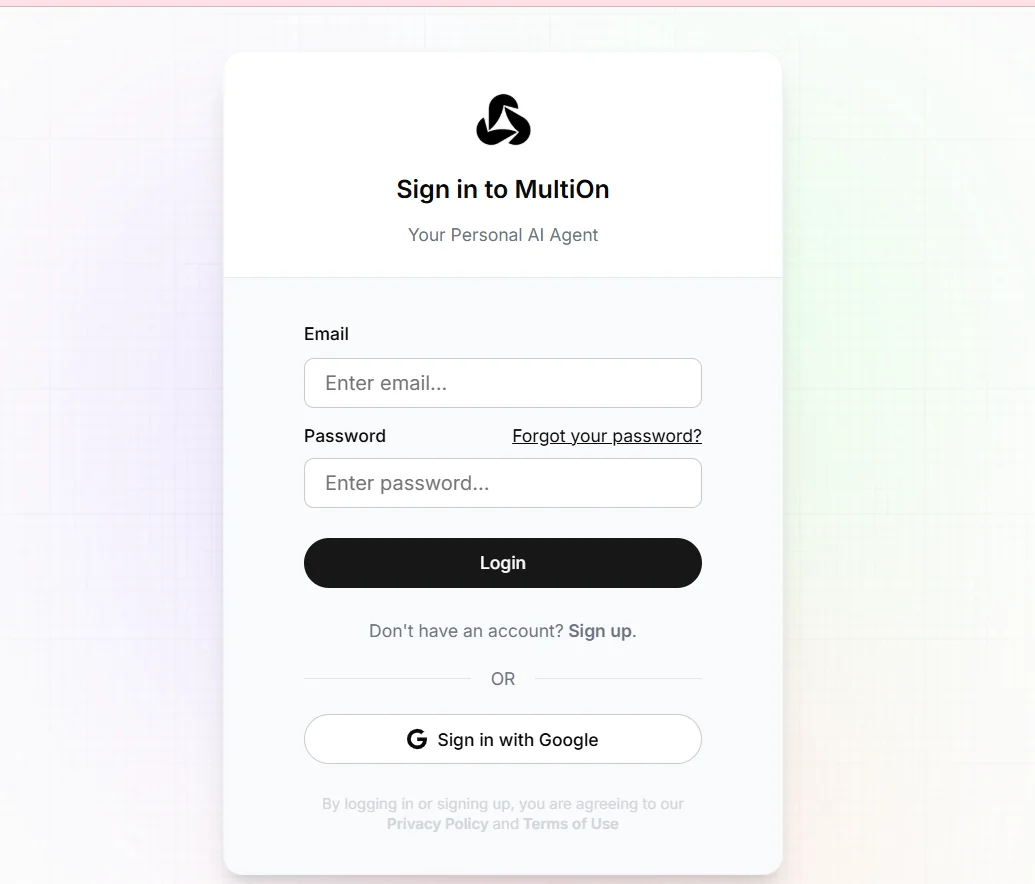
The tool can be accessed by logging in with an existing user account or creating a new account, then using the control panel to manage smart agents and perform tasks.
Trial link or official website: 🔗
https://platform.multion.tech/login?callbackUrl=https%3A%2F%2Fplatform.multion.tech%2F%3Futm_source%3Dchatgpt.com