Description
🖼️ Tool Name:
Photo Mentor
🔖 Selected Classifications:
Teacher Tools & Assessment
Study Assistants & Notes
Mental Health & Wellbeing (as a hobby-enhancing/creative tool)
✏️ Overview & Key AI Features:
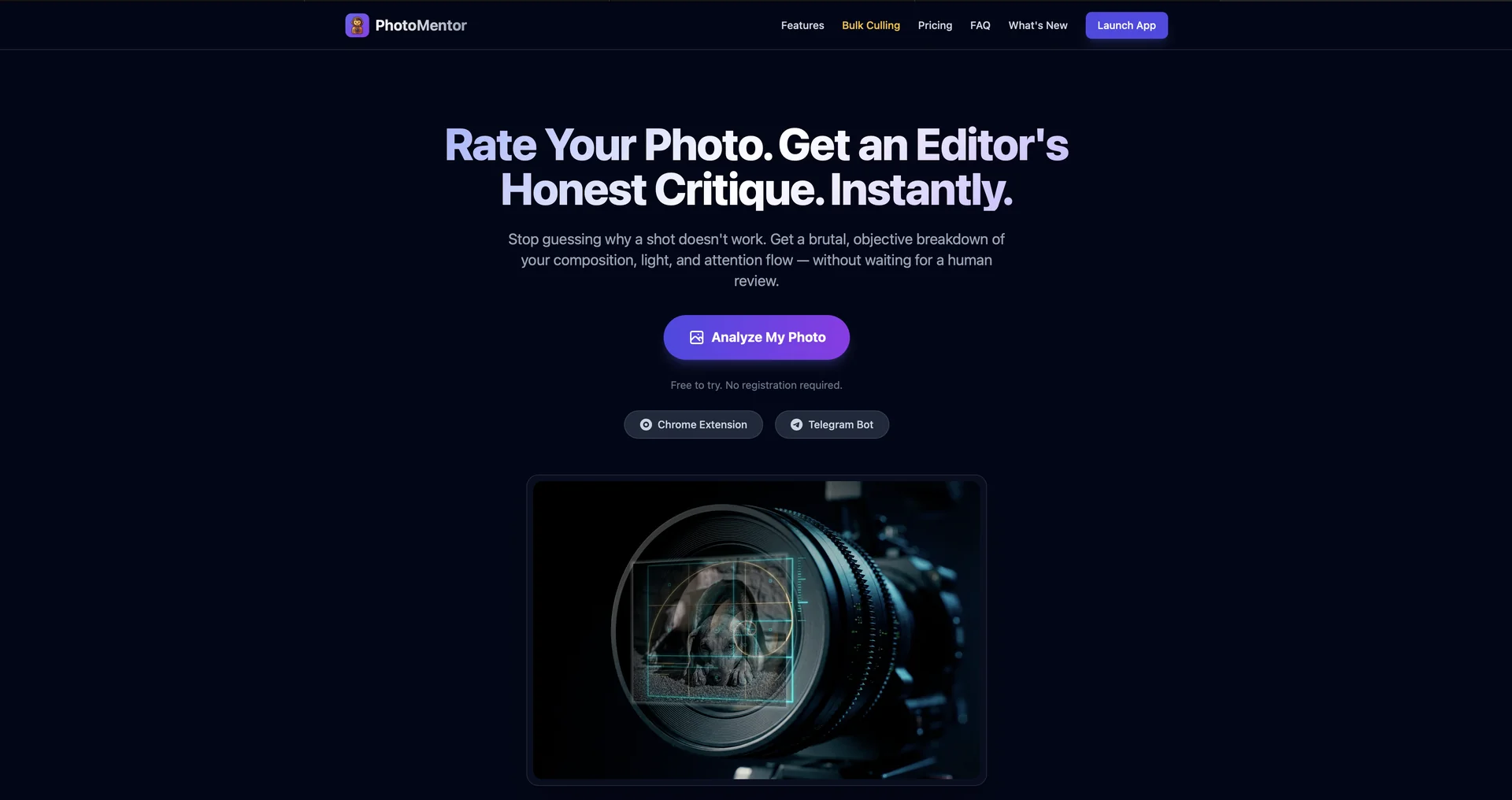
AI-Powered Aesthetic Analysis: Unlike standard editors, Photo Mentor acts as a digital photography coach. It provides detailed feedback on composition, lighting, exposure, and technique for any uploaded image.
Instant Coaching Loops: Delivers immediate, actionable suggestions to improve a specific shot, such as "Move slightly to the left to follow the Rule of Thirds" or "Adjust exposure to recover shadow detail."
Progressive Skill Tracking: Features a built-in "Skill Development" dashboard that monitors your growth over time as you master fundamental and advanced photography principles.
Personalized Technique Tips: The AI tailors its learning modules based on your shooting style, whether you focus on moody noir landscapes or high-fashion portraiture.
Creative Challenges: Includes a "Scavenger Hunt" and "Photo Challenge Gallery" to motivate users to practice specific techniques in the real world.
⭐️ User Experience:
"The Pocket Instructor": Rated 5.0/5 on the App Store. It is highly valued for turning every photo session into a learning opportunity. Users describe it as "motivating" and "intuitive," bridging the gap between simply taking a photo and understanding the science behind a great photo. It’s particularly effective for creators who want to refine their "visual eye" without enrolling in formal classes.
💵 Pricing & Plans (April 2026 Status):
🎁 How to Get Starxed:
Download the Photo Mentor app from the iOS App Store. Upload a photo you've recently taken, and review the AI's breakdown of your composition and lighting to see immediate areas for improvement.
⚙️ Access or Source:
Developer: Nathan Lyson / Jama Pantel Photography.
Platform: iOS (iPhone/iPad), macOS (M1/M2/M3 chips), and Apple Vision.
🔗 Experience Link:
https://photomentor.pro/