BeMusic AI
Description
🖼️ Tool Name:
BeMusic AI
🔖 Selected Classifications:
Text and Images to Music
Music Ideas & Scripting
Podcast & Audio Prep
✏️ Overview & Key AI Features:
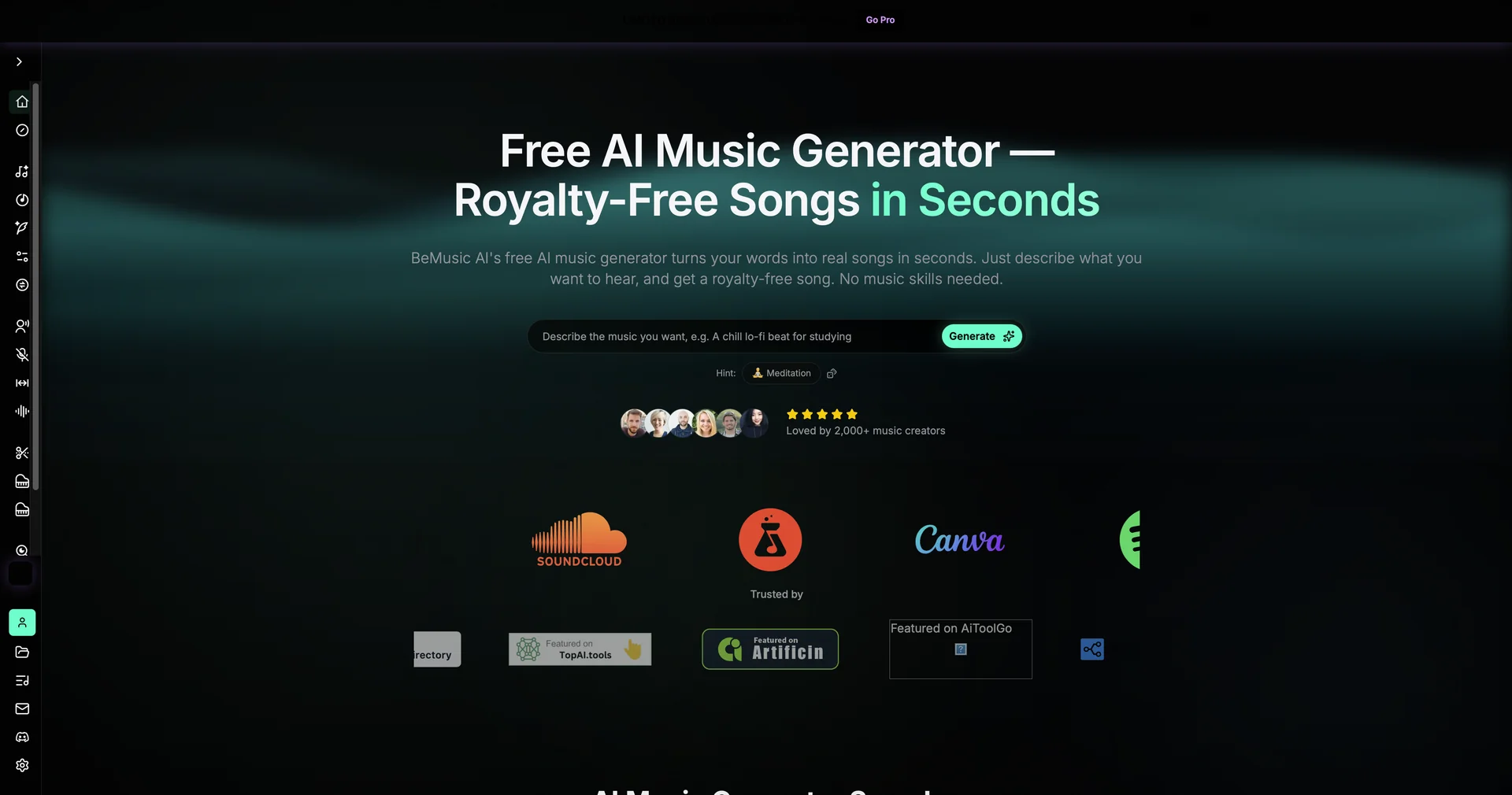
Prompt-to-Song Engine: BeMusic AI is a generative music platform that converts plain-language text prompts into fully realized royalty-free songs and instrumental tracks.
Versatile Genre Support: The AI is trained across a massive range of styles, from EDM and Hip-Hop to Classical, Jazz, and Metal, ensuring high-fidelity output for diverse creative needs.
Vocal & Lyric Synthesis: Includes an integrated "Lyric Studio" that generates song lyrics based on your theme, which the AI then "sings" or "raps" using realistic vocal models.
Commercial-Ready Licensing: Built specifically for content creators, it provides royalty-free tracks that are safe for use and monetization on platforms like YouTube, TikTok, and Spotify.
Stem Separation & Remixing: Offers advanced tools to isolate specific elements of a generated track (like vocals, drums, or bass), allowing for professional-level mixing and remixing in your favorite DAW.
Auto-Concatenation: A unique "Extension" feature that allows users to lengthen existing tracks seamlessly, automatically combining the original and extended parts into a single coherent file.
⭐️ User Experience:
"The Creator's Hitmaker": Rated highly for its low barrier to entry. Users praise its ability to generate "radio-ready" results in seconds without needing formal music theory knowledge. It is particularly popular among YouTubers and social media managers who need high-quality background music that doesn't trigger copyright strikes.
💵 Pricing & Plans (April 2026 Status):
🎁 How to Get Started:
Download the Music AI app on the iOS App Store or visit the web interface. Type a mood or genre description—for example, "Moody Turkish noir theme with heavy cello and cinematic atmosphere"—and let the AI generate a 30-second preview.
⚙️ Access or Source:
Developer: Super Interactica Inc. / Video Bakery Ltd.
Platform: iOS (iPhone/iPad), macOS (M1 chip+), and Web.