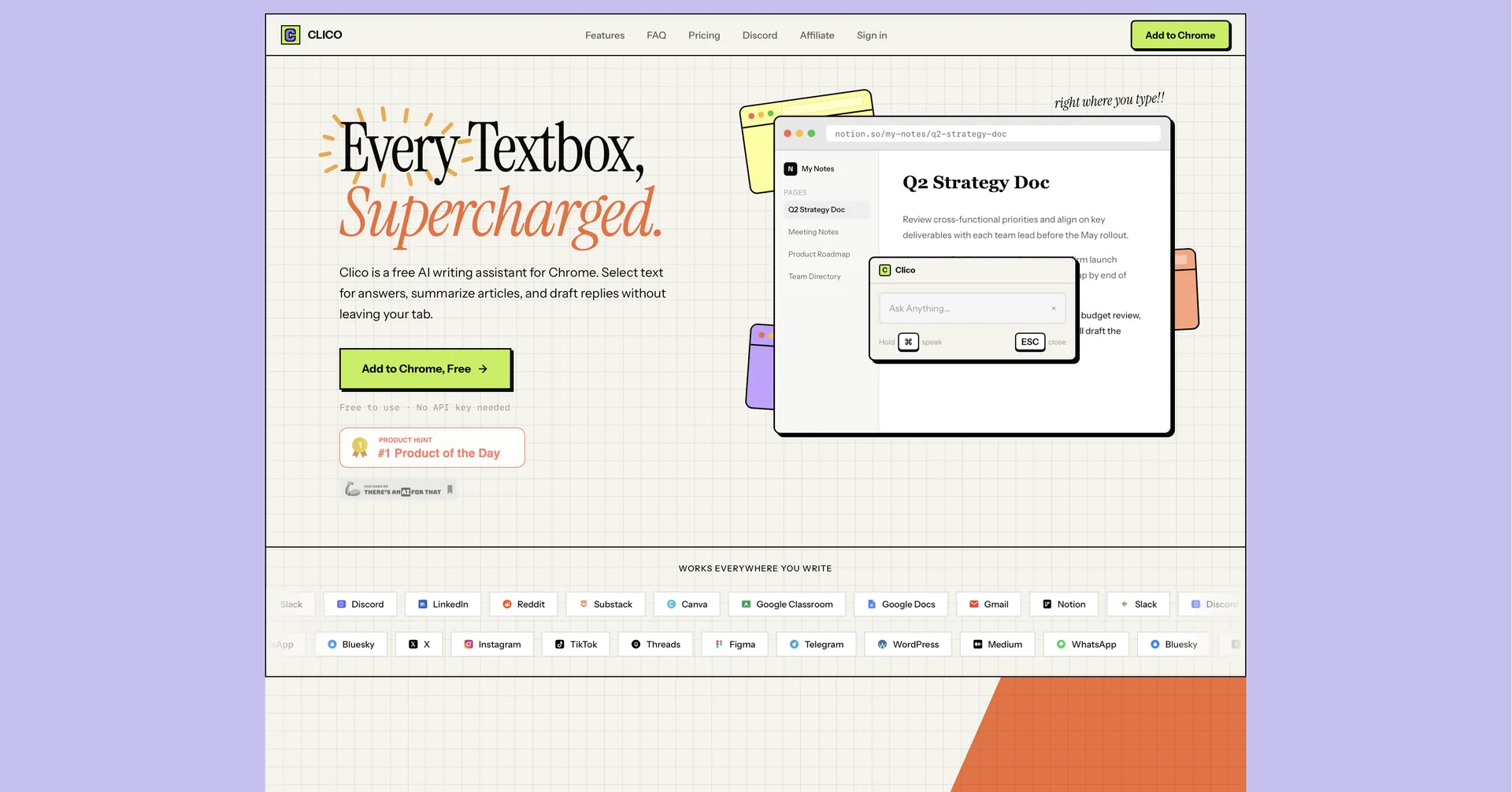
Description
🖼 Tool Name:
Clico
🔖 Categories:
Article & Social Generation
Paraphrasing & Style
Summaries, Headlines & Ideas
Meeting Notes & Summaries
Smart Calendars & Assistants
✏ What does this tool offer?
Clico is a sophisticated AI writing assistant delivered as a browser extension (Chrome and Edge). It "supercharges" every text box on the web, allowing users to draft, reply, and rewrite directly within their active tab.
Unlike standalone chatbots, Clico "reads" the page content—including email threads, documents, or social media posts—to provide contextually aware responses without the need for copy-pasting.
The platform features a powerful AI Dictation tool that converts voice to formatted text, making it ideal for hands-free drafting in Gmail, Notion, Slack, and LinkedIn.
In its 2026 version, Clico excels at multi-tasking, offering instant web page summarization through a "Double-tap ⌘" shortcut and a "Multi-tab Reasoning" feature that synthesizes information across different open websites.
⭐ What does it actually offer based on user experience?
An inline AI dialog that appears anywhere you type (press ⌘+O or Ctrl+O) to describe what you want—whether it’s a formal email or a quick Slack reply.
Advanced "Style Mimicry" that learns your writing tone to ensure AI-generated drafts sound authentic to your personal or brand voice.
A "Search without Switching" feature that allows users to ask questions and get web-verified answers without leaving their current workflow.
Seamless integration with productivity powerhouses like Google Docs and Notion, acting as a native writing partner rather than a separate plugin.
Privacy-conscious processing that handles text on the browser level, ensuring sensitive data like passwords are never accessed.
🤖 Does it include automation?
Yes, Clico is designed to automate the "administrative" side of writing and research:
Automated Context Capture: Instantly analyzes the active webpage to ensure all generated text is relevant to the surrounding content.
Smart Shortcut Automation: Triggers complex tasks like "Summarize key points and draft a reply" through simple keyboard shortcuts.
Automatic Voice-to-Text Formatting: Automatically structures voice notes into bullet points or polished paragraphs.
Model Selection Automation: Guests get a high-quality default model automatically, while signed-in users can automate which LLM (e.g., Claude, GPT, or Gemini) handles specific types of tasks.
💰 Pricing Model
Item Details: Model Type: Freemium (No API key required for basic use).
General Concept: Clico provides a robust free-to-use tier for individuals, with premium plans for power users and enterprise teams requiring higher usage limits and model choices.
🆓 Free Plan Details
Feature: Accessibility / Details: Full browser extension access for Chrome, Edge, and Brave.
Feature: Core Tools / Details: Basic summarization, AI writing, and voice dictation.
Feature: Usage / Details: No credit card or API key required; limited daily high-speed AI generations.
Cost: Free.
💳 Paid Plans 🔹 Pro Plan
Item: Price / Details: Approximately $10.00 to $15.00 per month.
Item: Models / Details: Access to frontier models (Claude 4, GPT-5, etc.) and unlimited "Multi-tab Reasoning" requests.
Item: Features / Details: Removal of daily limits, priority processing, and advanced "Style Mimicry" profiles.
🔹 Team / Business Plan
Item: Price / Details: Custom pricing (starting around $30.00/user/mo).
Item: Benefits / Details: Shared team prompts, centralized billing, admin controls, and SSO/security compliance for corporate environments.
🧭 How to access the tool:
Available as a browser extension for Google Chrome, Microsoft Edge, and Brave via the Chrome Web Store.
🔗 Experience link or official website: