Description
🖼 Tool Name:
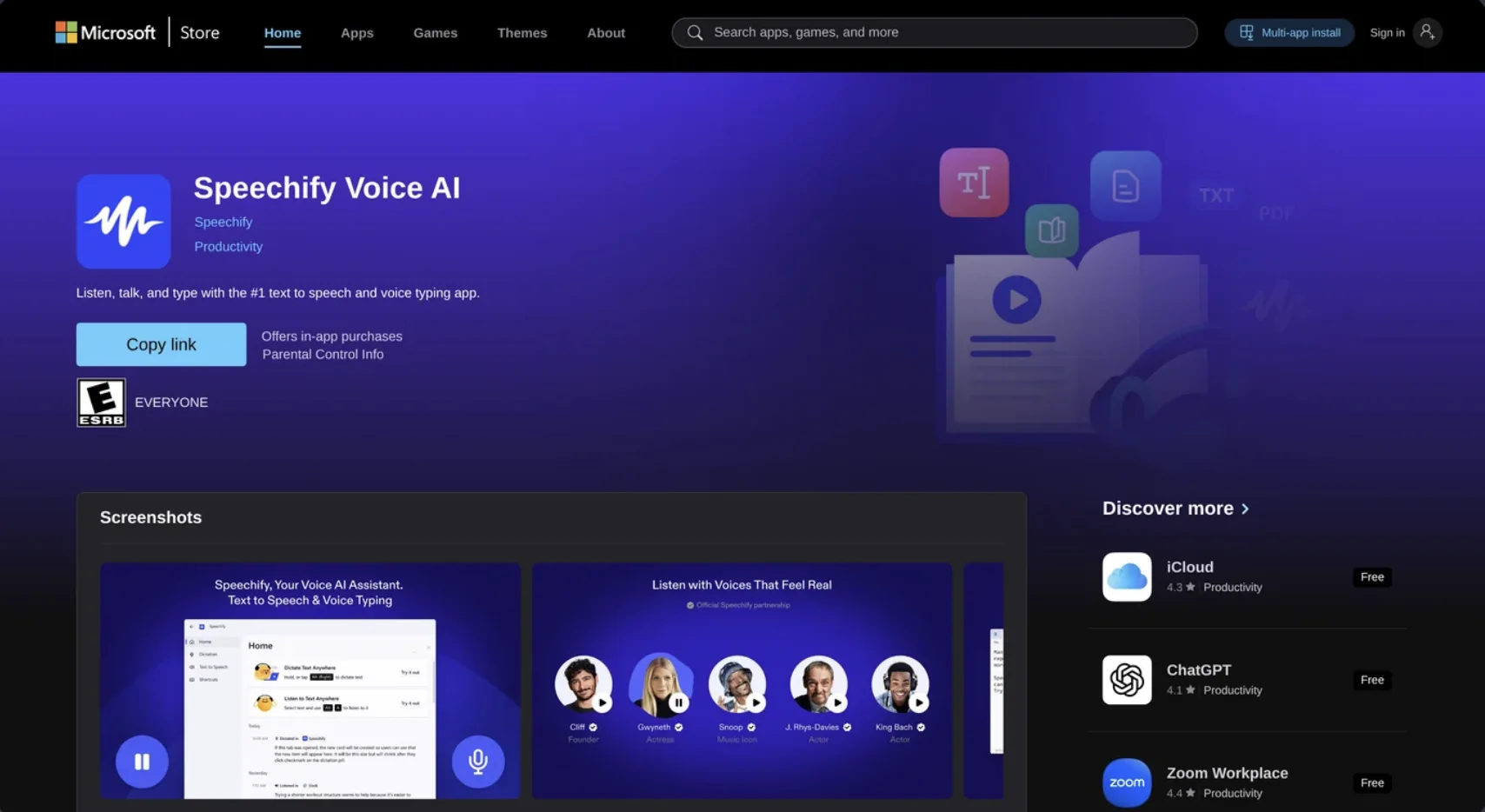
Speechify Voice AI
🔖 Categories:
Chat/Voice Agents
Summaries, Headlines & Ideas
Voice Cloning
Integrations & APIs
RPA & Task Automation
Knowledge Base & Self-Service
Editing, Enhancement & Upscaling
✏ What does this tool offer?
Speechify has evolved from a simple text-to-speech (TTS) reader into a comprehensive Voice AI Assistantplatform. It now unifies listening, writing, and conversational AI into a single ecosystem.
It is powered by the SIMBA 3.0 Voice Model, which delivers industry-leading latency (sub-250ms) and ultra-realistic prosody, making it capable of near-instantaneous speech-to-speech conversations.
The platform features Cross-Platform Voice Typing, an professional-grade dictation tool that allows users to type up to 5x faster than manual keyboard entry across web, mobile, and desktop apps.
It includes an AI Workspace integration, allowing the assistant to pull information directly from Google Drive, OneDrive, and Dropbox to summarize documents or answer questions about your files.
A unique 2026 feature is the AI Podcast Generator, which can transform any PDF, article, or research paper into a conversational, two-person podcast format with high-fidelity voices.
⭐ What does it actually offer based on user experience?
Elite Accessibility: It remains the gold standard for users with dyslexia or ADHD, with many reporting that the ability to listen at 4.5x speed (900 words per minute) while following highlighted text significantly improves comprehension.
Celebrity & High-Fidelity Voices: Users often cite the licensed celebrity voices (e.g., Snoop Dogg, Gwyneth Paltrow, MrBeast) as a key reason for using the app, as they make long-form content more engaging and less "robotic."
Active Learning Tools: The 2026 update added "Interactive Summaries" and "Quiz Mode," where the AI pauses to ask questions or summarize key takeaways, turning passive listening into active study sessions.
Seamless Device Syncing: The "Handoff" feature is highly praised; users can start a document on their Chrome extension and pick up at the exact same word on their iOS or Android device during a commute.
OCR Precision: The mobile app's ability to take a photo of a physical book or document and instantly convert it into a high-quality audio file is considered a "life-saving" feature for students.
🤖 Does it include automation?
Yes, Speechify automates the bridging of written and audio workflows:
Automated Meeting Intelligence: Automatically captures, transcribes, and generates audio summaries of meetings.
Automated Repurposing: Instantly converts any long-form text into publishable audio podcasts or social snippets.
Automated Content Orchestration: Silently syncs your reading library across all devices and cloud storage providers.
Automated Multi-Lingual Dubbing: Automatically translates and dubs video content into 60+ languages while preserving the original speaker's vocal characteristics.
💰 Pricing Model
Item Details: Model Type: Freemium / Subscription-based.
General Concept: The platform uses a tiered system where premium features like celebrity voices and higher word limits require a paid subscription.
🆓 Free Plan Details
Feature: Basic TTS / Details: Access to 10 standard voices and basic speeds. No celebrity voices or AI Assistant features.
Feature: Free Trial / Details: A 3-day full-access trial of Premium is typically offered.
Cost: Free ($0/mo).
💳 Paid Plans 🔹 Premium Plan
Item: Price / Details: $139/year (approx. $11.58/mo).
Item: Features / Details: 100+ premium/celebrity voices, 4.5x speed, advanced OCR, AI Voice Assistant, and 1M words/mo limit (2026 temporary boost).
🔹 Speechify Studio (Creator/Pro)
Item: Price / Details: $19 - $49/month.
Item: Inclusions / Details: Professional voiceover generation, voice cloning, commercial usage rights, and AI video avatar creation.
🧭 How to access the tool:
Available via Web Browser Extension (Chrome/Edge), iOS, Android, macOS, and Windows. Access your dashboard at .
🔗 Experience link or official website:
https://apps.microsoft.com/