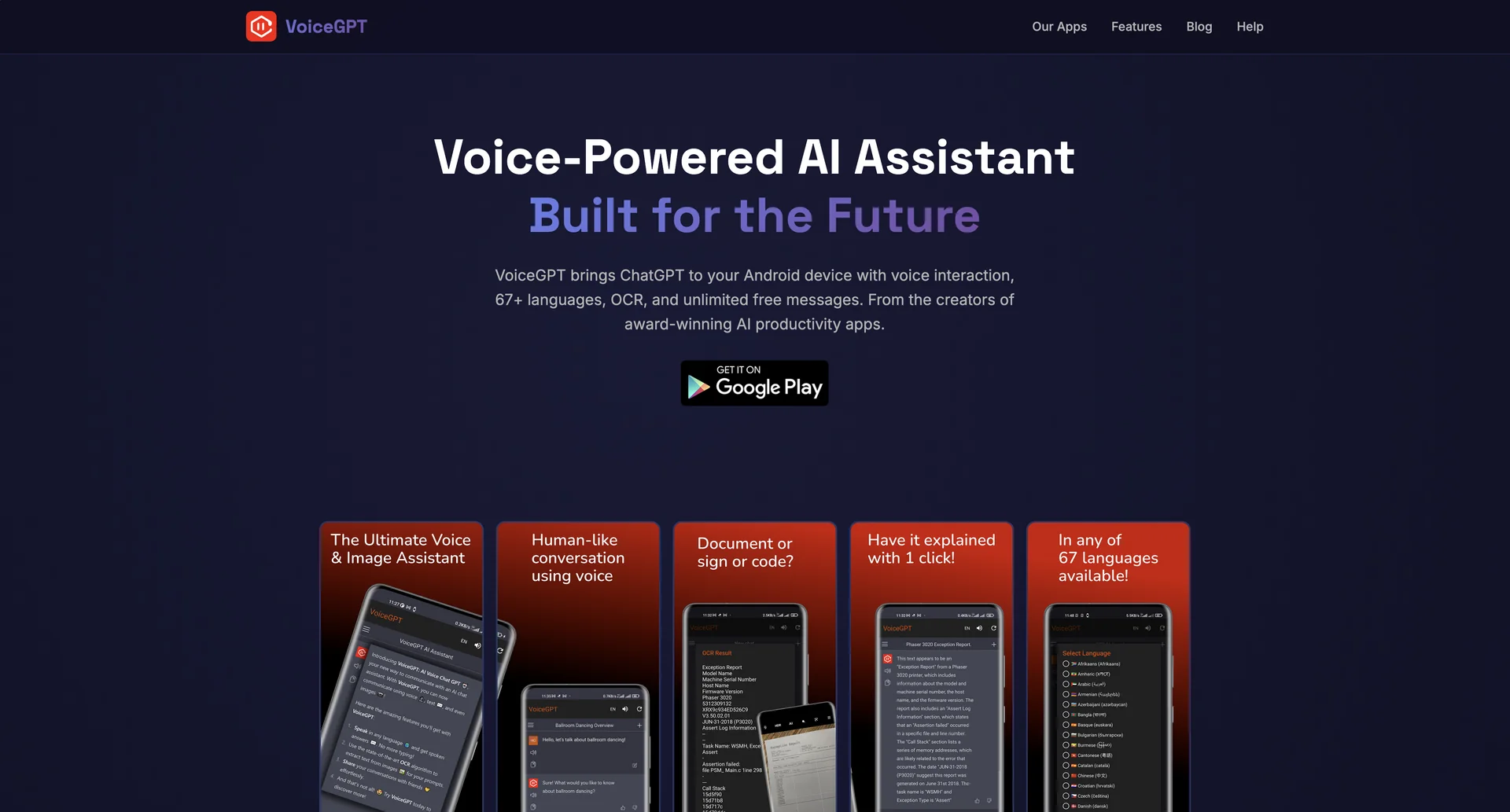
Description
🖼 Tool Name:
VoiceGPT
🔖 Categories:
Text-to-Speech / Speech-to-Text
Voice Cloning
Article & Social Generation
Knowledge Base & Self-Service
✏ What does this tool offer?
Hands-Free AI Companion: VoiceGPT is an accessibility-focused wrapper and browser extension designed to give popular text-based AI models a robust voice interface. It specializes in two-way spoken communication.
Customizable Hotword Activation: Includes a hands-free wake-up system. Users can trigger the assistant by saying a default phrase like "Hey, Chat" or mapping their own custom wake-up keywords.
InstaBubble Widget: Features a floating, compact control overlay that lets users click and speak to the AI instantly while multi-tasking across other smartphone applications.
Integrated RunGPT Workspace: For developers, it includes an execution sandbox that runs code generated by the underlying model across 70 programming languages and supports over 100 Python packages directly inside the interface.
Smart OCR System: Automatically scans and parses text from uploaded screenshots, images, or physical documents, feeding it directly to the AI model for instant summarization or translation.
Deep System Integration: Can be set as the native default assistant on Android, replacing traditional assistants when long-pressing the power or home buttons.
⭐ What does it actually offer based on user experience?
Accessibility Lifeline: Highly praised by users with reading, typing, or vision impairments (like dyslexia), as it completely bypasses the need for manual text-based prompting.
Multilingual Fluidity: Supports input and output translation across 67 languages, meaning users can speak in one language and request spoken feedback in another seamlessly.
Independent Connection: Users appreciate that the app serves as a private, functional "smart browser shell" connecting directly to major LLM providers without storing credentials or modifying the source data.
Administrative Efficiency: Frequently used to dictate long-form emails, summarize articles on the go, or handle quick contextual lookups completely hands-free while driving or working.
🤖 Does it include automation?
Yes, VoiceGPT automates interaction patterns and terminal functions:
Automated Speech Splitting: The audio engine optimizes playback by processing and speaking back text as soon as the first sentence renders, eliminating lag on long generations.
Tasker & Automation Support: Can be triggered and controlled via automated phone scripts and automation tools like Tasker.
Automatic Code Execution: The RunGPT framework automates the setup, testing, and rendering of programming blocks within the mobile app.
Background OCR Scanning: Automates text extraction from photos with zero manual copy-pasting required.
💰 Pricing Model
Item Details: Freemium with optional third-party API integration.
General Concept: The base app is free to download and use on app marketplaces, supported by ad configurations or personal API keys for unlimited processing bounds.
🆓 Free Plan Details
Feature: Core Voice & Text-to-Speech Processing.
Cost: Free ($0).
Details: Includes general access to the smart browser shell, standard voice input/output configurations, OCR tools, and the basic executable code environment.
💳 Paid Plans (2026 Estimates)
🔹 Pro / Premium Access (Ad-Free & Advanced Speech)
Item: Price / Details: Approx. $4.99 - $9.99/month.
Item: Features / Details: Completely removes integrated app ads, unlocks premium high-fidelity speech synthesis engines (like Azure Cloud Speech or advanced Whisper models), and extends continuous contextual web search.
🧭 How to access the tool:
Available primarily as a mobile application on the Google Play Store (and third-party Android repositories like Uptodown/Aptoide), as well as a dedicated desktop environment window on macOS and Windows via WebCatalog.