Description
️ Tool Name: 🖼
Fotoware
Categories: 🔖
- Digital Asset Management
- Business and Operations Management
- Integrations and APIs
- Automation and Smart Agents
- Content Management and Publishing
- Governance, Compliance, and Policies
- DevOps, CI/CD, and Monitoring
- No-code workflows
️ What does this tool offer? ✏
Fotoware is an advanced Digital Asset Management (DAM) platform designed for businesses and organizations, helping to store, organize, manage, and distribute digital files such as images, videos, and documents within a professional work environment.
The platform focuses primarily on:
- Enterprise-scale digital asset management.
- Organizing files within centralized digital libraries.
- Facilitating collaboration between teams.
- Content workflows.
- Permissions and access control.
- Integration with other enterprise systems via API.
- Support for single sign-on (SSO).
It also supports the following hosting options:
- Cloud
- or on-premise
What does it actually offer based on user experience? ⭐
- A robust system for managing large volumes of digital files.
- Very suitable for large organizations and cross-departmental teams.
- Significant improvement in organizing digital assets and reducing clutter.
- High flexibility in managing permissions and workflows.
- Support for deep integrations with enterprise systems.
- High security and compliance suitable for enterprise environments.
- Strong customization capabilities tailored to each organization’s needs.
Does it include automation? 🤖
Yes, at an advanced enterprise level.
Fotoware provides automation through:
- Workflow Automation.
- Automatic file organization and classification.
- Automated access control.
- Integration of different systems via API.
- Streamlining approval and review processes within organizations.
- Support for integrations with external systems to automate content management.
- Improve workflow between different teams.
Pricing model: 💰
| Item | Details |
|---|---|
| Pricing Model | Custom Pricing (Modular / Custom Pricing) |
| Service Type | Paid (Enterprise-focused) |
| Fixed Plans Available | No published prices ❌ |
🆓 Free plan details:
| Item | Details |
|---|---|
| Free plan | Not available ❌ |
| Free Trial | Not clearly stated |
| Demo | Demo + Custom Quote |
Paid pricing details: 💳
| Item | Details |
|---|---|
| Pricing Model | Customized for each client |
| Pricing Method | Based on needs |
| Factors | Number of users, storage, features, hosting, integrations |
| Hosting | Cloud or On-premise |
| Purchase | Via quote request |
How to access the tool: 🧭
| Method | Available |
|---|---|
| Web | ✅ |
| Enterprise DAM | ✅ |
| API | ✅ |
| SSO | ✅ |
| Cloud and on-premises hosting | ✅ |
Demo link or official website: 🔗
Pricing Details
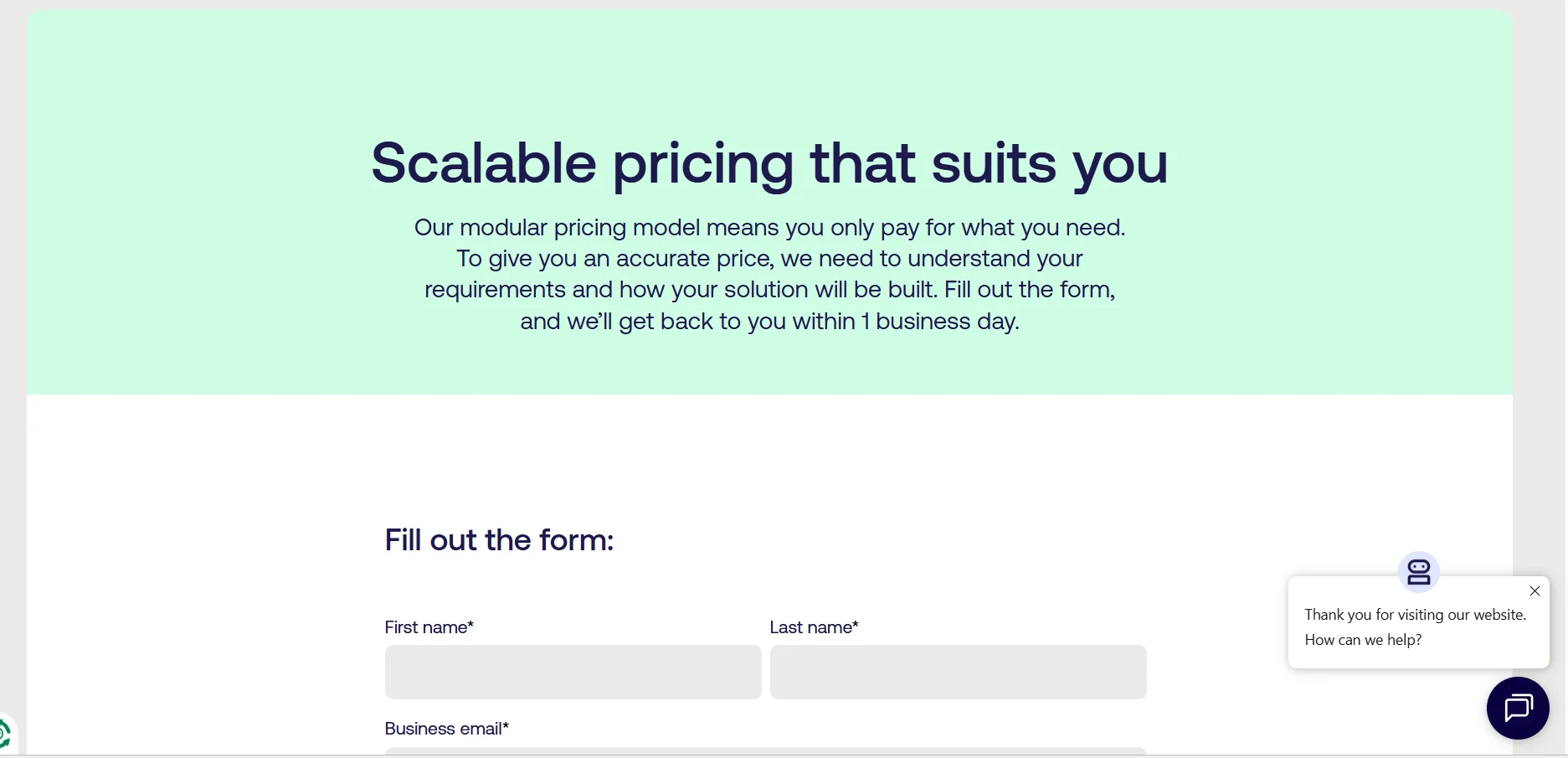
The tool is accessible directly via the web platform and is primarily aimed at large companies and organizations. It uses a modular/custom pricing model, and there are no fixed plans or pre-announced prices. The cost is determined based on the customer’s needs, such as the number of users, storage capacity, required features, hosting type (whether cloud or on-premises), and the level of integrations required. There is no free plan, but a demo is typically offered, and you can request a custom quote before purchasing. The platform supports a fully integrated enterprise environment that includes a Digital Asset Management (DAM) system, API integrations, and Single Sign-On (SSO) support, making it suitable for large-scale content management within organizations. The purchase process is carried out by requesting a formal quote rather than through direct subscription, which provides high flexibility to customize solutions precisely and professionally according to each organization’s requirements.
