Checkget

Description
🖼 Tool Name:
Checkget
🔖 Categories:
Product Descriptions & Copy(AI Writing & Email Companion)Code Generation & Review(Inline Code Optimization & Explanation)
✏️ What does this tool offer?
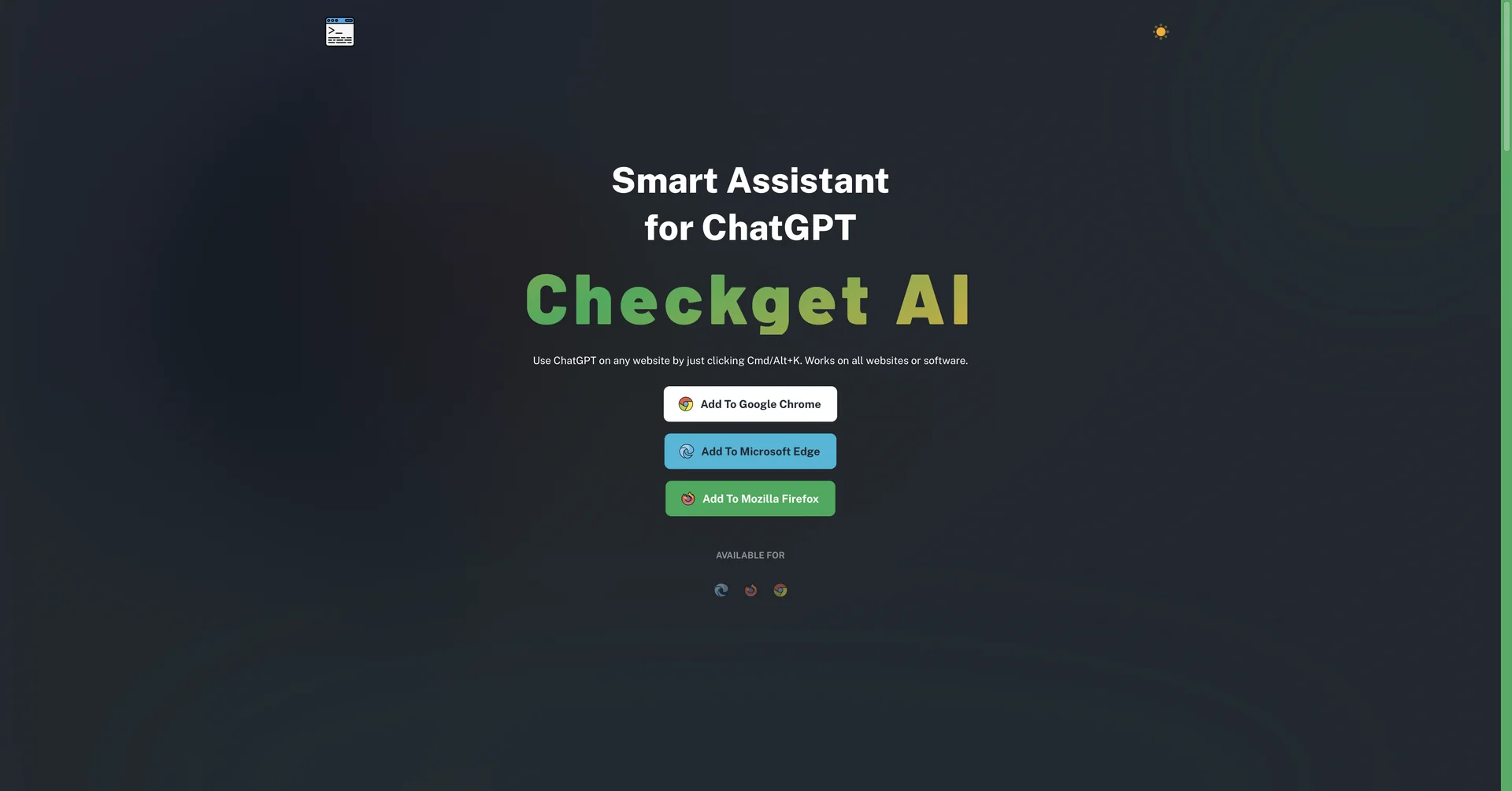
Context-Aware Global AI Browser Assistant: Checkget is a productivity browser extension (supporting Google Chrome, Microsoft Edge, and Mozilla Firefox) designed to act as an omnipresent text editing and task assistant powered directly by ChatGPT.
Frictionless Keyboard Shortcut Command: Eliminates tedious copy-and-paste workflows by letting users summon the AI panel over any open webpage or software tab instantly using ⌘+K (Mac) or Alt+K (Windows).
Smart Context Interpretation: Features a smart parsing engine that automatically detects what you are doing—whether you need to draft a reply to an incoming email or break down a snippet of open source code.
Dynamic Typography & Inline Text Tuning: Allows operators to highlight any block of text on a web page to instantly shorten it, expand it, fix spelling and grammar, rephrase content, or rewrite it in a different tone.
Code Explanation & Optimization Engine: Built with specialized software development modules that read, optimize, and explain complex code arrays on the fly.
Privacy-Focused "Local Mode" Pipeline: Includes a specialized privacy feature allowing users to route data directly to OpenAI using their personal API keys, backed by data encryption to protect sensitive corporate assets.
⭐ What does it actually offer based on user experience?
Completely Eradicates Tab Switching: Overloaded professionals and students heavily praise the extension because they no longer have to bounce back and forth between active work documents and a separate AI chat tab.
Streamlines Daily Correspondence: Email-heavy users note that having contextual reply drafts generated inline speeds up their inbox cleanout routines.
Desktop Workspace Limitations: Reviewers point out that because the tool is built natively around browser shortcut arrays, its continuous workflow benefits are limited to desktop environments rather than mobile browser setups.
🤖 Does it include automation?
Yes, Checkget coordinates background text manipulation and inline utility automation:
Automated Context Parsing: Autonomously detects text types (code vs. email threads) to supply targeted macro choices.
Autonomous Tone & Syntax Swapping: Programmatically restructures sentences, alters text length, and wipes out grammatical errors on autopilot based on selection parameters.
Secure Local Encryption Loops: Automatically encrypts data streams to safely isolate prompt strings from unauthorized third-party tracking.
💰 Pricing Model
Item Details: Freemium Tiered Monthly Subscription SaaS.
General Concept: Keeps a foundational open tier active for casual daily testing, while gating high-volume request buckets, priority processing lines, and deep advanced model allowances behind tiered subscription plans.
🆓 Free Plan Details
Feature: Baseline Entry Track.
Details: Provides free installation of the browser framework, standard text expansion utilities, and a baseline daily allowance of AI actions.
Cost: Free ($0 open entry tier).
💳 Paid Plans (Official 2026 Standards)
🧭 How to access the tool:
Web text can be translated, programming logic explained, and emails drafted without tab-switching by adding the browser extension helper directly via checkget.com.