UniJump
Description
🖼 Tool Name:
UniJump
🔖 Approved Categories:
Study Assistants & Notes(System-wide utility integration and screen reading)No-Code Workflows(Automated inline paraphrasing and AI chat deployment)
✏️ What does this tool offer?
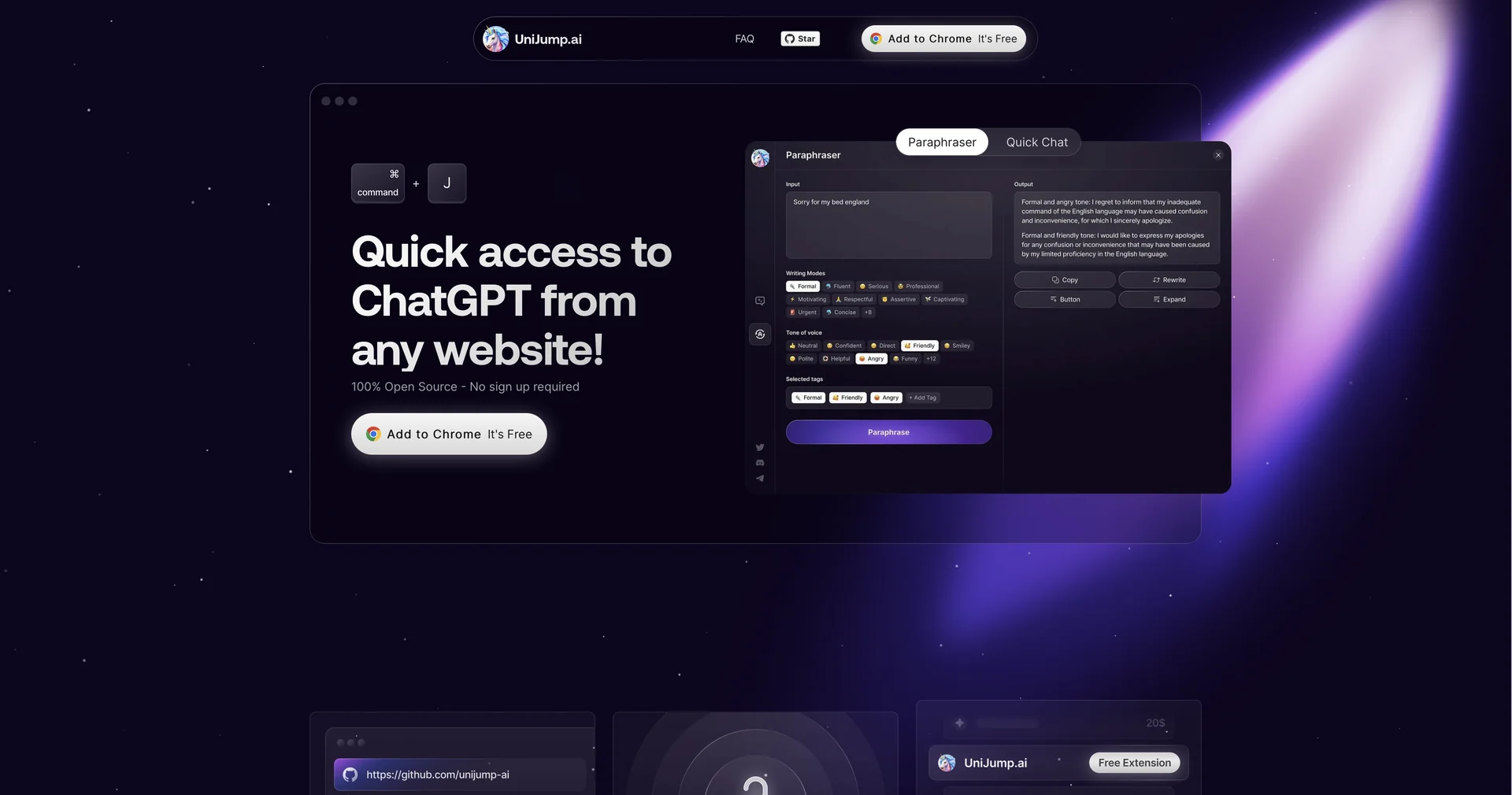
Open-Source System-Wide Browser Overlay: UniJump is a completely free, open-source browser extension (compatible with Chrome, Firefox, Edge, and Brave) that acts as a bridge to ChatGPT, weaving conversational AI into any active web page.
Instant Keyboard Triggers: Eliminates the continuous friction of switching back and forth between your active tabs and an isolated chat window. Users summon a clean AI sidebar instantly using hotkeys (Cmd + J on Mac or Alt + J on Windows).
Direct Page-Context Interaction: Operates smoothly on top of your live workspace, allowing you to ask questions about an active article, draft an immediate email response, or pull bullet points from documentation without navigating away.
Built-In Intelligent Paraphraser: Includes dedicated writing utility tools explicitly configured to scan, rewrite, or expand user text drafts directly within standard text entry fields across any website.
Open-Source Code Transparency: The extension structures its full codebase publicly on GitHub, allowing the development and security community to freely audit its mechanics, verify privacy standards, or contribute to updates.
⭐ What does it actually offer based on user experience?
Zero Registration Friction: Users heavily celebrate the absolute simplicity of the application, noting that it requires no personal account registration, forms, or platform onboarding setups to start running.
Eliminates Copy-Paste Fatigue: Digital professionals and students praise how much time it saves, letting them summarize or clarify complex legal, medical, or technical text blocks right where they find them.
Complete Hardware and Data Trust: Because the extension operates cleanly without remote user profile databases or hidden analytics collection, privacy-conscious creators love that their browsing data isn't captured or sold.
🤖 Does it include automation?
Yes, UniJump automates contextual text processing:
Automated Interface Injections: Programmatically overlays a responsive, floating chat canvas onto any target domain matching your hotkey prompt.
Autonomous In-Line Swaps: Instantly processes and exchanges highlighted text blocks with newly paraphrased variations programmatically.
💰 Pricing Model
Item Details: Free & Open-Source Browser Utility.
General Concept: UniJump operates as a pure utility project with zero subscription fees, premium tiers, or hidden micro-transactions.
🆓 Free Plan Details
Feature: 100% Free Core Ecosystem.
Details: Grants full, uncapped access to the entire toolset—including the universal chat interface, inline paraphraser, multi-browser configurations, and the public GitHub framework. (Note: Requires an existing OpenAI account to stream backend API tokens).
Cost: Free ($0).
🧭 How to access the tool:
Your live web browsing can be enhanced with instant conversational summaries, repetitive tab-switching minimized, and writing drafts re-coded with zero subscription bloat by installing the open extension straight from unijump.ai.