Description
️ 🖼Tool Name:
Pushary
🔖 Categories:
- Automation and Smart Agents
- Business and Operations Management
- Integrations and APIs
- Programming and Development
️ ✏What does this tool offer?
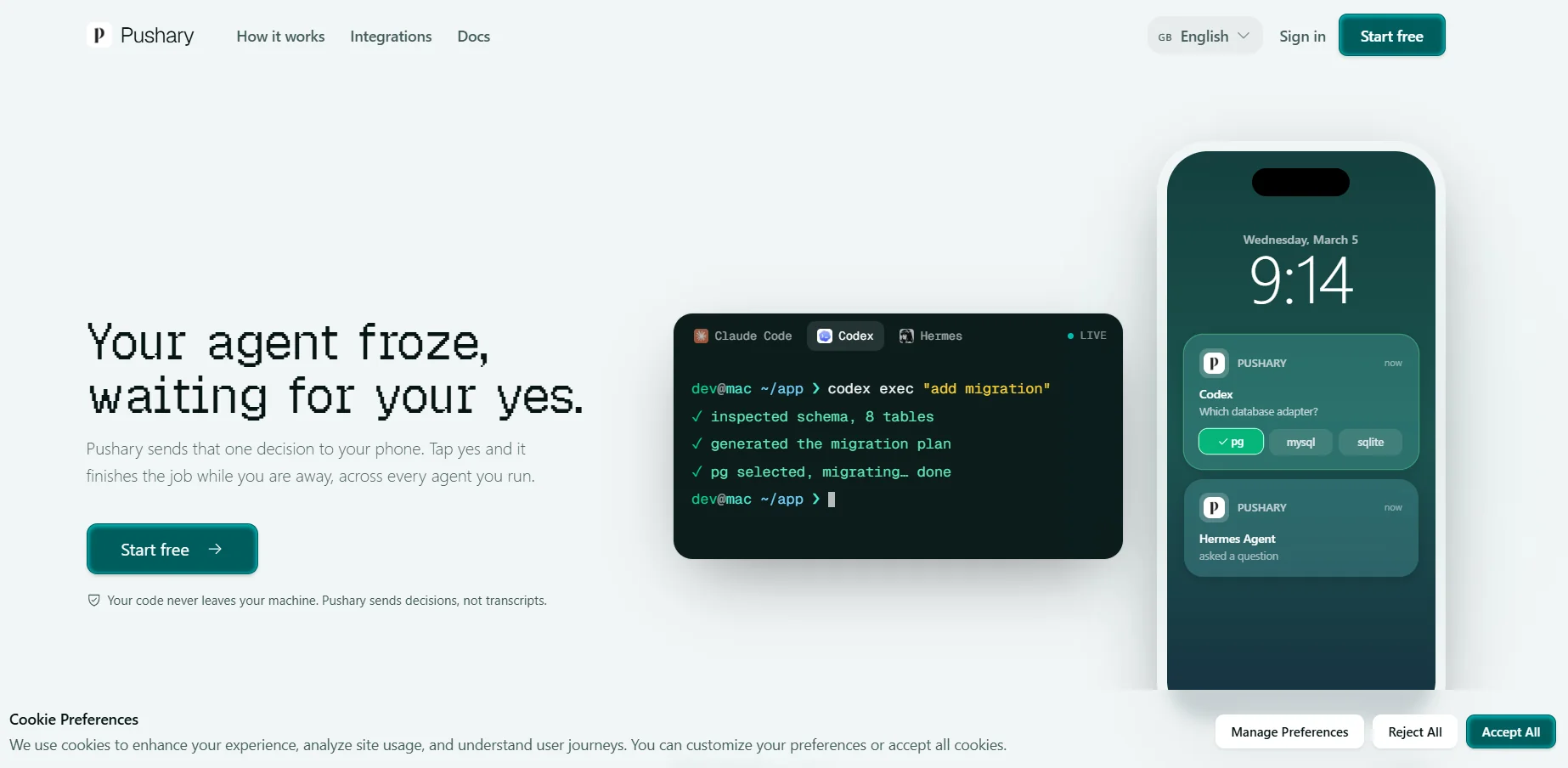
Pushary is a platform for controllingAI agents, functioning as a central control panel to manage the permissions and approvals an agent needs while performing tasks.
The platform allows users to control agents by sending only the required decisions via phone, Slack, or the web app, without sharing conversation logs or code, as the source code remains on the user’s device.
Pushary supports integration with a range of AI agents, including:
- Claude Code
- Codex
- Gemini CLI
- Hermes
- Cursor
- Windsurf
- Any agent based on MCP Agent
The platform allows the user to:
- Approve requests.
- Reject requests.
- Select from available options.
- Write responses.
- Return the decision directly to the agent so they can continue with the task.
Pushary is based on the “human-in-the-loop”concept ,where a human intervenes only when a decision is needed, while other tasks continue automatically.
The platform operates through three basic steps:
- The agent requests a decision when it reaches a step that requires user intervention, such as executing a command, modifying a file, or choosing between options.
- The user receives a notification only when a decision is needed, not for every step.
- After approval or rejection, the bot continues working, and a notification is sent when the task is complete.
Pushary offers integrations with:
- Slack.
- n8n.
Approval requests can be sent to Slack using the “Approve” and “Deny” buttons, and a single node can be added in n8n to create a human checkpoint within any workflow.
⭐ What does it actually offer based on user experience?
- Remote control of AI agents.
- Prevent agents from stalling while waiting for approvals.
- Receiving only important decisions instead of constant notifications.
- Run multiple agents simultaneously.
- Manage permissions and policies.
- Track the status of active tasks.
- Provide a complete audit trail of decisions.
- Facilitate long-term agent operation while maintaining human control.
Users have highlighted benefits such as:
- Improved experience working with AI agents.
- Faster task completion.
- Reducing agent downtime caused by waiting for approvals.
🤖 Does it include automation?
Yes.
Pushary automates AI agent management by:
- Setting up approval rules once.
- Automatically approving low-risk, reversible actions.
- Escalating sensitive actions to the user for manual approval.
- Setting wait times for each step.
- Executing automatic actions in the event of no response, such as rejection or returning the task to the user.
The platform supports controlling the level of automation rather than relying on blanket automatic approval, requiring manual confirmation for sensitive actions such as:
- Deleting files.
- Publishing.
- Spending funds.
- Force Push.
💰 Pricing model:
Freemium with a paid subscription.
The platform offers:
- Free to get started.
- 3-day free trial.
- Paid subscription after the trial ends.
🆓 Free plan details:
| Feature | Details |
|---|---|
| Get Started | Available for free |
| Free Trial | 3 days |
| Credit Card | Not specified |
💳 Paid plan details:
| Plan | Price | Features |
|---|---|---|
| Paid Subscription | $9.99 per month | Access to the platform after the free trial ends, consent management, AI agent control, permissions management, audit log, run multiple agents, cancel anytime |
🧭 How to access the tool:
| Method | Available |
|---|---|
| Web app | ✅ |
| iOS app | ✅ |
| Android app | ✅ |
| Slack | ✅ |
| n8n | ✅ |
| MCP Agent | ✅ |
| API | ✅ |
🔗 Demo link or official website: