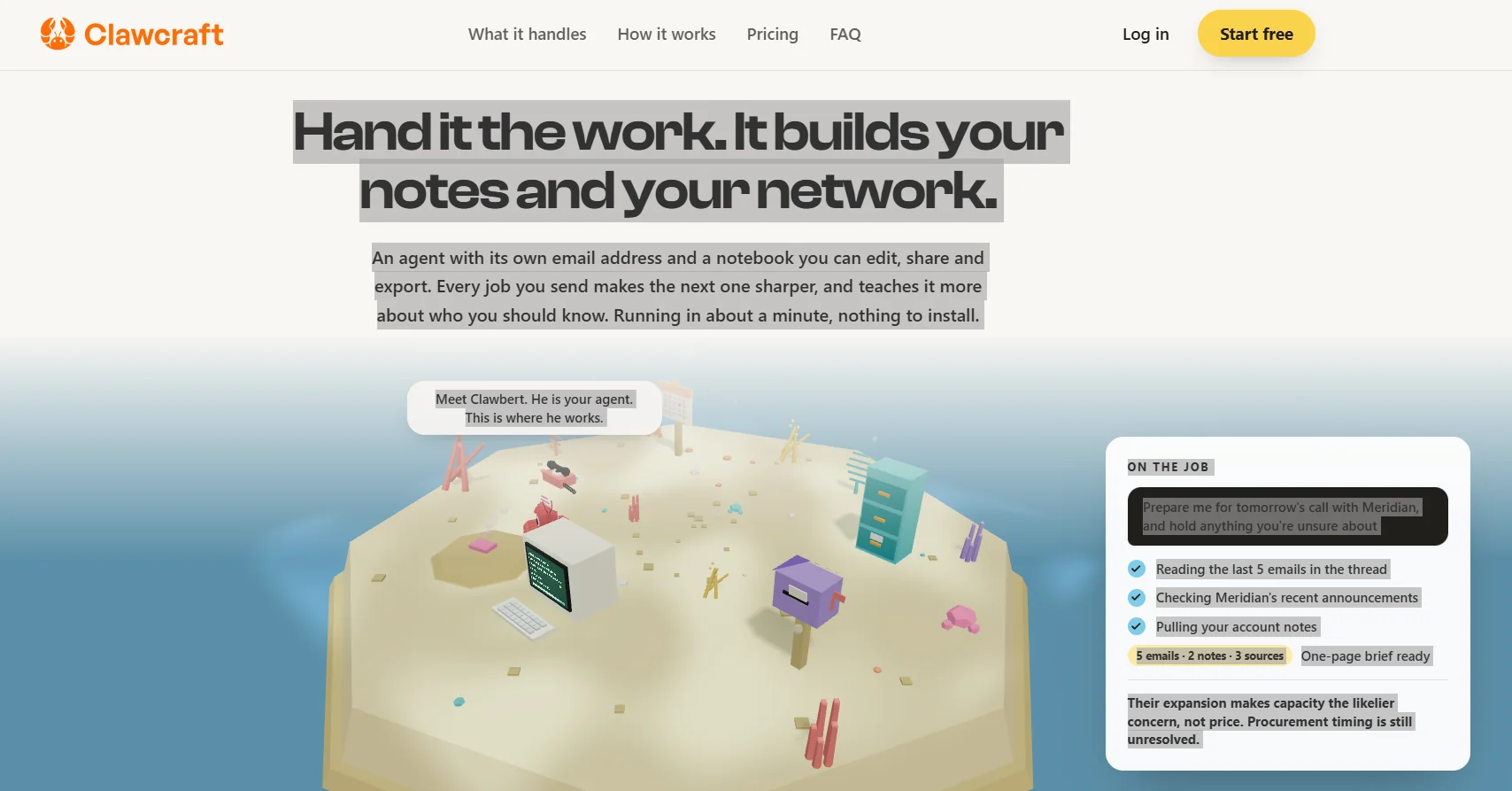
Description

️ Tool Name: 🖼
Clawcraft (Clawbert)

Categories: 🔖

  • Automation and Smart Agents
  • Conversational/Voice Agents
  • RPA Automation and Repetitive Tasks
  • Knowledge Base and Self-Service
  • Education and Research
  • Summaries, Headlines, and Insights
  • Integrations and APIs
  • Business and Operations Management
  • Cold Email and Sequences
  • Marketing and Sales
  • Productivity and Scheduling
  • Tasks and Projects

️ What does this tool offer? ✏
Clawcraft relies on a managed AI agent known as Clawbert, whichallows users to assign tasks to it using natural language instead of dealing with complex technical settings or building manual workflows.

Clawbert has his own email address, and tasks can be sent to it via email or through its interface. Clawbert then researches, gathers, and analyzes information, generates the final output, attaches the sources it relied on, and clearly flags any information for which sufficient evidence is unavailable.

The agent can perform a variety of tasks, such as researching products, monitoring competitors, analyzing demand trends, preparing for meetings and calls, and creating drafts, summaries, and documents. It can also read relevant emails, review documents and notes, search for the latest available information, and then compile the results into ready-to-use outputs.

One of Clawbert’s standout features is its growing notebook,which retains the information it learns about the user’s work instead of starting from scratch on every task. Users can read, edit, share, and export the notebook; they can also correct the information within it, so that the agent relies on the version edited by the user for future tasks.

The notebook supports Markdown,and notes can be imported into and exported from it. Clawbert can also suggest new information to add to its knowledge base, leaving it up to the user to decide whether to keep or ignore it.

The agent can also leverage its accumulated knowledge of the user’s work to build a network of connections and opportunitiesby identifying people with whom it might be beneficial for the user to connect, based on the nature of their work and what they are looking for.

Clawcraft offers the ability to choose between four AI models and switch between them: Laguna S 2.1, MiMo V2.5 Pro, GLM-5.2, and Kimi K3,with a context window of up to one million tokens, according to the information provided.

The platform integrates with services such as Gmail, Google Docs, Google Sheets, Google Drive, Google Calendar, Notion, and Telegram,and allows for the gradual expansion of the agent’s permissions. By default, Clawbert starts in safe mode, requiring user consent before performing sensitive actions such as sending messages, making purchases, deleting data, or performing irreversible actions.

The information provided indicates that the platform does not require installing Docker, entering API keys, or creating configuration files, as users can simply log in, select a template, submit the task using natural language, and then review the results and sources before authorizing sensitive actions.

What does it actually offer based on user experience? ⭐

  • An AI agent that can be assigned tasks using natural language.
  • An email address dedicated to the agent for receiving tasks.
  • Research, gather information, and prepare final results.
  • Attaching the sources used in the search results.
  • Indicating information for which there is insufficient evidence.
  • Create drafts, summaries, and documents.
  • Prepare for meetings and calls by gathering relevant information.
  • Read task-related emails.
  • Review company announcements and recent information about them.
  • Extracting information from account records and documents.
  • Research products and evaluate their suitability for purchase.
  • Monitor changes among competitors.
  • Analyze trends, such as seasonal demand for products.
  • Create a growing notebook that stores information related to the user’s work.
  • Edit, share, and export the notebook.
  • Markdown support.
  • Import and export notes.
  • Save user corrections and use them in future tasks.
  • Suggest new information to add to the agent’s knowledge base.
  • Build a network and discover people who might be worth connecting with.
  • Integration with Gmail, Google Docs, Sheets, Drive, Calendar, Notion, and Telegram.
  • Choose from four AI models and switch between them.
  • Work with a context window of up to one million tokens.
  • Review results and sources before performing sensitive actions.

Does it include automation? 🤖
Yes. Automation is at the heart of Clawcraft; Clawbert executes the required sequence of tasks instead of requiring the user to perform each step manually.

The agent can receive a task, then search for, gather, and analyze information; write up the results; and attach sources. It can also use tools and integrations linked to the user’s account to perform practical tasks.

The platform employs a gradual approach to permissions; the agent starts in a secure stateand waits for the user’s approval before performing sensitive actions such as sending messages, making purchases, deleting data, or any irreversible action.

Pricing Model: 💰
Freemium / Paid subscription, with the option to start for free and then subscribe to a paid plan for $19 per month. You can cancel your subscription at any time.

🆓 Free Plan Details:

ItemDetails
PriceFree to start
Trial PeriodYou can get started for free
Credit CardNot listed in the provided information
AgentClawbert
Private emailAvailable
NotebookAvailable
Search and Complete TasksAvailable subject to usage limits
TemplatesYou can choose from available templates subject to plan limits
CancellationYou can cancel your subscription at any time

Note: Details regarding the free plan’s limits, such as the number of tasks or monthly usage, are not clearly stated in the provided information (unconfirmed).

Paid Plan Details: 💳

PlanPriceFeatures and Differences
Paid Plan$19/monthClawbert agent, a dedicated email address, a notebook that can be read, edited, shared, and exported, the agent retains what it learns from previous tasks, choice of four AI models, a context window of up to one million tokens, search, draft creation, and summarization with sources, Integration with Gmail, Google Docs, Sheets, Drive, Calendar, Notion, and Telegram; and the ability to gradually expand the agent’s capabilities.

The four models included in the subscription are Laguna S 2.1, MiMo V2.5 Pro, GLM-5.2, and Kimi K3.

The information provided also confirms that user data is not used to train the models or sold, and that each agent has its own isolated environment, with user data and credentials remaining within their accounts.

How to access the tool: 🧭

How to AccessDetails
WebClawcraft can be used without installing local software
EmailClawbert has a dedicated email address for receiving tasks
IntegrationsGmail, Google Docs, Google Sheets, Google Drive, Google Calendar, Notion, and Telegram
APIYou do not need to enter API keys to use Clawbert, according to the information provided
Local InstallationNo Docker or configuration files required

Demo link or official website: 🔗
Clawcraft – Official Website and Pricing

Pricing Details

Clawcraft uses a simple subscription model focused on providing a managed AI agent without the need for complex technical setup. The plan costs $19 per month, with the option to start for free and cancel at any time. The plan includes all essential features, such as an AI agent with its own email address to perform tasks and respond to messages within the limits set by the user, and a notebook that can be read, edited, shared, and exported, while retaining what the agent learns from past interactions to apply to future tasks. The plan also offers a choice of four AI models—Laguna S 2.1, MiMo V2.5 Pro, GLM-5.2, and Kimi K3—and allows you to switch between them with a single click, all of which are included in the subscription with a context window of up to one million tokens. Features also include conducting research, creating drafts and summaries while citing sources and flagging unverified information, and integration with tools such as Gmail, Google Docs, Sheets, Drive, Calendar, Notion, and Telegram, as well as the ability to gradually expand the agent’s permissions; by default, it operates in a secure mode that requires user approval before sending messages, making purchases, deleting data, or performing any irreversible actions. The platform emphasizes that user data is not used to train models and is not sold, and that each agent has its own isolated environment, with user data and credentials remaining within the user’s accounts. Clawcraft also allows the agent to run without requiring Docker, API keys, or configuration files, so users can log in, select a model, issue a task in natural language, and then review the result and sources before taking any sensitive actions.