Description
🖼 Tool Name:
Docsium
🔖 Approved Categories:
Business Docs AutomationStudy Assistants & NotesSummaries, Headlines & IdeasIntegrations & APIs
✏️ What does this tool offer?
Google Workspace AI Add-On: Docsium (
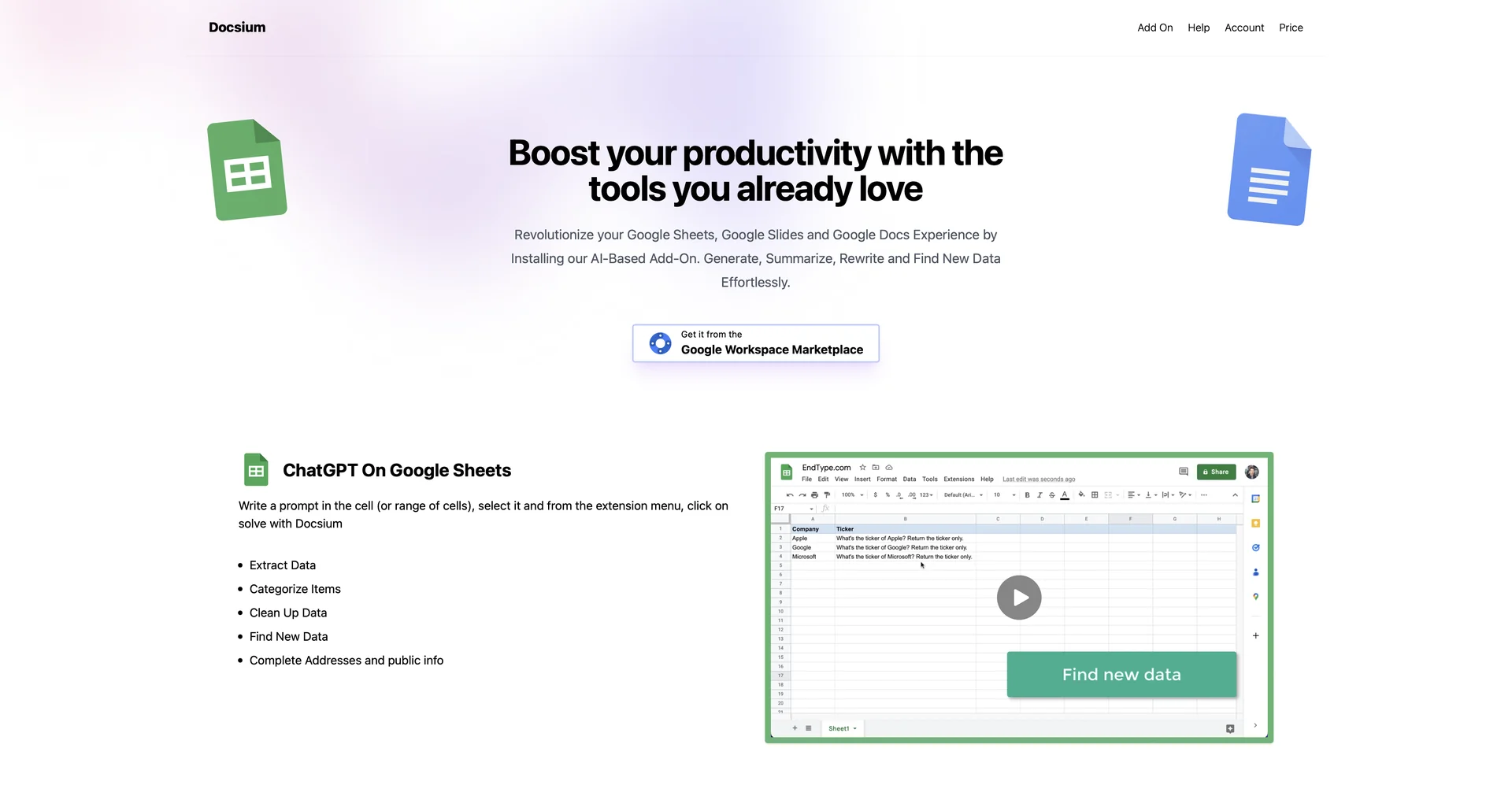
docsium.com) integrates OpenAI's ChatGPT models directly into Google Sheets, Google Docs, and Google Slides.ChatGPT in Google Sheets: Enables users to write prompts directly within cells or ranges to extract data, clean up datasets, categorize items, complete public addresses, and auto-populate spreadsheet rows/columns.
ChatGPT in Google Docs: Facilitates direct document drafting, meeting notes generation from bullet points, blog post writing, content summarization, and text rewriting.
ChatGPT in Google Slides: Assists with presentation design by generating slide titles, slide copy, content summaries, and formatted text directly on presentation slides.
⭐ What does it actually offer based on user experience?
Eliminates Context Switching: Allows users to execute AI prompts and data cleaning directly inside their active Google Workspace documents without copy-pasting to ChatGPT.
Bulk Data Processing: Enables rapid cell-by-cell AI execution across hundreds of rows in Google Sheets.
Simple Extension Workflow: Works via a straightforward Google Workspace Marketplace extension menu ("Solve with Docsium").
🤖 Does it include automation?
Yes, Docsium automates text parsing, cell-by-cell generation, and content formatting:
Automated Batch Cell Processing: Automatically runs specified prompts across selected cell ranges in Google Sheets.
Automated Workspace Integration: Directly injects structured AI-generated output into document selections and presentation slides.
💰 Pricing Model
Item Details: Freemium / Credit-Based Pricing.
General Concept: Usage is measured in credits, where 1 prompt execution per cell/selection consumes 1 credit.Free tier options are available alongside credit-based plan upgrades.
🆓 Free Access Details
Feature: Free Tier Access.
Details: Free installation from the Google Workspace Marketplace with starter credits to test AI execution across Sheets, Docs, and Slides.
Cost: Free ($0) Base Installation.
💳 Access & Subscription Options (Official Standards)
🧭 How to access the tool:
Your Google Workspace AI integration workflows can be launched by installing the extension via or the.