Find the right tool
Say what you want to do in your own words, in English or Arabic, and we will search the AI tools for it.
6 tools found · showing 6
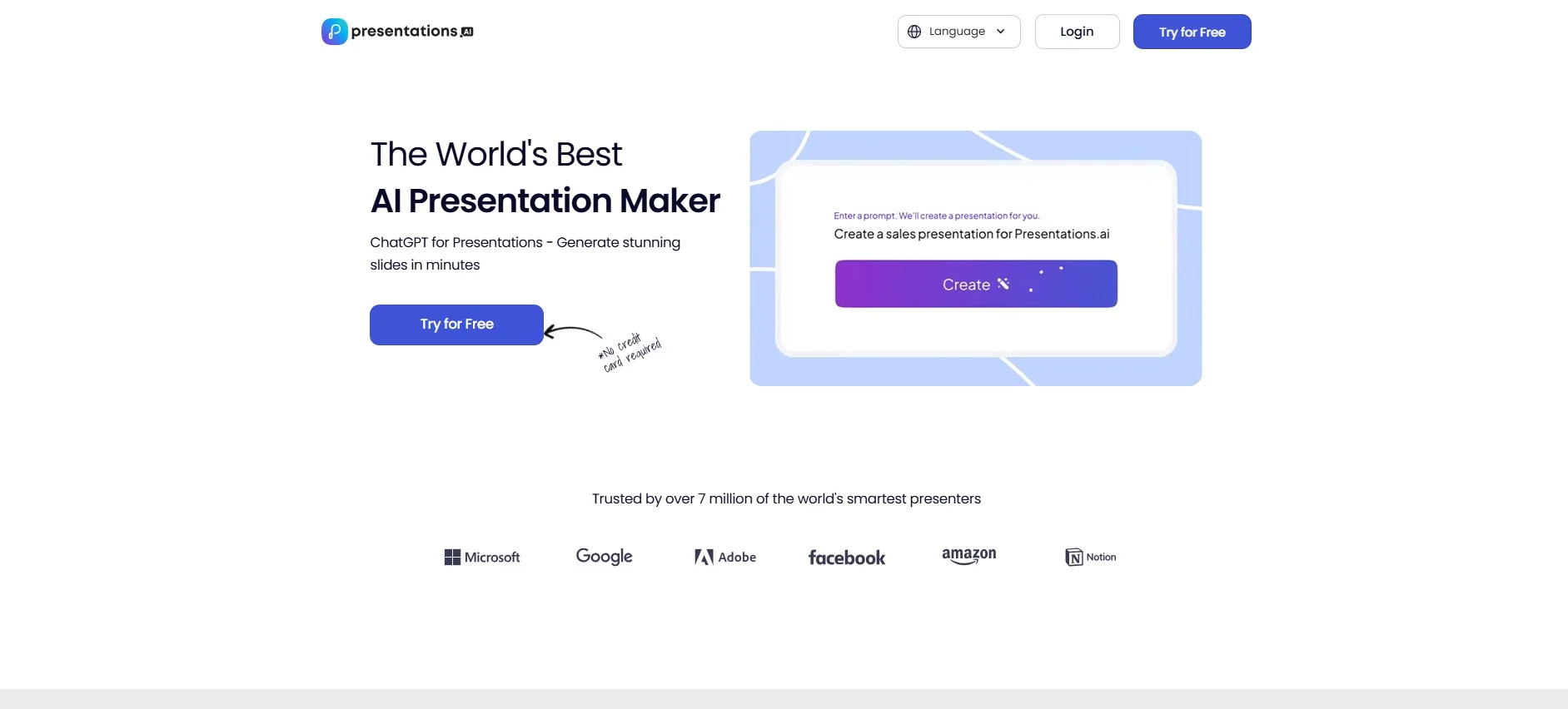
Presentations.ai
FreeA tool for creating presentations based on users' ideas.
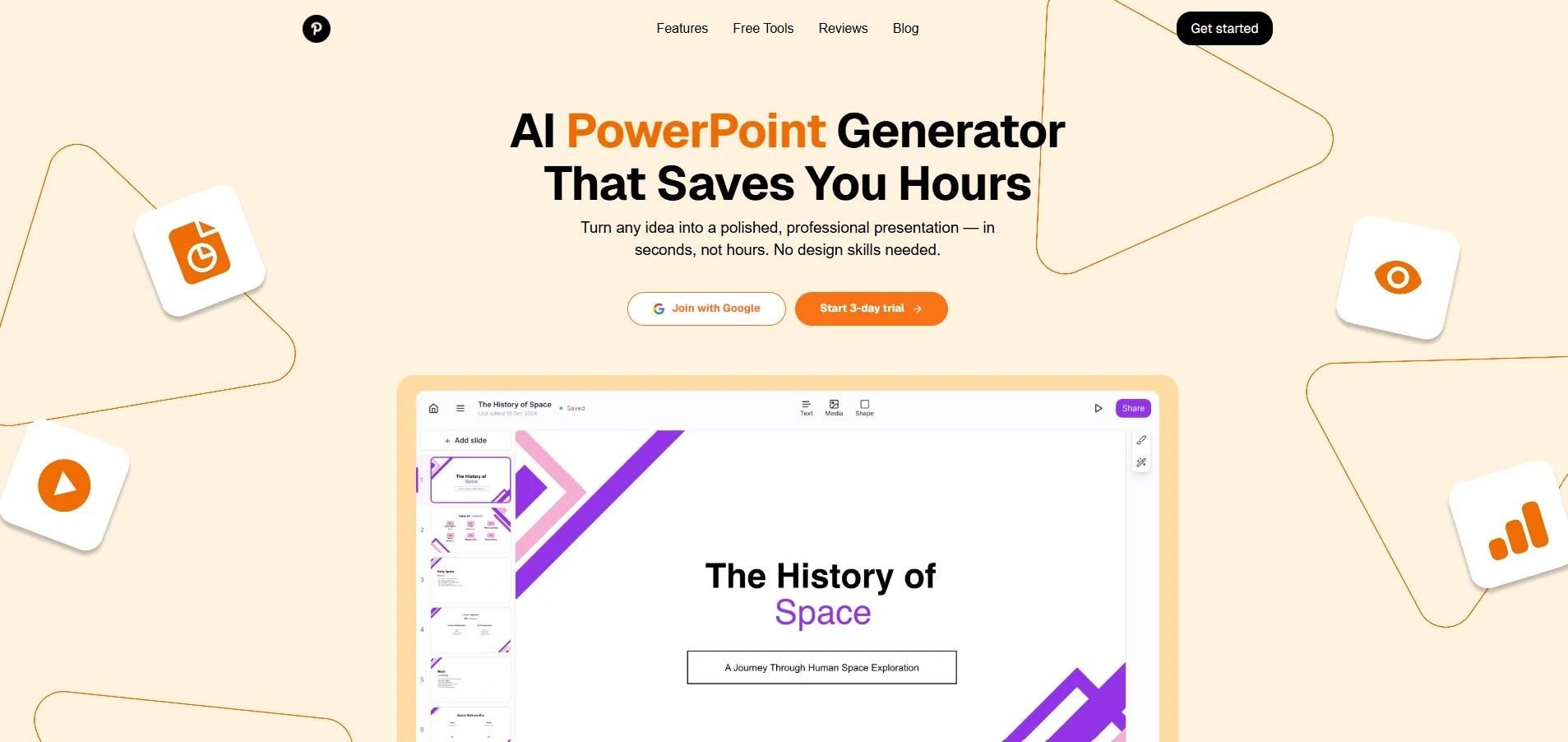
GenPPT
FreeA tool for creating customizable presentations using user input.

aiCarousels.com
Free TrialThe tool includes an AI-powered writing assistant for creating slide content based on a specific topic or existing source, It also allows you to create carousels based on text, websites, PDF files, or YouTube videos, and provides ready-to-use, customizable design templates to make it easier to create cohesive, user-friendly designs.
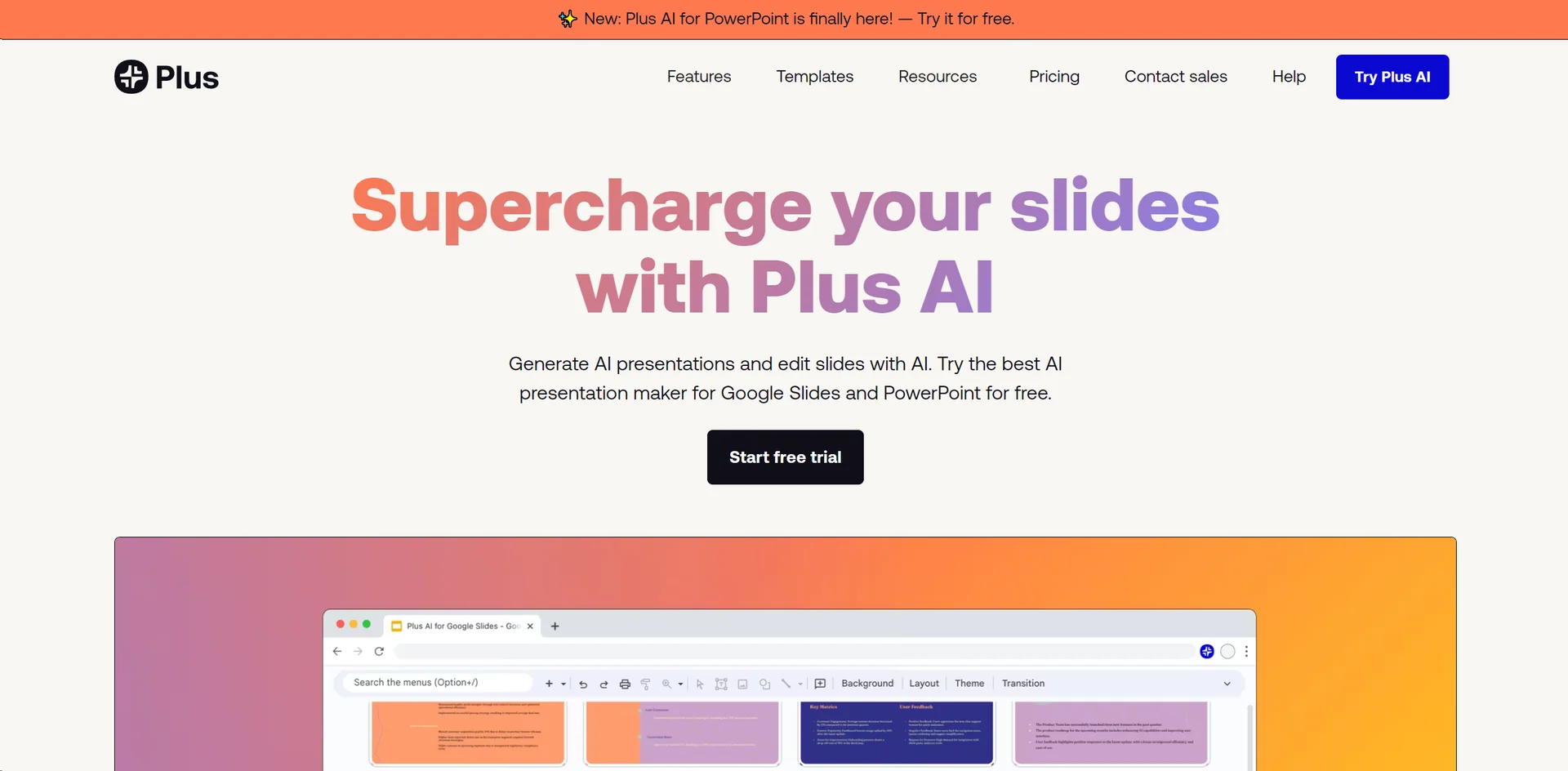
Plus AI
Free TrialPlus AI is an AI-powered tool for creating and developing presentations directly within PowerPoint and Google Slides, without having to switch to a separate application.
CopySlides
Free TrialNotebookLM PDF to PowerPoint Converter
UltraHumanizer
Free TrialUltraHumanizer is a tool for rewriting and improving text generated or assisted by artificial intelligence, with the goal of making it sound more natural and clear while preserving the meaning, tone, and essential details. The tool allows you to choose between the "Natural," "Conversational," and "Professional" tones, and to import text by pasting or uploading documents in DOCX, PDF, PPTX, ODT, RTF, TXT, MD, and TEX formats, up to 20MB in size, and process texts of up to 12,000 words.