Find the right tool
Say what you want to do in your own words, in English or Arabic, and we will search the AI tools for it.
95 tools found · showing 12
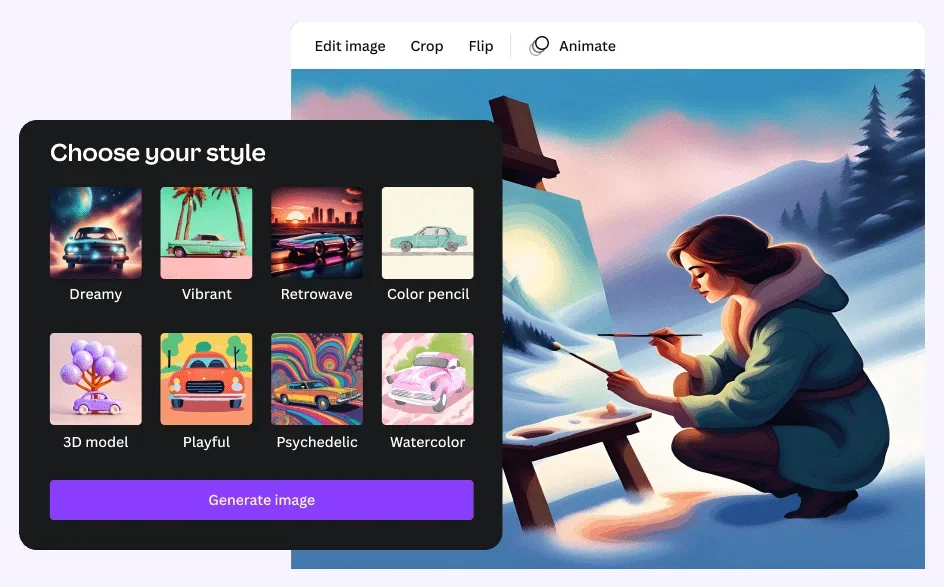
Canva Image Generator
Free TrialAI image generator built into Canva
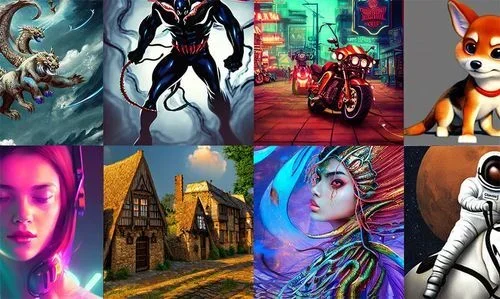
Hotpot Art Generator
Free TrialSimple free AI art generator
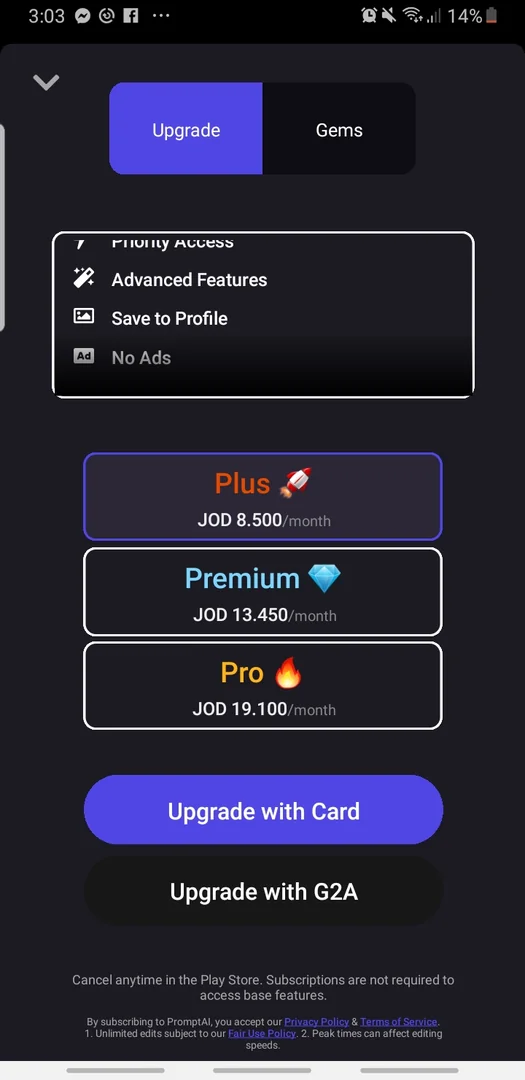
PromptApp: AI Image Generator
Free TrialThe PromptApp is an AI-powered platform that converts text prompts into images and digital characters using a variety of artistic styles, such as anime, cinematic, and digital art. It allows users to create fully customized AI characters for entertainment, design, or fictional character development.
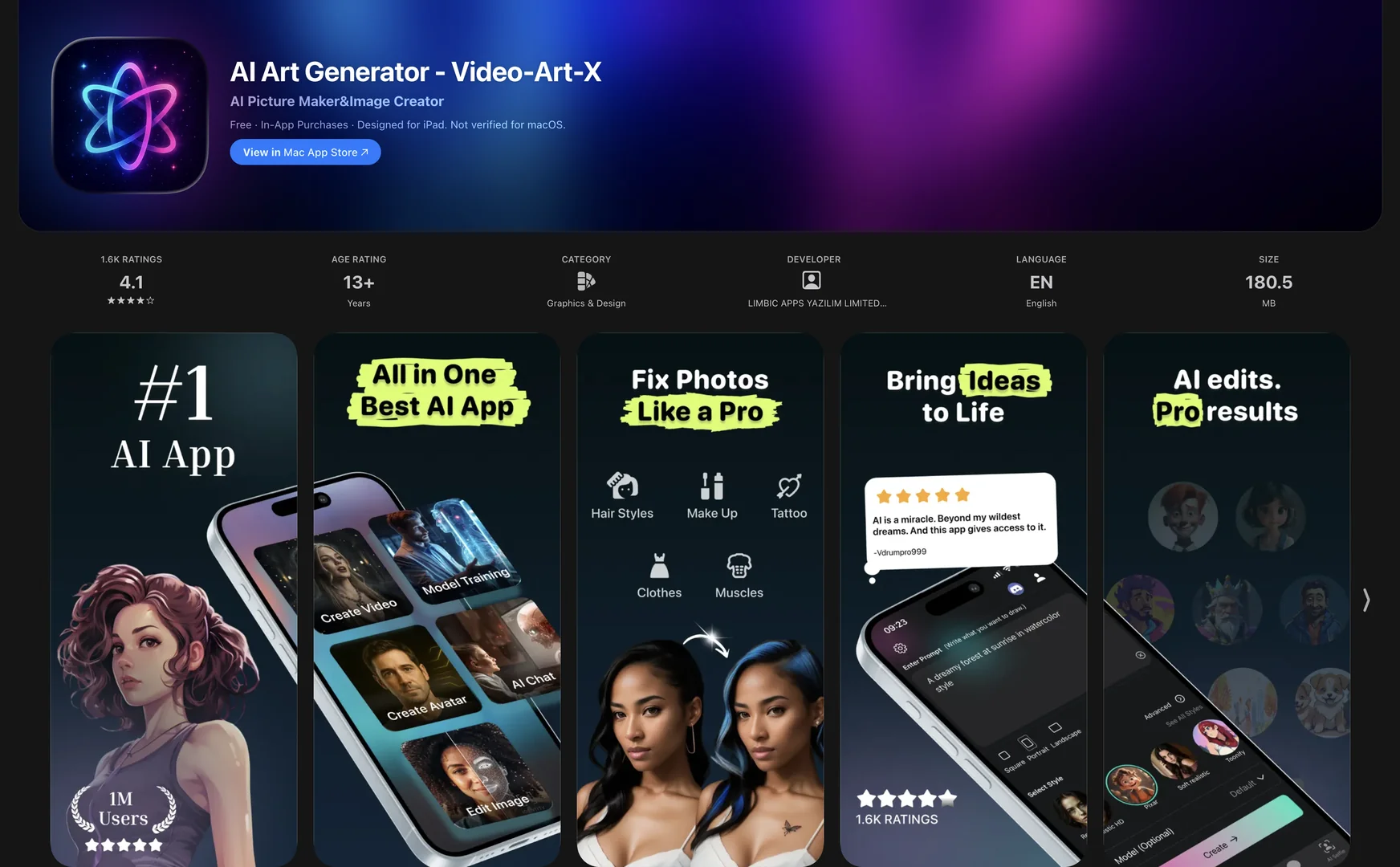
AI Art Generator - Video-Art-X
Free TrialCreate stunning art with AI.
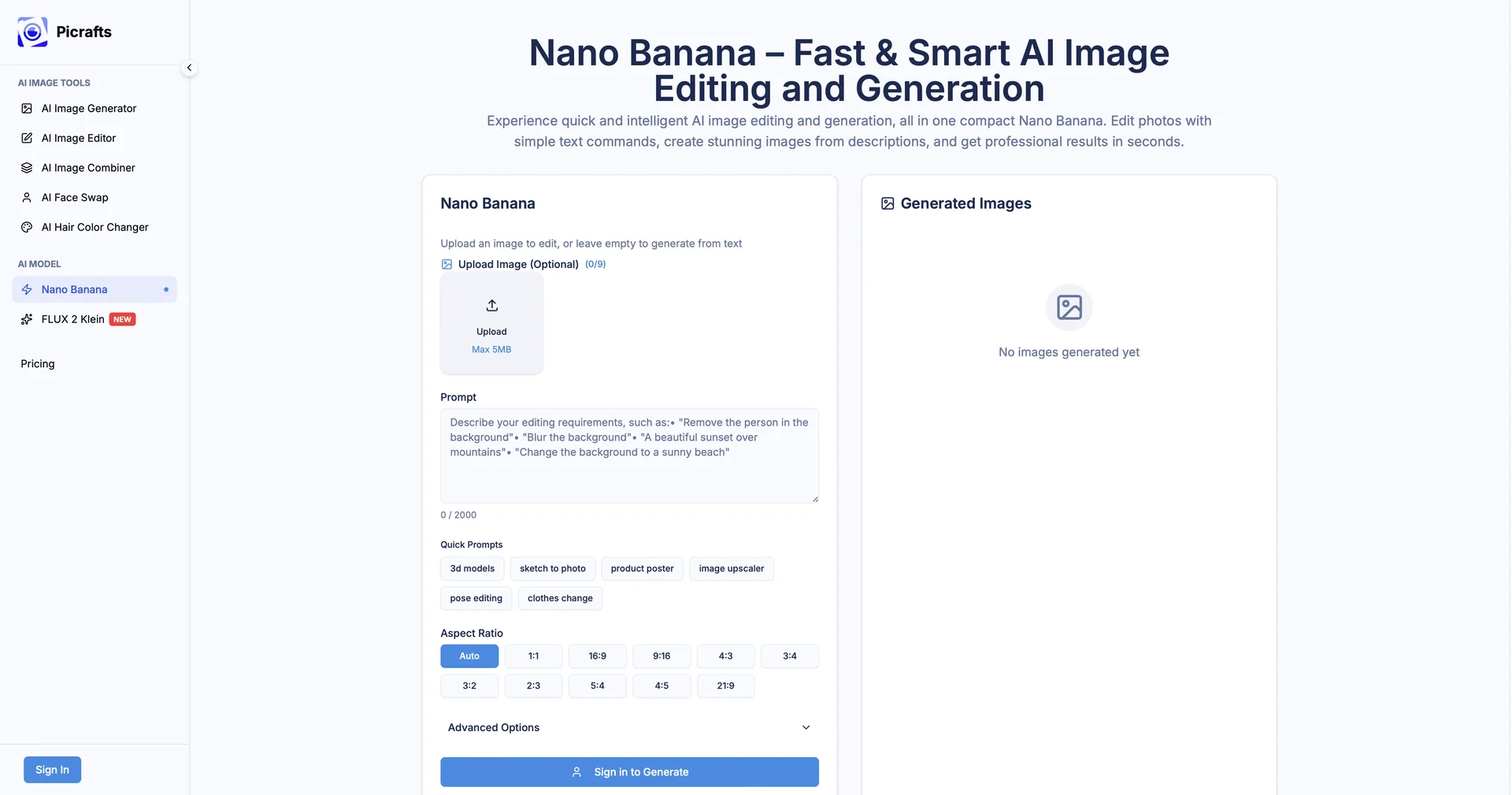
Deep Dream Generator
Free TrialQuickly generate unique and high-quality images
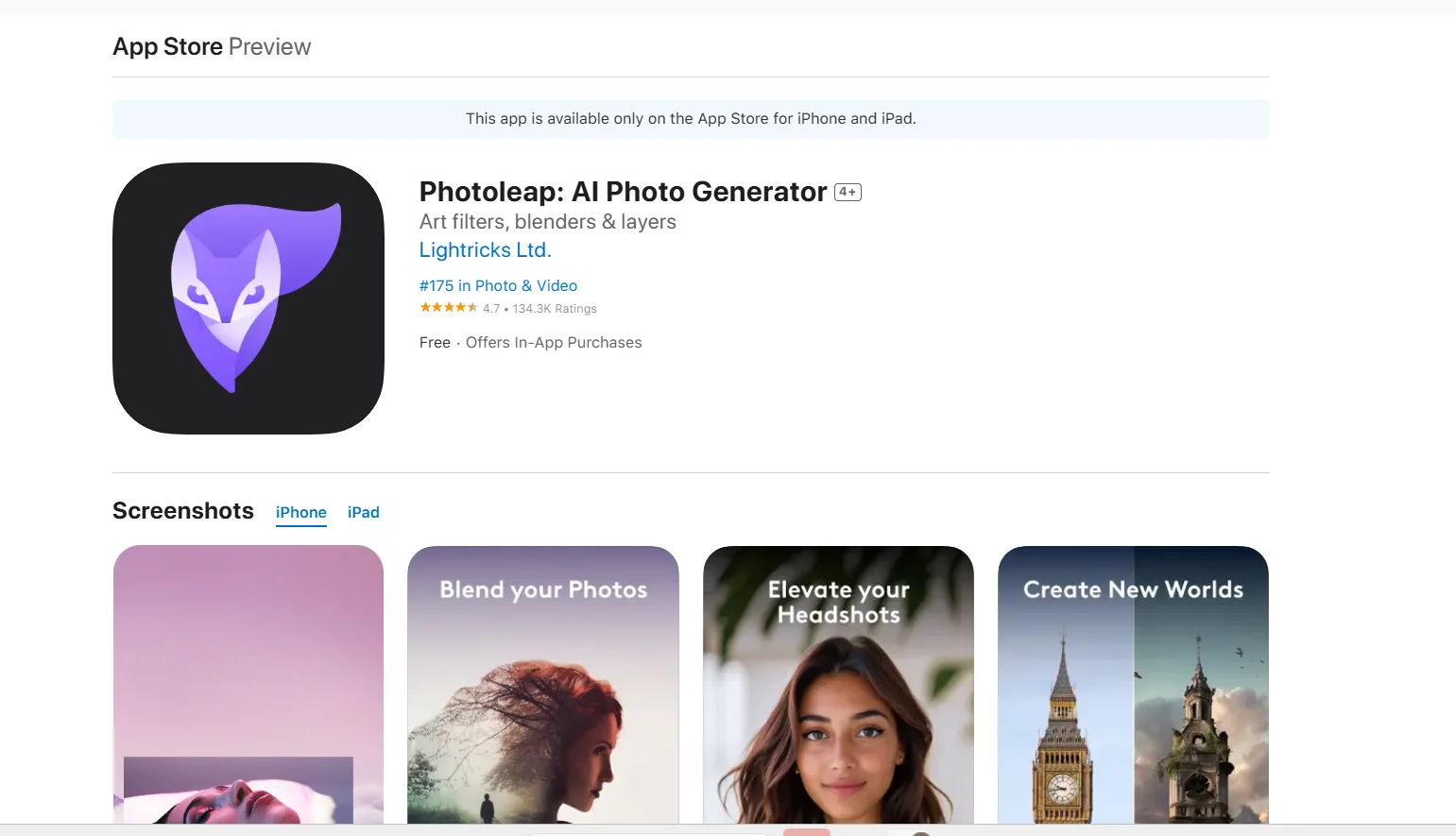
Photoleap – AI Photo Generator
Free TrialPhotoleap – AI Photo Generator is an AI-powered photo editor and image generator that offers a range of tools for creating, editing, and enhancing photos.
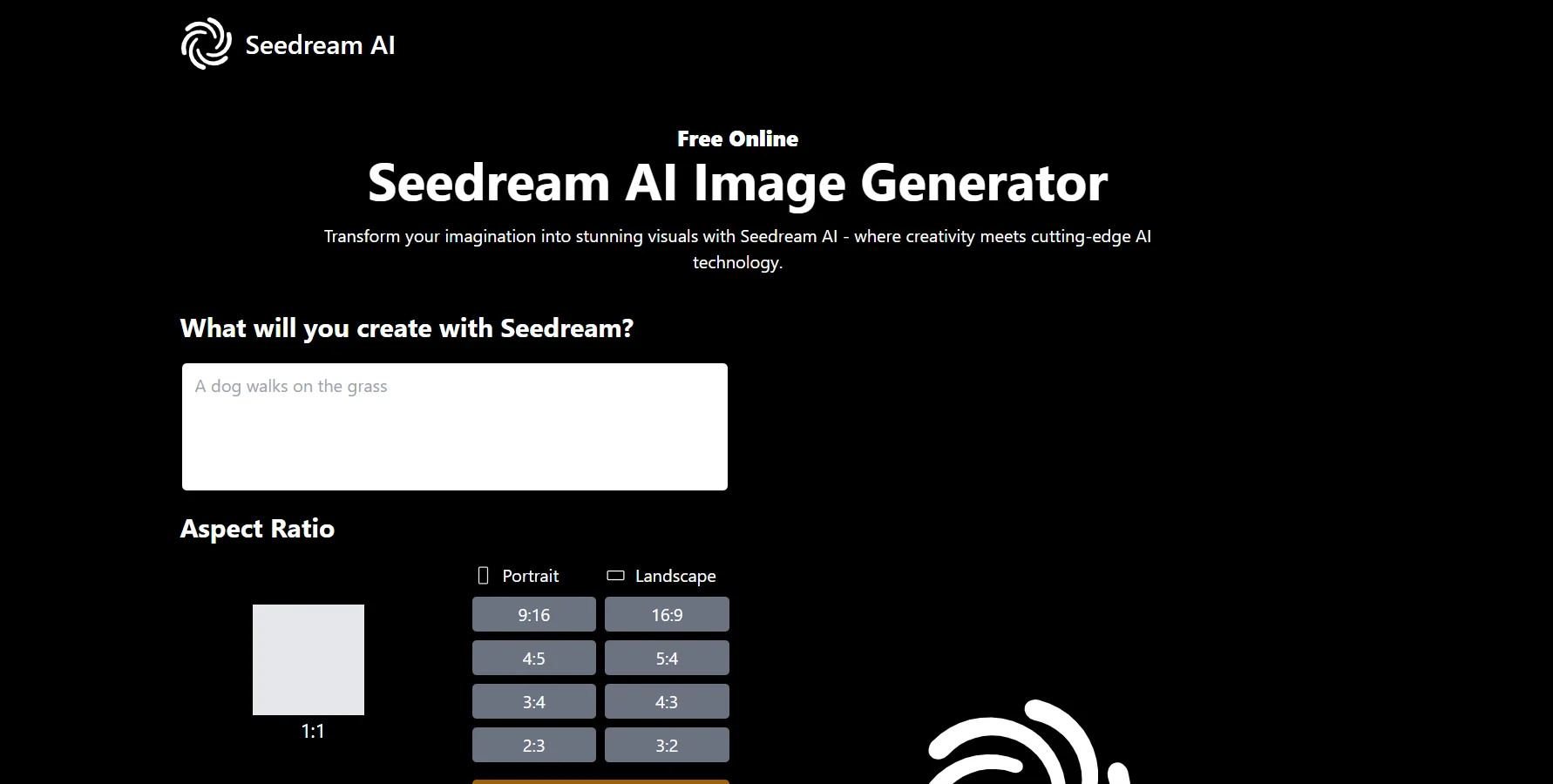
Seedream AI
FreeSeedream AI is a web-based AI image generator and photo editor that creates images from text prompts and edits existing ones.
Dreamlike.art
Free TrialOnline AI Image Generator
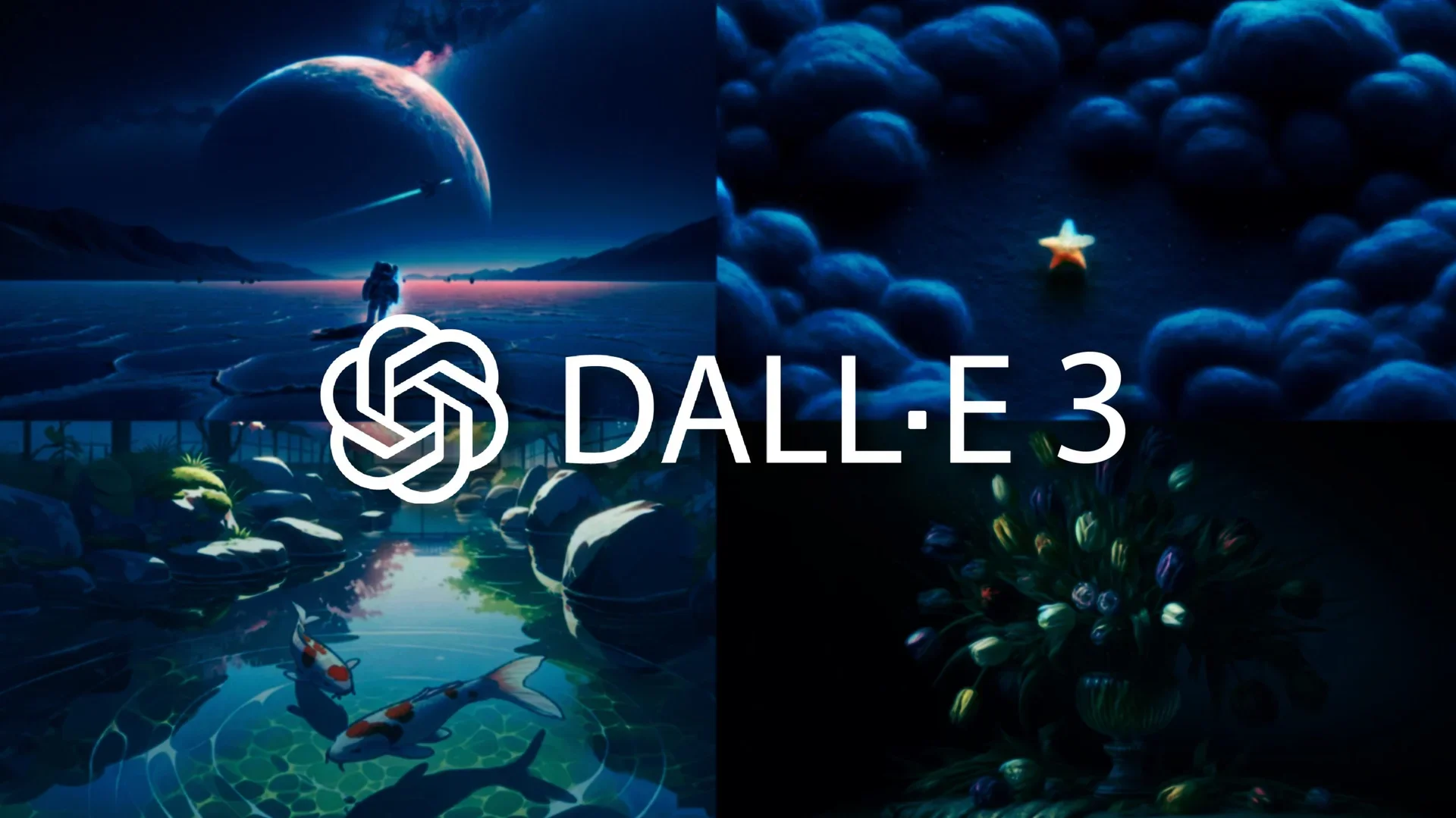
DALL·E 3
Free TrialThe Original AI Image Generator
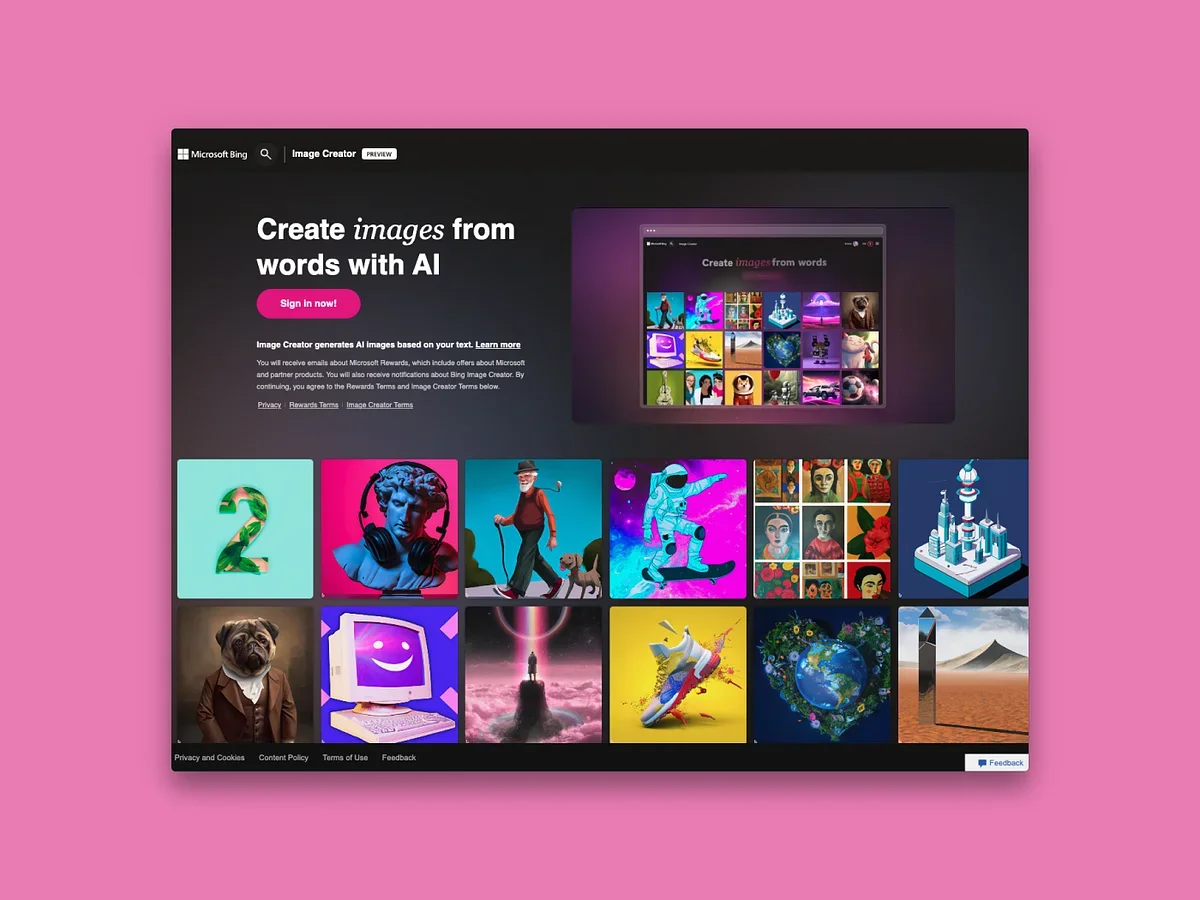
Bing Create
Free TrialThe tool allows users to generate images based on text descriptions using artificial intelligence; it leverages the DALL·E 3 model to generate a variety of images in different styles, such as realistic and artistic. It can also be used for graphic design, game asset production, and creating visual content for social media, with support for generating multiple variations for each request.
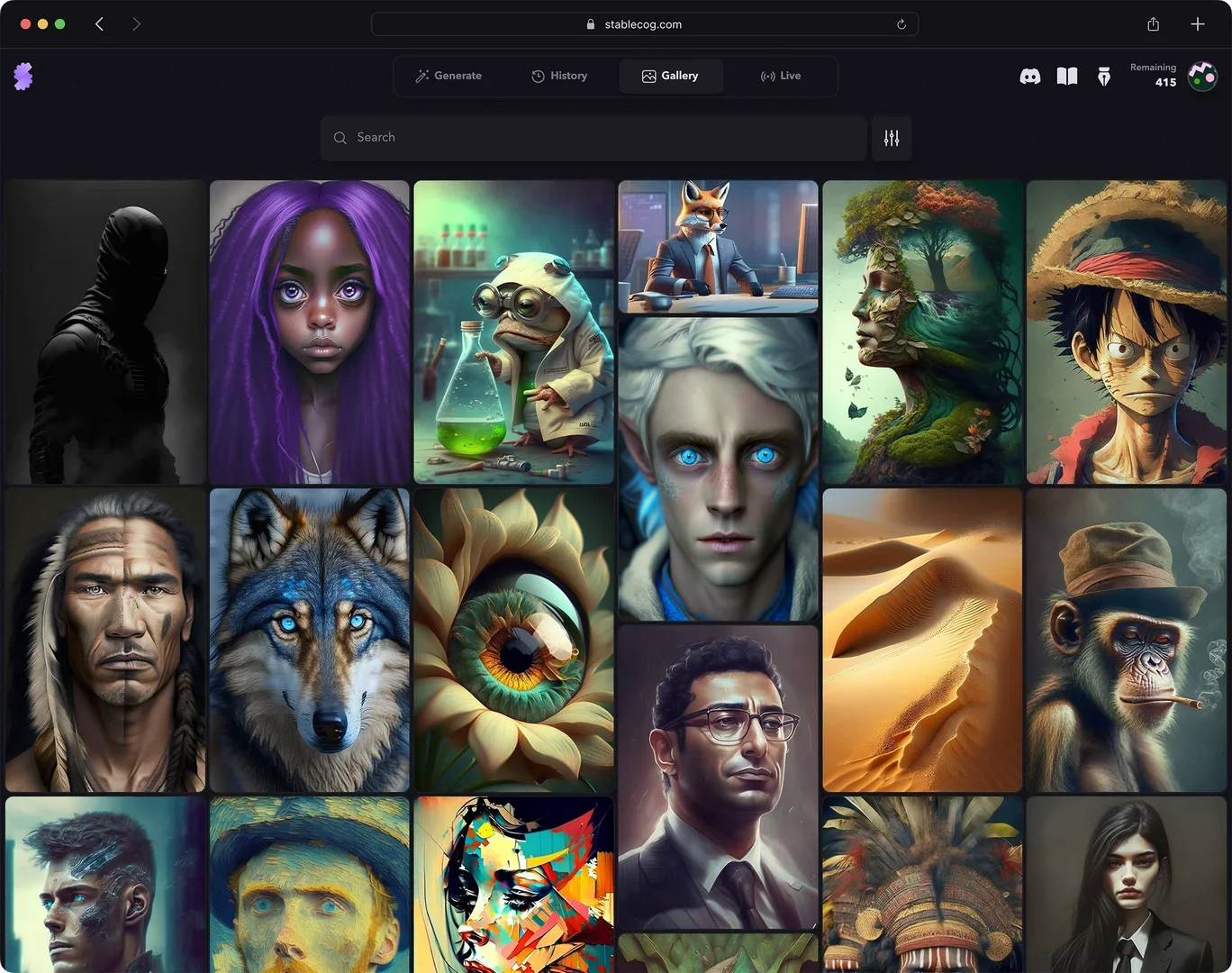
Stablecog
Free TrialStablecog offers a comprehensive platform for generating images using artificial intelligence based on Stable Diffusion models. It allows users to convert text into artistic and realistic images in seconds, with advanced options such as specifying aspect ratios, choosing a model (such as FLUX.1 and others like Openjourney, Waifu Diffusion, Arcane Diffusion, and Kandinsky), using Negative Prompts, and specifying the number of images. It also provides built-in educational resources explaining how to write prompts and adjust generation settings.