Find the right tool
Say what you want to do in your own words, in English or Arabic, and we will search the AI tools for it.
47 tools found · showing 12
Ask Your PDF
Free TrialA tool to summarize and interact with PDF files.
Unrav.io
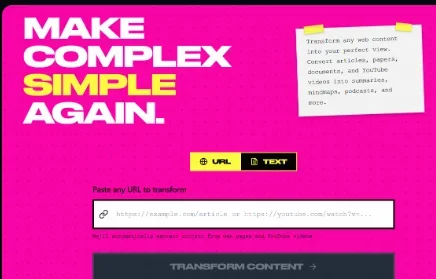
Free Trialunrav.io is a smart platform that uses artificial intelligence to simplify complex content and transform it into formats that are easy to understand and interact with. It allows users to enter links to articles, research papers, PDF files, or YouTube videos, and the system automatically analyzes the content and presents it in various formats, such as summaries, mind maps, interactive conversations, and infographics.
selfGPT
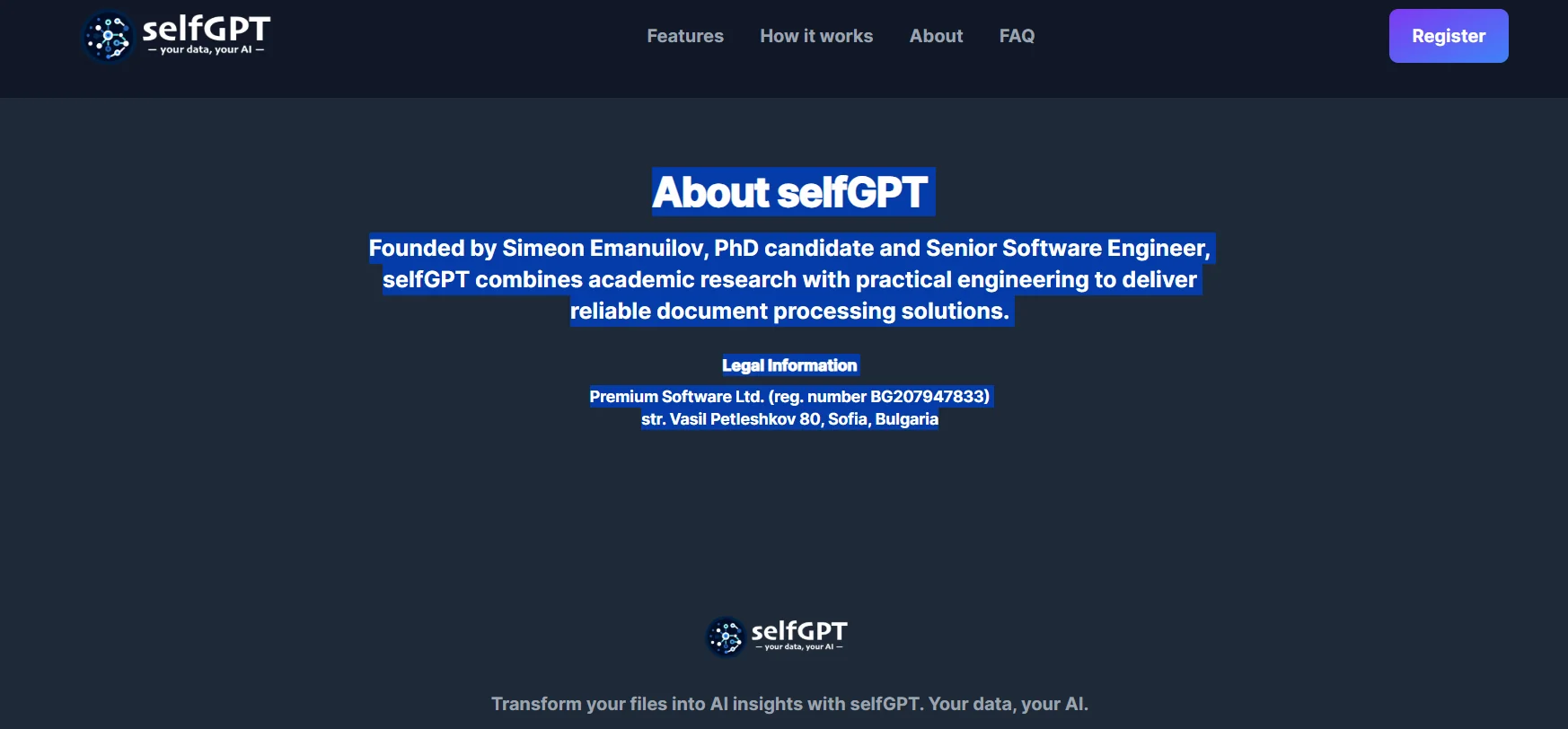
Free TrialselfGPT is a platform that uses artificial intelligence and RAG (Retrieval-Augmented Generation) technology to convert PDF and text files into interactive information and insights that users can engage with. The platform processes, indexes, and extracts information from documents—including text and images—and then allows users to ask questions and receive answers and context based on the content of their files. It also provides an API interface through which users can submit PDF files or videos via a URL or file to extract information from them, in addition to the ability to interact with YouTube videos to quickly understand their content. The platform enables the analysis of complex documents, the extraction of important information, and the creation of summaries, as well as the understanding of images and the incorporation of information extracted from them into the analysis process. The process involves uploading files, analyzing them using artificial intelligence, and then interacting with the content through questions, summaries, and extracted insights.
MapDeduce
Free TrialA tool to summarize pdf files.
AI Text Summarizer
FreeSkip the scroll get straight to the point.
Outtloud
Free TrialOuttloud AI is an intelligent productivity platform that transforms reading into realistic listening. Any document (PDF, Word, Kindle) can be uploaded or an article link pasted, and the AI instantly converts it into a very natural human voice. In addition to reading, the tool supports:

Speechify
Free TrialSpeechify is the world's leading text-to-speech (TTS) platform using the latest AI technology. The tool aims to increase reading speed and productivity by converting any written content (articles, PDFs, paper books, or emails) into studio-quality audio content. The platform features very natural-sounding human voices, the ability to summarize long documents, and provides assistive tools for people with dyslexia or those who prefer auditory learning.
ChatWithPDF
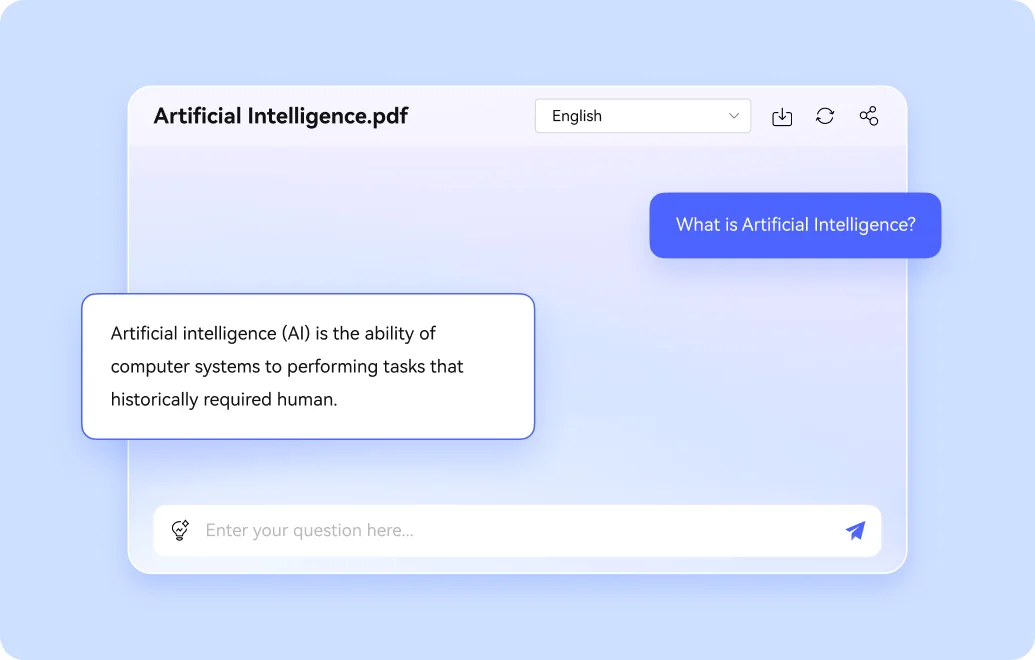
Free TrialInteract, summarize, analyze PDFs and YouTube effortlessly.
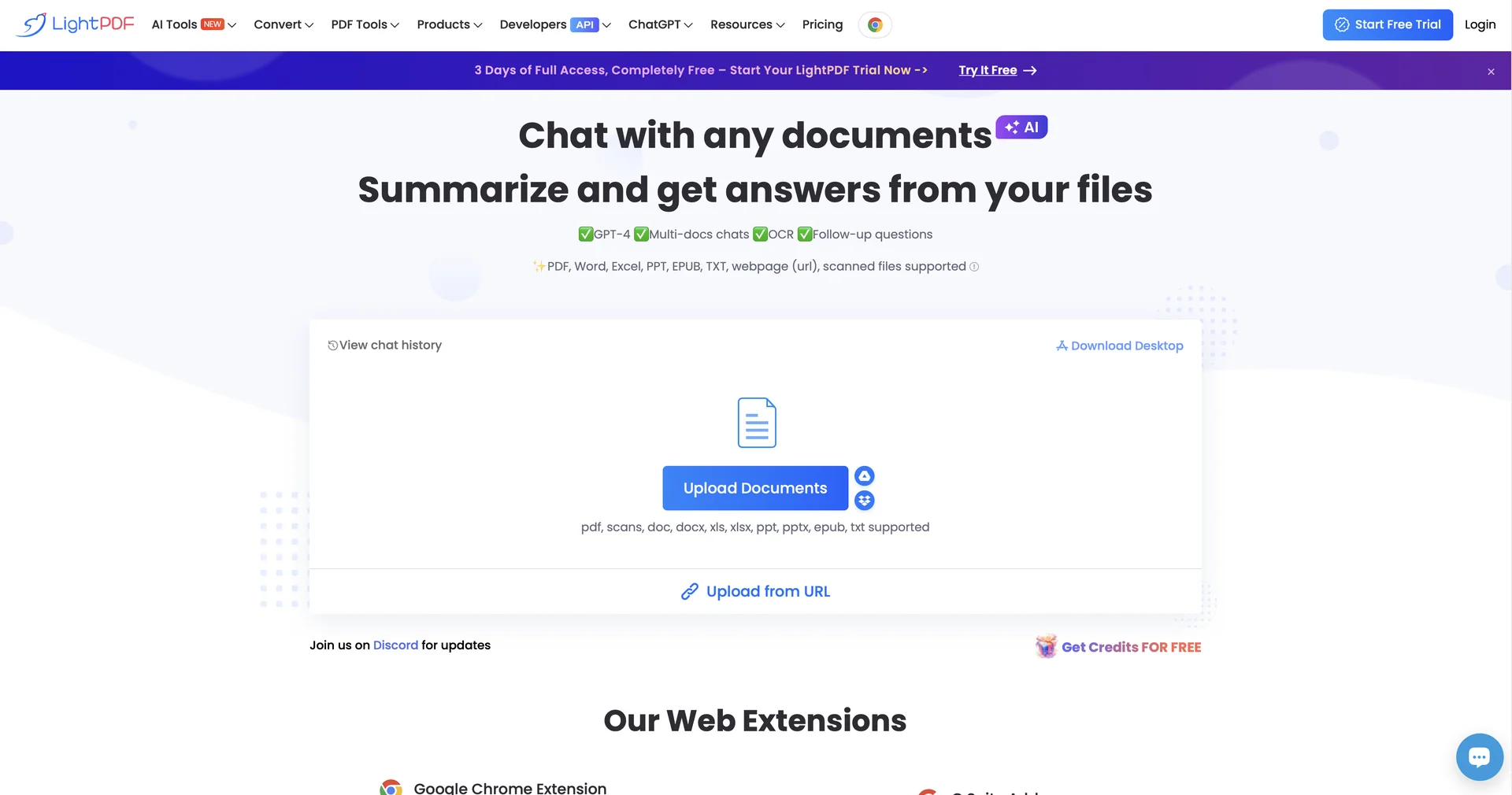
LightPDF
Free TrialChat with documents instantly in 100+ languages.
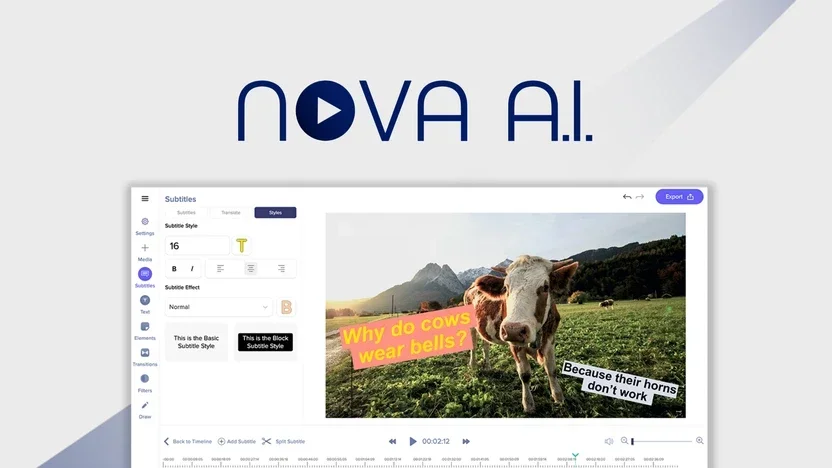
Nova AI
Free TrialNova is a comprehensive AI app and assistant that brings together several AI models within a single platform, such as GPT, Claude, Gemini, DeepSeek, and others. It allows users to chat with AI, generate text content, get help with programming, perform instant online searches, summarize files and links, and generate AI-generated images.
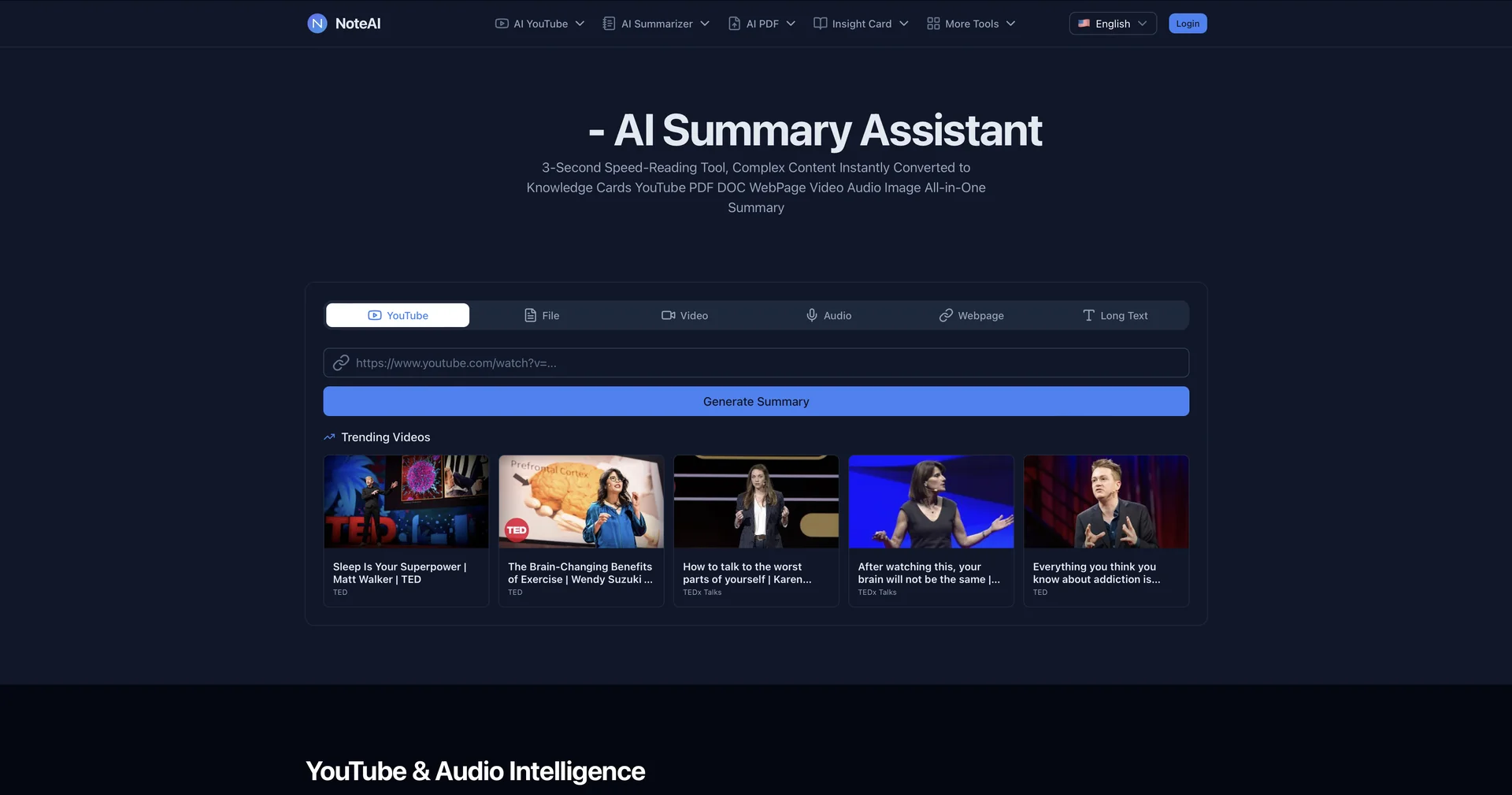
NoteAI
Free Trial3-second AI summarizer for any content type.
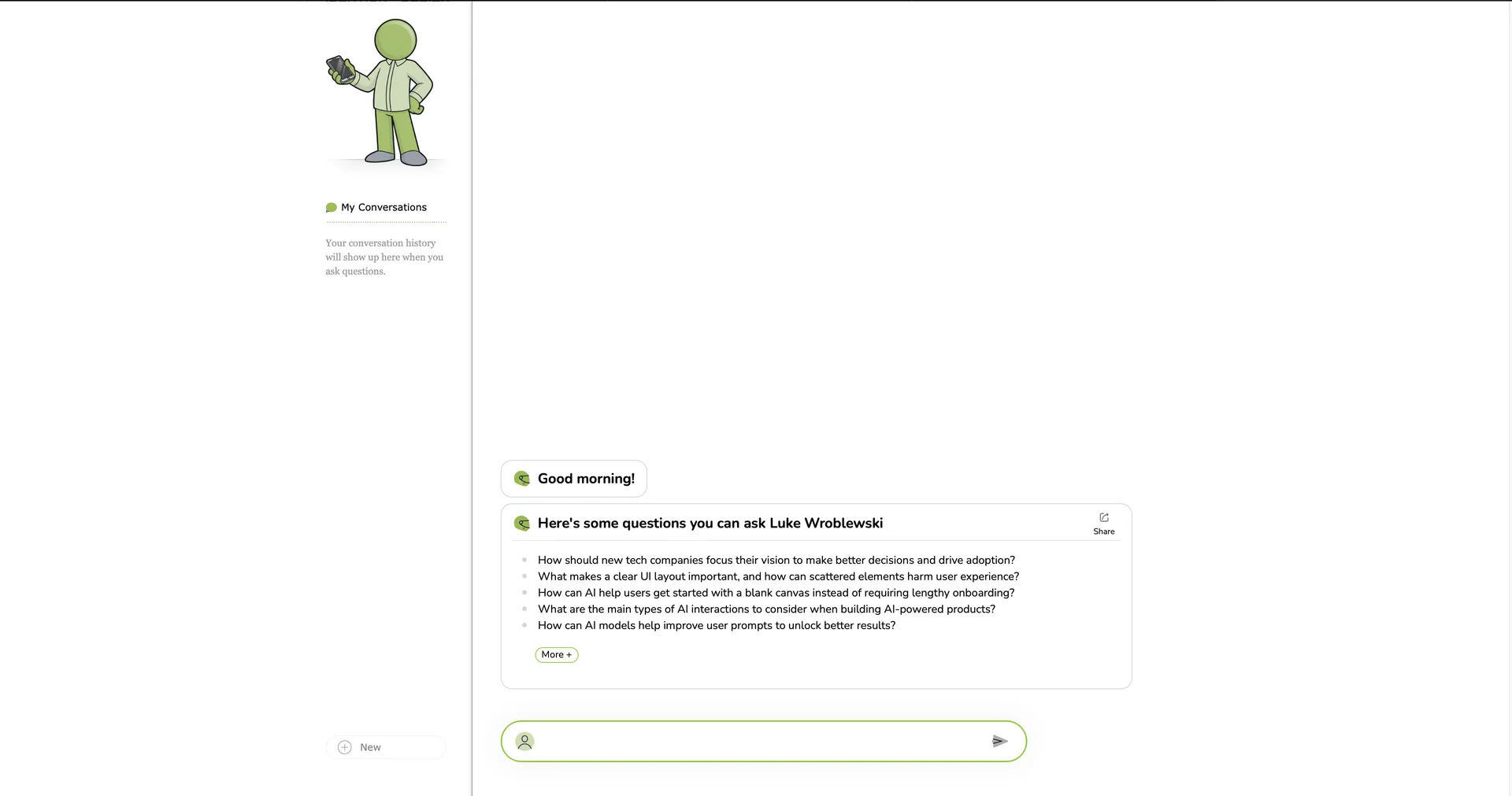
Ask LukeW
FreeChat with Luke's insights on digital design.