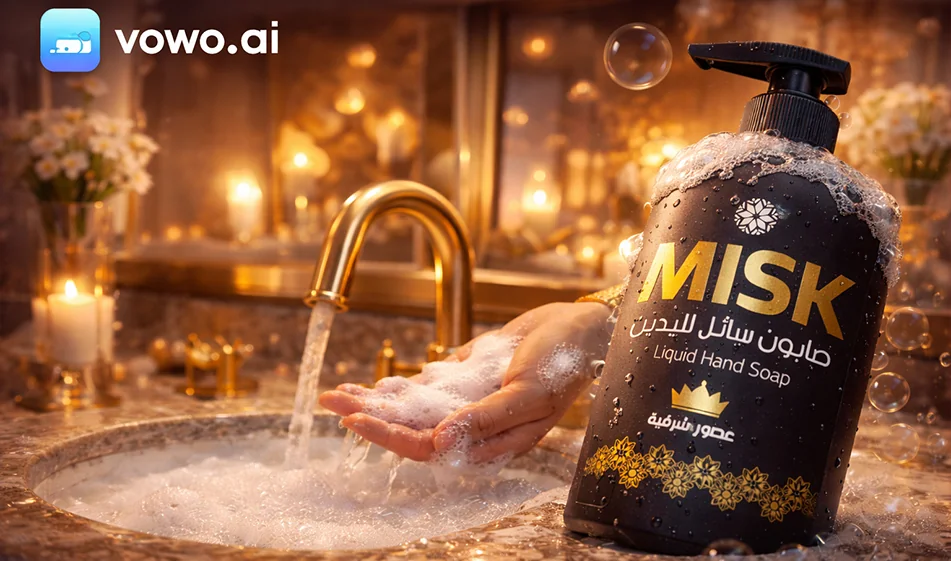
Create a video advertisement for products within vowo.ai (with Sora 2)

Create a video advertisement for products within vowo.ai (with Sora 2)

The idea is simple

Since Sora 2 is integrated into vowo.ai, you can create a professional video ad for your product from one place: upload a product image or write a description, choose the Sora 2template, and generate ready-to-publish clips in minutes,without any editing experience.

The best ad template that works with most products

Instead of a long video, create an ad from 3 short clips and combine them into one video (15–20 seconds):

  1. Visual hook (0–3 seconds)
  2. Clear benefit (3–12 seconds)
  3. Clean ending + call to action(12–18 seconds)

Steps to take within vowo.ai (practically)

  1. Go to vowo.ai and select Create AI Video ,then select Sora 2 as the generation model.
  2. Choose the size:
  • 9:16 for shorts and reels
  • 16:9 for horizontal YouTube
  1. Select the duration: 6–8 seconds for each shot (then repeat the generation for the three shots).
  2. Upload a product image,if available, to ensure product consistency and accuracy.
  3. Paste the prompt (ready at the bottom) and then press Generate.
  4. Generate 3 copies for each shot (change only the camera angle or background) and then choose the best copy.
  5. Combine the shots into one video, then add Arabic text later in Canva to ensure clear Arabic font and proper alignment.

🧩 Ready-made prompts (3 shots) — copy them and edit only the product name

1) Attraction shot (6 seconds)

“6-second 9:16 vertical ad video. Very close shot of the product (product name). Soft studio lighting, realistic shadows, clean luxury background, slow forward camera movement, high detail, commercial style, no text within the video.”

2) Benefit/use shot (6 seconds)

“Vertical video 9:16, 6 seconds long. Product (product name) in realistic use. Hand shot only, no faces, smooth movement, focus on main benefit, soft lighting, simple background, high quality, no text within the video.”

3) Closing shot (6 seconds)

“Vertical video 9:16, 6 seconds long. Product (product name) in the center of the frame, simple rotation of the product or slight sideways camera movement, studio lighting, realistic shadows, clean background with empty space at the top for text later, end of commercial.”

🧠 Rules that instantly improve the quality of your ad

  • Always request: soft studio lighting + realistic shadows + clean background + slow camera movement.
  • Avoid placing Arabic text inside the generation; write it after exporting to ensure font quality.
  • When making multiple copies, change only one element at a time (background or angle) to see what improves the result.

Ready-made voiceover (optional, 12–15 seconds)

“Want an ad that looks like a studio shoot? This is (product name). Clear details, luxurious look, and fast results. Try it today.”

Compass Summary

Inside vowo.ai and using Sora2, the secret to a successful product ad is a consistent template: quick hook + clear benefit + clean conclusion. Repeat it for your products, and you'll quickly have a series of ads ready to go.

For more AI tools: bosala.ai

January 29, 2026 08:18 PM GMT
About Sora

Tool Name:

Sora (by OpenAI)

Tool Category:

AI-powered text-to-video generation; primarily under Video Generation and Animation Generation, with strong relevance to Content Creation & Communication, Generative AI & Media Creation, and Productivity & Automation. 

What does this tool offer?

Sora enables text, image, or video-to-video generation with several creative features:

  • Text-to-video and video remixing: Generate original videos from prompts, or remix existing scenes by adding, removing, or transforming elements like setting or objects. 

  • Editing capabilities: Supports recuts, seamless loops, storyboard organization, and applying visual style presets. 

  • High-resolution outputs: Up to 1080p (Pro tier) with longer durations and multi-generation support. 

What does the tool actually deliver based on user experience?

  • Fast prototyping and conceptualization—creatives see quick scene visualizations without elaborate production setups. 

  • Accessible filmmaking—filmmakers and educators use it for sizzle reels and previsualization, though quality limitations remain. 

  • Industry debate—while hailed as revolutionary (notably by Tyler Perry), critics highlight concerns around copyright, authenticity, and job displacement.

Does it include automation?

Yes — Sora automates every stage of video generation:

  • Transforms textual, image, or video prompts into coherent clips complete with lighting, context, and effects. 

  • Handles advanced editing like blending and looping without manual intervention. 

Pricing Model:

Sora is available through ChatGPT subscription tiers:

  • ChatGPT Plus (~$20/month): Enables 720p video generation up to 10 seconds. 

  • ChatGPT Pro (~$200/month): Offers faster generation, 1080p resolution, videos up to 20 seconds, and concurrent processing. 

Free Plan Details:

  • No free tier—access is available only via paid ChatGPT plans.

Paid Plan Details:

  • All Sora capabilities are gated behind Plus and Pro subscription plans, with higher tiers unlocking better resolution, duration, and performance. 

Access Method:

  • Fully web-based through the ChatGPT interface—no separate installation needed. 

Experience Link:

https://openai.com

About Sora 2

️ 🖼Tool name:
Sora 2

🔖 Tool Rating:
A standalone tool for creating short videos using artificial intelligence that automatically converts text into videos with virtual characters and visual elements.

️ ✏What does it do?

  • Convert text to video: The user can write a short text or script, and Sora 2 turns it into a visually appealing video in a matter of seconds.

  • Virtual Cameo Characters: The tool allows the use of realistic digital characters, which can mimic facial expressions and basic movements while displaying text, increasing the realism and interactivity of the video.

  • Video duration: Currently, very short videos can be produced up to about 10 seconds per creation, with the ability to merge multiple clips later.

  • Seamless export and sharing: Videos are exported in formats ready to post directly to social media platforms such as TikTok, Instagram, and YouTube Shorts.

  • Simplified user interface: The app is designed to be standalone and easy to use, so the user doesn't need high technical expertise or advanced video editing tools.

What does it actually offer based on user experience?

  • Fast video production: Short videos can be produced in seconds, significantly reducing labor time compared to traditional production.

  • Limited but varied visual creativity: Videos are short and focused, with a simple and realistic visual effect, making them suitable for marketing, social content, and quick learning.

  • Integration with Cameo content: Allows the addition of real virtual characters to interact with text, enhancing the personalization and appeal of the content.

  • Current limitations: Videos are very short, each clip is limited in length, and does not yet support long or complex productions like Luma Ray 3 or Synthesia Creator.

🤖 Does it include automation?
Yes ✅

  • The tool fully relies on artificial intelligence in all stages of video production:

    1. Analyzing the text provided by the user.

    2. Choosing the right characters and movements (Cameo).

    3. Automatic generation of graphics, lighting and motion.

    4. Outputting the video in a directly publishable format.

  • All of these steps are done without technical manual intervention, making it an effective tool for rapid content creation.

💰 Pricing model:

  • Official pricing details have yet to be announced, but the tool is currently available as a standalone version in the US and Canada.

  • It is expected that there will be limited free options or a paid subscription to access full production features, as is the case with other AI video tools.

🧭 How to access the tool:

  • Sora 2 was launched as a standalone tool that can be downloaded or accessed via the official app in the US and Canadian markets.

  • The user needs to create an OpenAI account and try out the current beta version.

  • Availability in other regions, support for multiple languages or additional platforms has not yet been announced.

🔗 Link to the trial or official website:
https://www.reuters.com/world/americas/openai-launches-ai-video-tool-sora-standalone-app-2025-09-30/