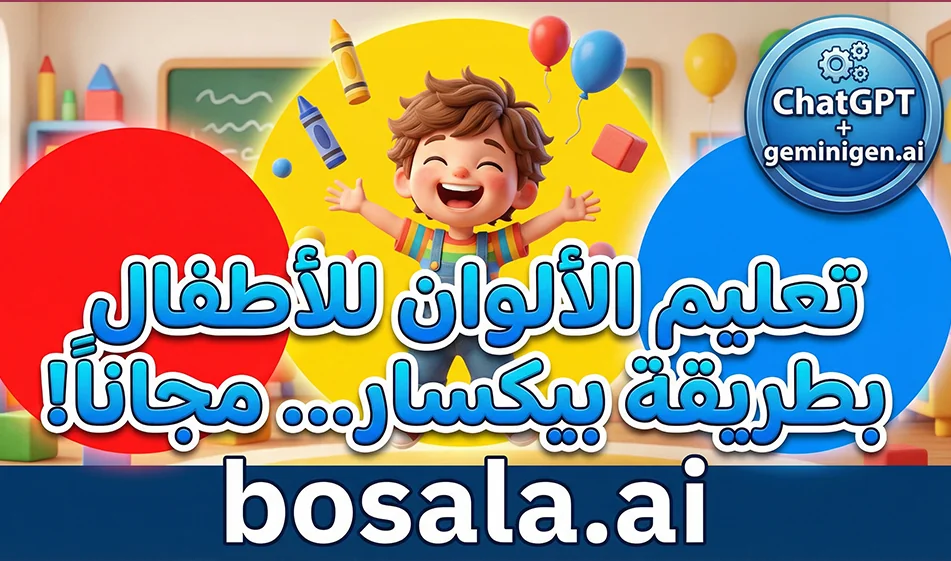
A Smart Solution for Creating Educational Videos for Kids About Colors in a Child-Friendly 3D Style
Here’s a tip from Busla for creating fun, short videos for kids about colors, using two tools
The first for writing the idea and prompts correctly
and the second to generate videos ready for publication in a child-friendly 3D style similar to Pixar’s
The idea is simple
Ask ChatGPT to write a very short script divided into scenes, then copy the prompt for each scene and generate it in Geminigen.ai as short clips, and then combine them into a single video
Website link: https://geminigen.ai/app/video-gen/grok
Why this approach works with children
The information is presented within a short story rather than as a direct lesson
Each scene explains only one color
The videos are short, so you watch them to the end and they automatically replay
The cute characters help children associate the color with something they love
The golden rule before you start
One video teaches only one color
Or two colors at most if the video is 30 seconds long
Keep the words simple and appropriate for ages 4 to 7
Step-by-step practical steps
Step 1: Generate the idea and script in ChatGPT
Type this request exactly as shown, then just change the color
Write me an educational video for children aged 4 to 7 about a single color: red
Duration: 20 seconds
Divide the video into 4 short scenes
For each scene, give me
the narrator’s text in Modern Standard Arabic—just one line
A visual description of the scene in a childlike, 3D style similar to Pixar
Note that the video is in 9:16 vertical format
End with a simple question for the child
and do not put any text on the screen
You will receive 4 ready-made prompts for each scene
Step 2: Generate clips in geminigen.ai
Open Video Generation and apply these settings
Aspect ratio: 9:16
Duration: 5 to 6 seconds per clip
No text in the video
Child’s voice only if available, or you can add audio later
Paste the prompt for the first scene, then generate
Repeat for the second scene, then the third, then the fourth
Tip: Compass
Generate only two versions for each scene, then choose the best one
If errors appear, don’t change the entire prompt
Change just one line, such as making the movement smoother or reducing the elements in the background
Step 3: Compilation and Publishing
Arrange the four clips in order
Add a voiceover in Modern Standard Arabic if no suitable audio is available
Then publish it as Shorts and Reels
A ready-made template for a single-color video prompt
Copy it into geminigen.ai and change only the color name
A 3D educational video for children in a childlike style similar to Pixar, 9:16 vertical aspect ratio, 6 seconds long
A cute 5-year-old Arab boy with big eyes and a warm smile inside a colorful playroom
He holds up a red object and says a short sentence in Classical Arabic about the color red
Warm lighting, cheerful colors, soft textures, simple and clear movement, strong facial expressions
No text on screen, no subtitles, no music
A ready-made example of a video about the color red in 4 scenes
You can use it as is or ask ChatGPT to write similar ones for each color
Scene 1
A child opens a toy box and a soft red light appears
Narrator
Today we’re going to learn about the color red
Scene 2
A cartoon red apple jumps up and waves at the child
Narrator
This is a delicious red apple
Scene 3
A red toy car drives by at a gentle speed, leaving a beautiful red trail
Narrator
And this is a beautiful red car
Scene 4
The child holds up a red balloon and asks
Narrator
Can you see anything red in your house?
Tips from Bousla to increase views
Make the first second a visual hook, such as the color appearing as a gentle flash or a surprise from a box
Use the same child and the same room in every episode to maintain consistency
End each video with a simple question to encourage comments
What color do you want to see in the next episode?