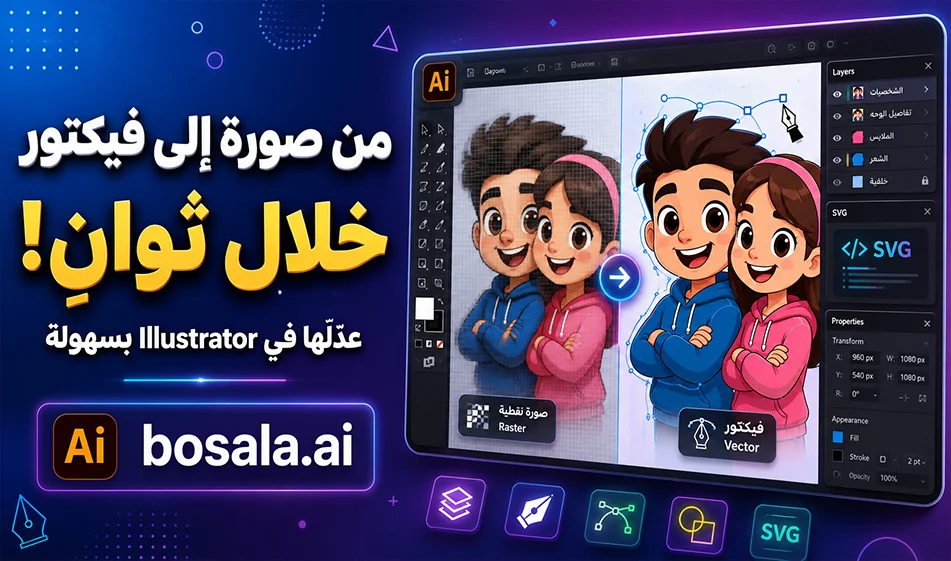
An Overview ofthe Kittl Vectorizer Toolfor Converting Images to Editable Vectors
If you’re a designer or work on logos, graphics, and posters, the Kittl Vectorizertool helps you convert any standard image into an editable vector file in seconds. Instead of keeping the image in a standard format like PNG or JPG and losing quality when zooming in, you can convert it into a vector design that can be opened and edited in Adobe Illustrator or used in design and print projects.
Link: https://www.kittl.com/tools/vectorizer
How does the tool work?
It’s very simple to use. Upload the image you want to convert—such as an illustration, logo, cartoon character, or simple design—then select “Convert to Vector.” The tool will then convert the image into editable paths, and you can download the result as an SVGfile and open it in Illustrator.
Once the file is open, you’ll be able to edit the paths, change colors, scale the design, separate elements, and use it for posters, stickers, T-shirts, or any other design project.
Practical Example
If you upload a cartoon image, such as a picture of Tom and Jerry, and apply the conversion, you’ll get an editable vector file. You can then open the file inIllustrator, adjust the colors and paths, and scale up the design without any pixelation, as if it were hand-drawn from scratch.
Why is this tool useful?
Because regular images are based on pixels, and when you enlarge them, they may lose quality. Vector images, however, are based on paths, so they remain clear no matter how large they are. This is very important in designing logos, icons, illustrations, posters, and for printing.
When should youuse Kittl Vectorizer?
Use it when you have a regular image and want to convert it into an editable file. Such as an old logo, a simple drawing, an icon, a hand-drawn design, or an image you want to use in high-quality print.
Compass Tip
For best results, use a clear image with a simple background and good contrast. The cleaner the original image, the clearer the resulting paths will be and the easier they will be to edit in Illustrator.
Conclusion
The Kittl Vectorizertool saves you a lot of time when converting images to vectors. Upload the image, convert it toSVG, open it inIllustrator, then adjust the colors and paths and scale up the design without losing quality. A quick and useful method for any designer who wants to convert regular images into professional, editable files.