How to expand any photo... with just one step? 😲
Upload your photo, choose the direction, and the rest is up to the AI 👌
A free tool that's perfect for creatives.
Give it a try: ease.ai/app/AIExtender
#AI#Creativity#Graphic Design #Compass #Trend
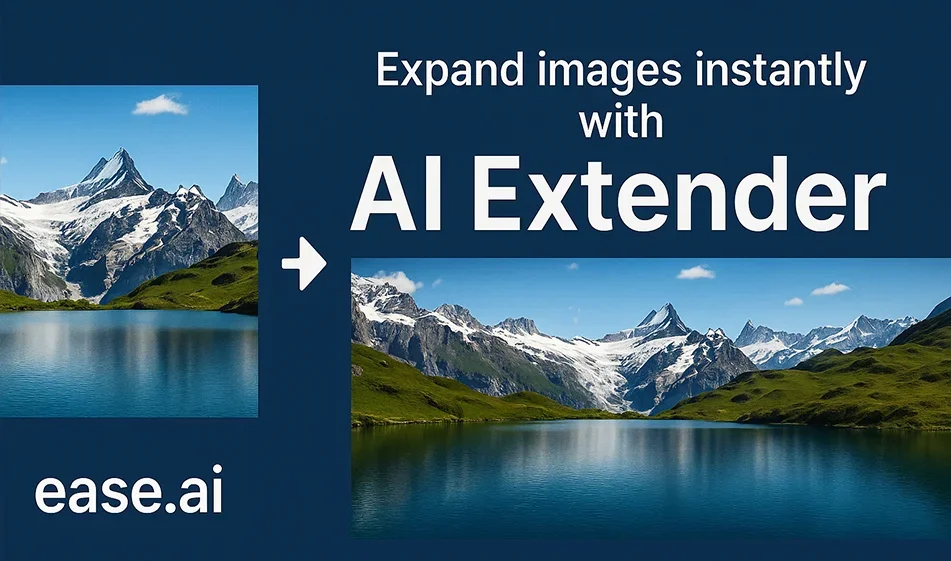
How to expand any photo... with just one step? 😲
Upload your photo, choose the direction, and the rest is up to the AI 👌
A free tool that's perfect for creatives.
Give it a try: ease.ai/app/AIExtender
#AI#Creativity#Graphic Design #Compass #Trend
️ 🖼Tool Name:
ExtendImageAI
🔖 Tool Category:
• Edit/Enhance/Upscale
• Image Design and Creation
• Generate images from text
️ ✏What does this tool offer?
ExtendImageAI allows users to automatically expand images using AI, while preserving the image’s realistic details. You can control the aspect ratio, enhance quality, and fill in missing parts, making it suitable for design, social media, and advertising.
⭐ What does it actually offer based on user experience?
The tool provides a straightforward image enlargement experience: users can upload an image from their device or enter a link, use a text prompt to guide the AI, and choose the number of output images. The resulting images are optimized and consistent with the original, saving designers time and delivering professional results quickly.
🤖 Does it include automation?
Yes, all processes are automated by AI, including filling in empty areas and enhancing details, without the need for manual intervention.
💰 Pricing Model:
Based on a “Credits” system, where credits are deducted for each image enlargement, with the option to purchase various packages as needed.
🆓 Free plan details:
💳 Paid Plan Details:
🧭 How to access the tool:
Visit the official website, upload an image or enter its link, (optional) write a description in the Prompt field, specify the number of images, then click the “Extend image” button to generate the extended images.
🔗 Demo link or official website:
https://extendimage.ai