Description
️ 🖼Tool name:
GraphicInfo
🔖 Tool Category:
Designing and creating images
Generate articles and posts
- Content calendars and scheduling
Display products and AR/VR
Tasks and projects
️ ✏What does this tool do?
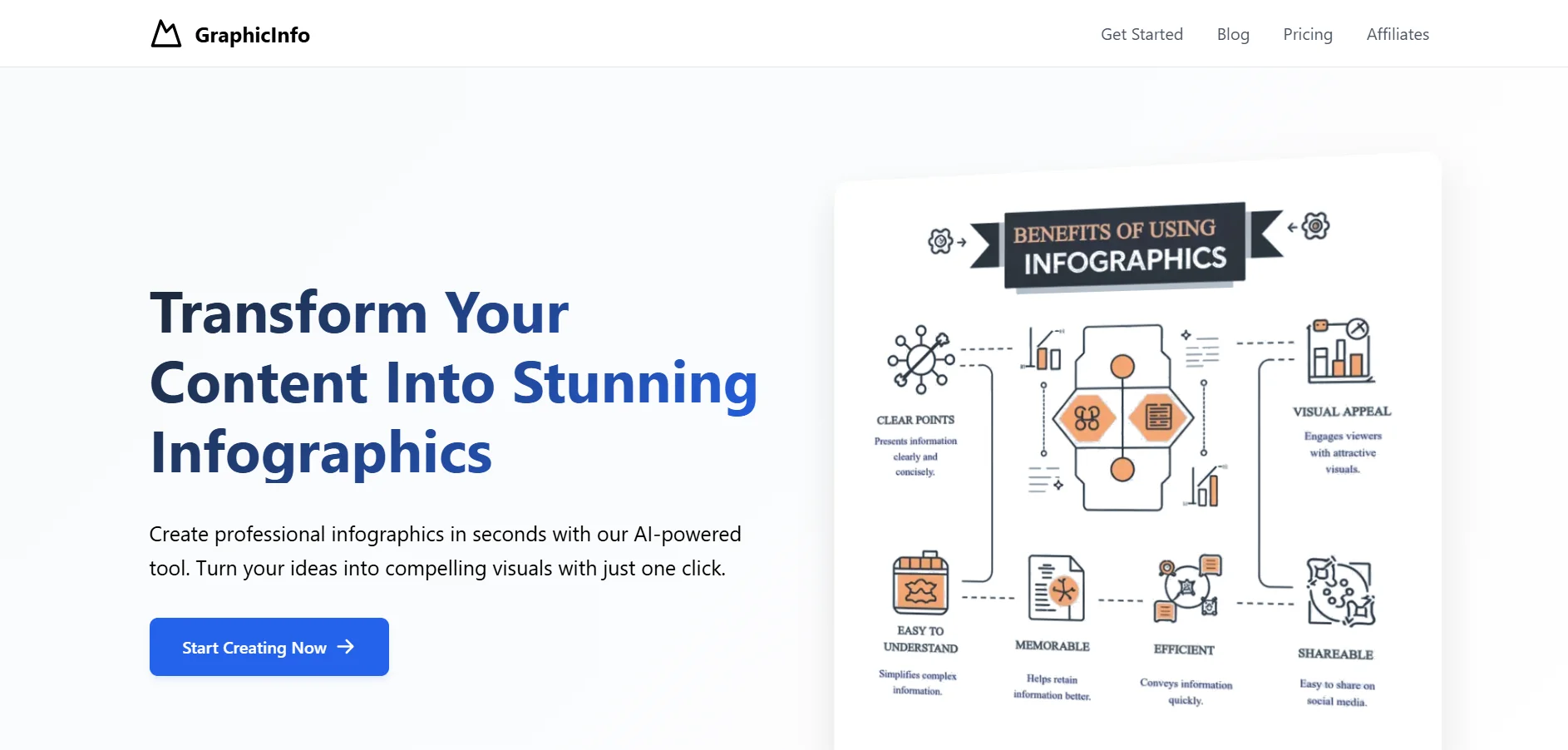
GraphicInfo helps users turn text and ideas into professional infographics in seconds. Enter text, data, or a topic, and the tool creates a visually-ready AI infographic with customizable templates, without having to deal with complex traditional design programs.
⭐ What does it actually do based on user experience?
Convert text to infographics very quickly with a single click.
A user-friendly interface suitable for beginners and non-designers.
Options to customize text, colors, and images within the infographic.
Generate visual content suitable for websites, blogs, social media, and presentations.
🤖 Does it include automation?
Yes, it includes automation:
Automatically analyze and visually organize text.
Use Creative Mode to create dynamic graphic elements.
💰 Pricing model:
Credits-based freemium system with a limited free plan and monthly paid plans that give additional credits.
🆓 F ree plan details:
Lifetime free credits (e.g. 5 credits) to create a simple infographic.
Basic AI models with data saved for a set period (e.g. 30 days).
Suitable for experimentation or light use.
💳 Details of paid plans:
Advanced - $9.99/month: 80 credits, advanced forms, save data, access to new features.
Pro - $19/month: 240 credits, advanced features to create more content.
Business - $38/month: 800 credits, better performance and more credits for larger projects.
20% off with an annual subscription for some plans.
🧭 How to access the tool:
Web browser right after registration, with the ability to enter text or data, choose a template, and easily create and customize your infographic.
🔗 Trial link or official website:
GraphicInfo