️ 🖼Tool name:
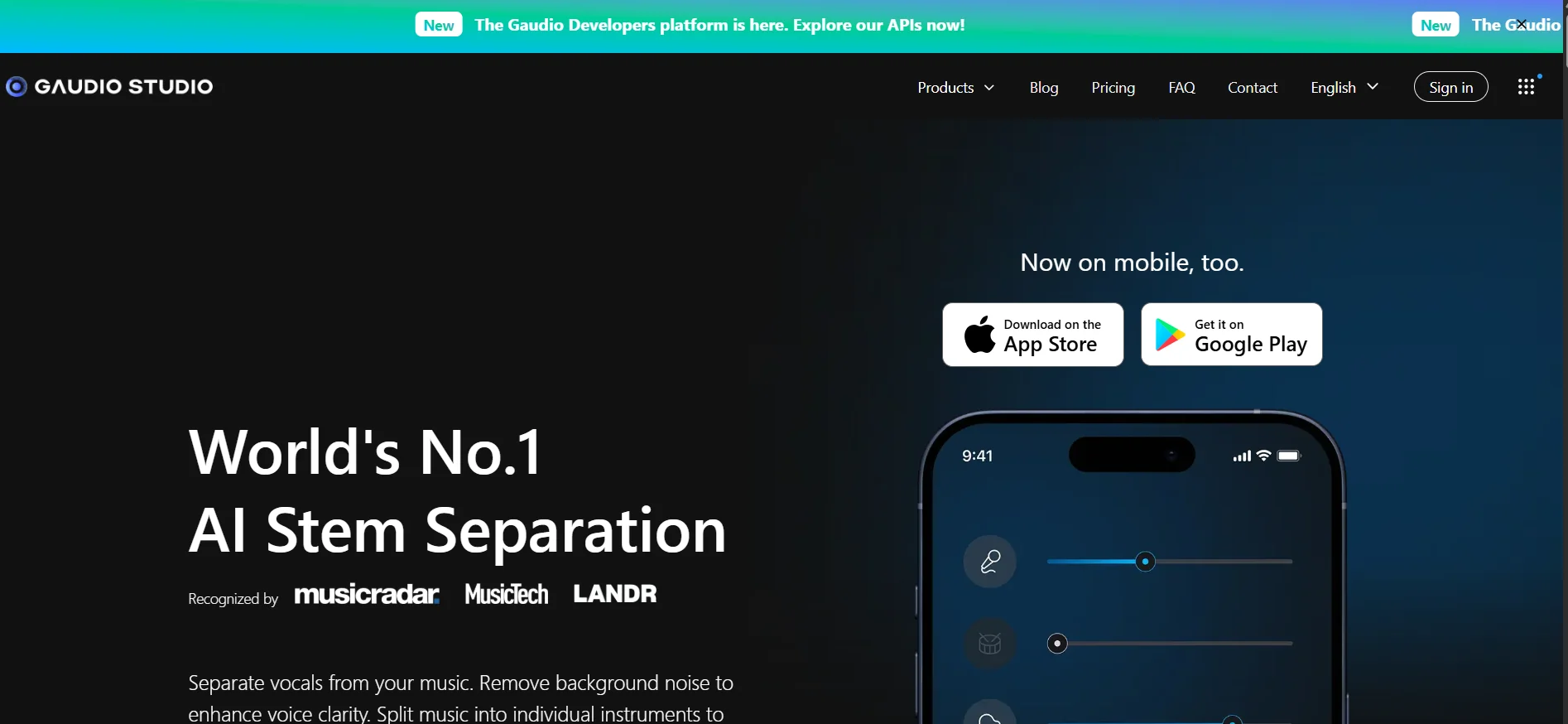
Gaudio Studio
🔖 Tool Category:
AI Vocal Processing - Vocal Remover & Stem Splitter
️ ✏What does this tool do?
It enables you to upload an audio or video file and separate the main vocals or voice from the background music, and split the track into multiple "Stems" such as guitar, drums, bass, and other instruments. Supports MP3, WAV, FLAC, and allows you to upload files from YouTube or Dropbox/Google Drive.
⭐ What does it actually offer based on user experience?
Easy and intuitive interface to use via browser.
Good results for most audio files, suitable for personal use, karaoke creation, or music rehearsals.
The main limitations of the free plan are related to the number of minutes available.
🤖 Does it include automation?
Yes, it relies on AI to automate uploading files, analyzing tracks, separating vocals and instruments, creating themes, and then automatically downloading the results.
💰 Pricing model:
🆓 F ree plan details:
There is a "Free Trial" that allows 20 free minutes to try out the vocal separation.
💳 Paid plans details:
STUDIO 50: 50 minutes for approximately $7.
STUDIO 200: 200 minutes for approximately $16.
STUDIO 1200: 1200 minutes for approximately $79.
All plans are based on a system of "credits" depending on the number of minutes to be separated or split.
🧭 How to access the tool:
Visit the official website: studio.gaudiolab.io
Create an account or login.
Upload the audio file or link to be processed.
Choose the type of processing (Vocal Remover or Stem Splitter) and run it.
Download the results after the processing is complete.
Experience Link: https://www.gaudiolab.com/gaudio-studio?callbackUrl=%2F%3Futm_source%3Dchatgpt.com