Levity
Description
️ 🖼Name of the tool:
Levity (levity.ai)
🔖 Tool Rating:
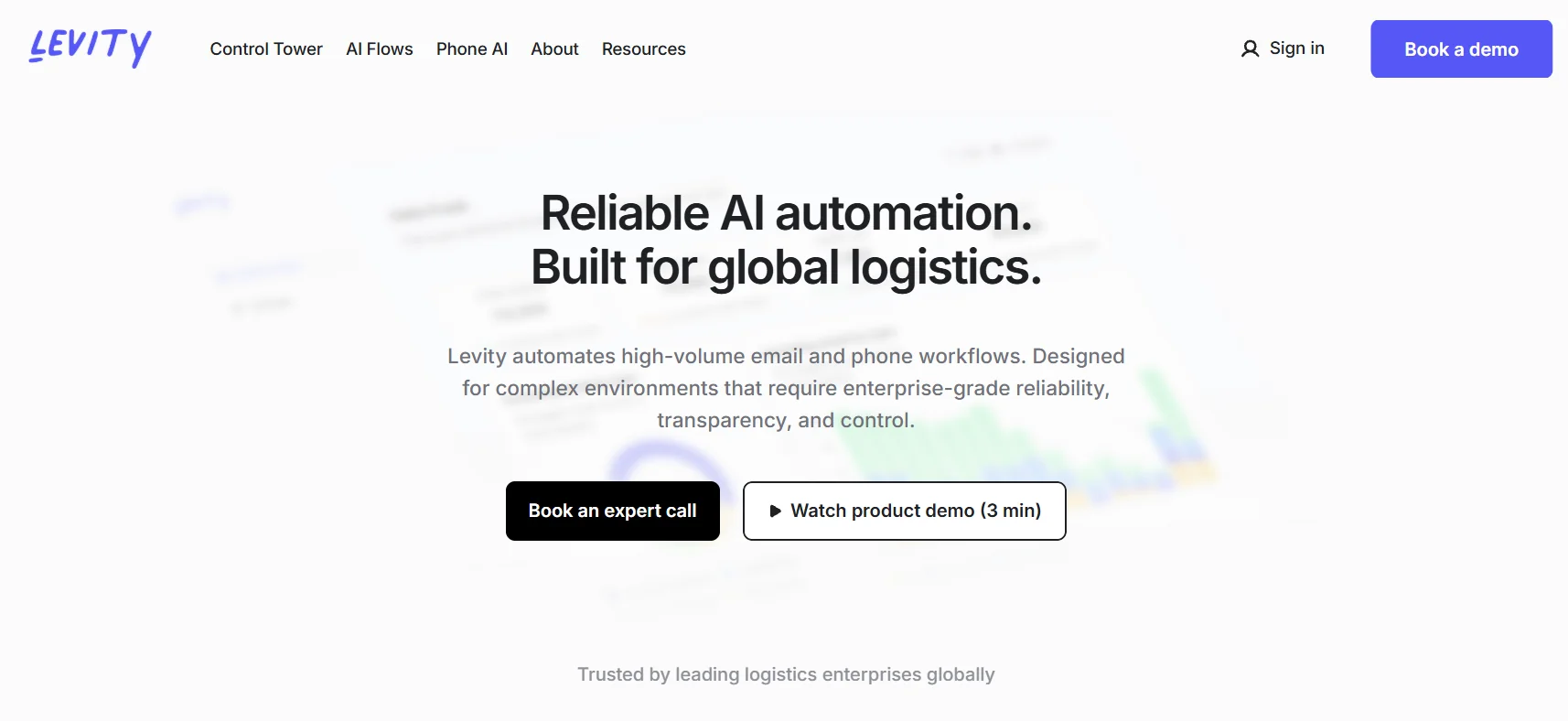
An intelligent, no-code automation platform for categorizing text, images, and documents using artificial intelligence.
️ ✏What does it do?
Train "AI Blocks" to categorize folders, emails, text, images or documents.
Workflow automation: No-code Flows that combine rules + AI to process mail or documents.
Real-time analytics for performance and processing rate.
Phone call automation: Answer, follow up, and perform tasks such as shipping or billing verification.
Support for multiple languages in some global scenarios.
Integration with external tools via API or Zapier and Make.
Security and compliance: ISO 27001, SOC 2, and GDPR compliance.
⭐ What do you actually offer based on user experience?
Used extensively in the logistics industry to categorize incoming mail, process quotes, and track orders.
Enables teams to see where issues exist and accurately analyze performance.
Allows non-technical people to easily build AI models via a drag-and-drop interface.
Reduces manual errors and speeds up daily operations.
Phone AI provides great relief for teams that receive repetitive or routine calls.
🤖 Does it include automation?
Yes:
Automate message and document classification using AI and customized rules.
Automate phone calls via Phone AI.
Automate Flows to execute multiple tasks when specific data comes in.
Automate performance analysis through an analytical dashboard.
💰 Pricing model:
🆓 F ree plan details:
Free Sandbox Plan: 1 active Flow, 1 AI Block, up to 100 operations per month, and community support.
Suitable for trying out the tool, building and testing some simple automation.
💳 Paid plans details:
Startup/Business: Starts at $49/month for 500 actions.
Business is higher: A plan with 5,000 actions per month at $139/month.
Enterprise: Customized price depending on the volume of operations and integration required.
🧭 How to access the tool:
Visit Levity.ai.
Create an account and choose a plan (can start with the free Sandbox plan).
Create an AI Block and design a Flow to automate the desired task.
Connect the flow with external tools if desired (e.g. Zapier).
Monitor performance from the Control Tower dashboard to analyze the results.
🔗 Link to the demo or official website:
Levity.ai official