Visme
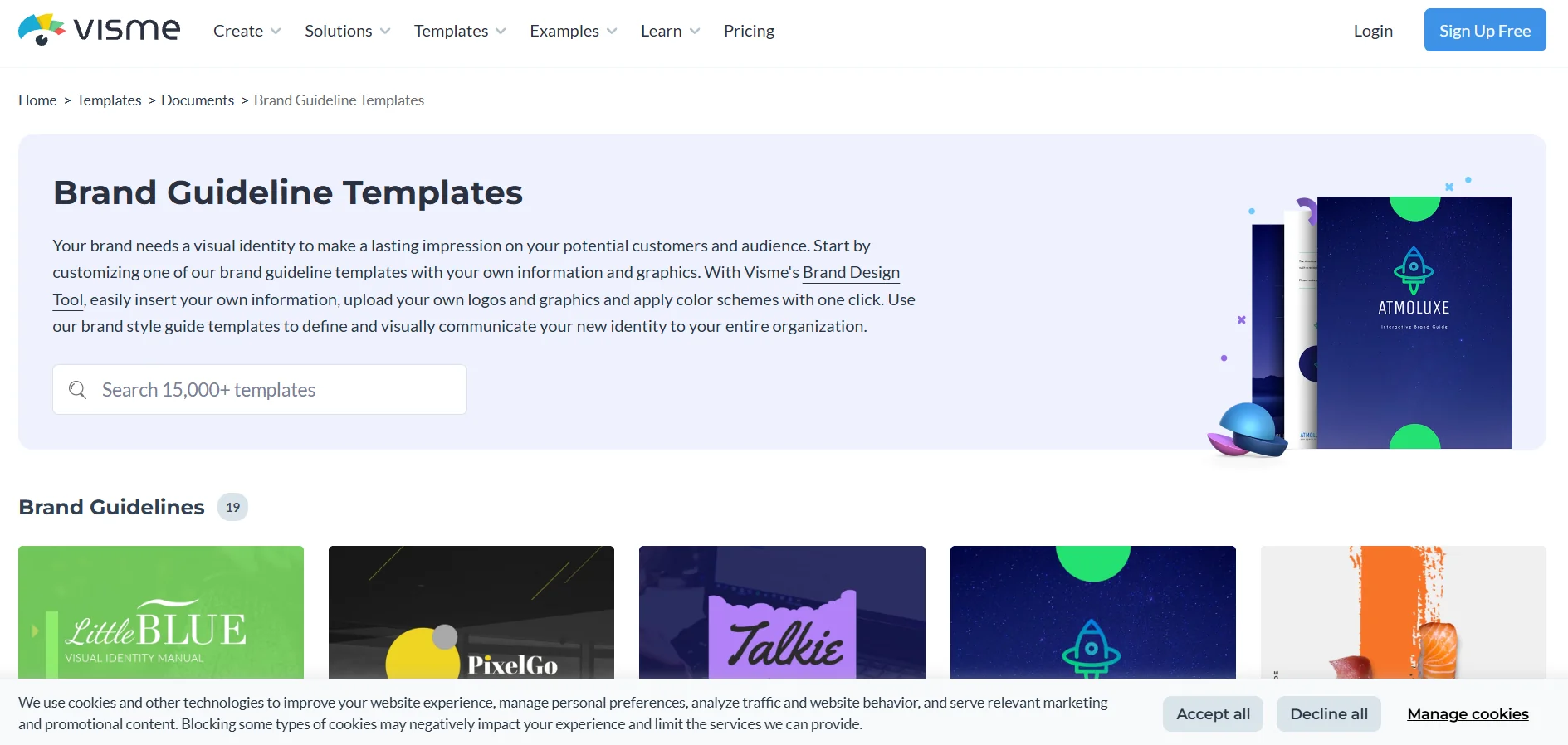
Description
️ 🖼Tool/Template Name
Visme - Brand Guidelines Templates
🔖 Tool/Template Category
A design and collaboration tool with a library of ready-made templates for Brand Guidelines / Style Guide Template.
️ ✏What does this tool/template offer?
Visme provides a set of ready-made templates that help you quickly create your brand identity guide, including pre-made pages for logo, colors, fonts, visual elements such as icons, images, shapes, and different display styles. You can easily customize everything: Change colors, fonts, images, upload your logo, and create a custom directory that matches your identity. You can upload the finished guide in different formats such as PDF, JPG, PNG, or HTML5, share it via a direct link, or embed it on your website. If you work in a team, Visme allows you to set up a "Brand Area" to upload all brand assets (logos, colors, fonts) and automatically apply them to projects to ensure visual consistency.
⭐ What does it actually offer based on user experience?
Using templates saves a lot of time and effort, providing a ready-made structure without having to design each page from scratch. It makes it easy to standardize the visual identity of all your designs and share them within the team or with clients without complexity. Provides high flexibility in customization with the ability to easily upload or share the design digitally. It also ensures consistency within the team when using the "Brand Kit/Brand Area" feature, where any new project is automatically based on the selected identity.
🤖 Does it include automation?
The tool doesn't create the identity automatically, but it provides partial automation through the "Brand Kit/Brand Area": When setting up colors, fonts, and logos, these settings are automatically applied to each new design, ensuring visual consistency and reducing the need for manual intervention for each project.
💰 Pricing Template
Templates are available for use after registering an account with Visme, and some basic templates may be available in the free plan, but advanced features like Brand Kit or multi-format uploads are often included in paid plans. Be sure to check Visme's pricing page for exact details depending on your needs and number of users.
🧭 How to access the tool/templates
Templates can be accessed directly through the Visme website, by registering an account and then entering the Templates section or the "Brand / Brand Area" section, and the template can be modified directly within the browser without the need to install any software.
🔗 Link to the demo or official website
Visme - Brand Guidelines Templates