Description
🖼️ Tool Name:
Smartsheet
🔖 Tool Category:
AI-powered work management & automation platform; it falls under Tasks & Projects, RPA & Task Automation, Analytics & Dashboards, و Business Docs Automation.
✏️ What does this tool offer?
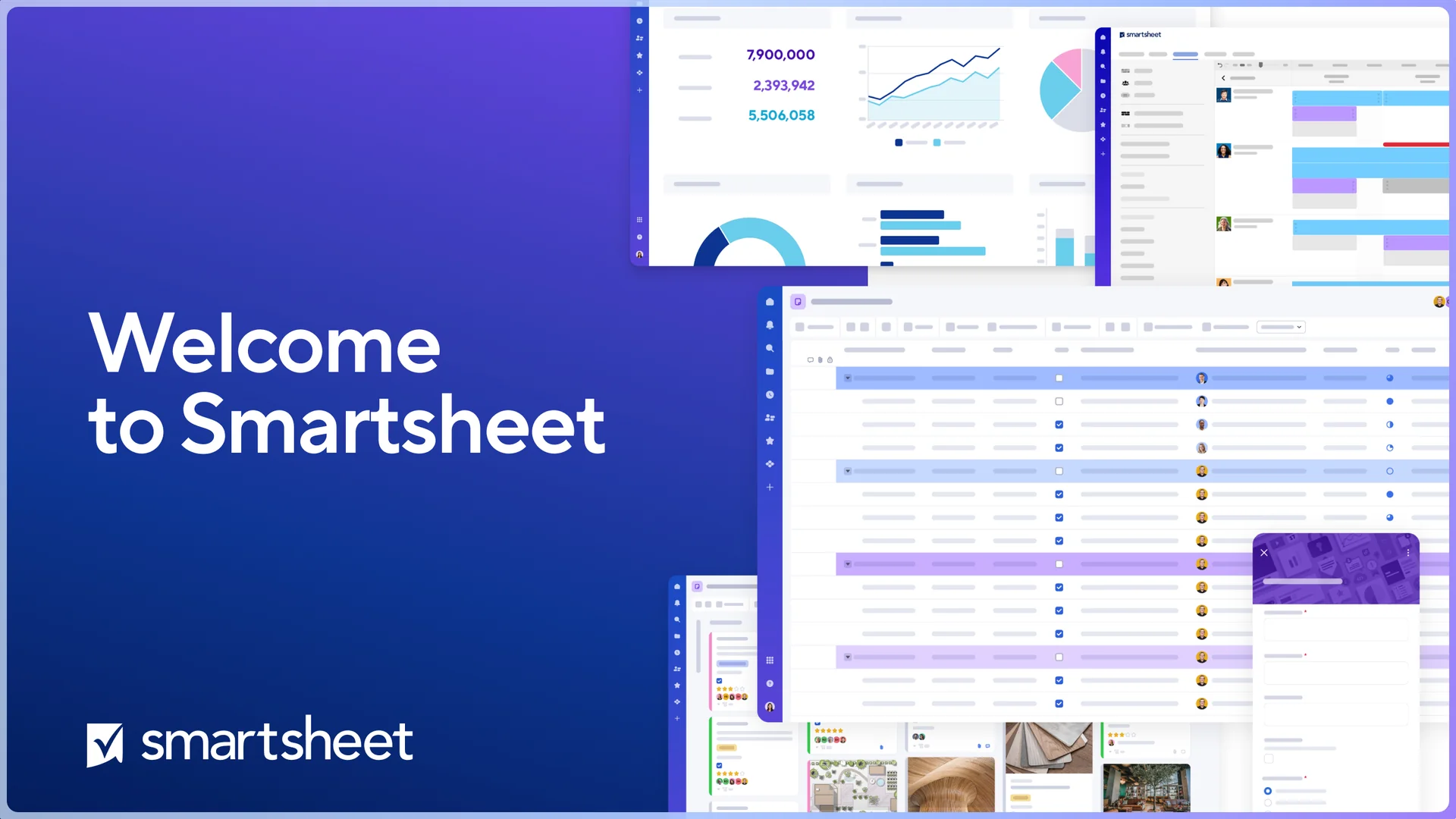
Smartsheet is a collaborative work management platform that helps teams plan projects, automate workflows, manage resources, analyze data, and deliver reports—all in a spreadsheet-like environment enhanced by AI.
⭐ What does the tool actually deliver based on user experience?
• Project and task management
• Automated workflows & approvals
• Dashboards and real-time reporting
• Gantt, Grid, Kanban & Calendar views
• Resource and workload management
• AI-generated summaries & insights
• Portfolio management for enterprises
• Document creation and attachment handling
• Cross-team collaboration
• Integrations with Google Workspace, MS Teams, Slack, Jira, and more
🤖 Does it include automation?
Yes — Smartsheet includes strong automation capabilities:
• Automated reminders & notifications
• Multi-step approval workflows
• Conditional triggers for actions
• Task assignment automation
• AI-powered summaries & recommendations
• Integration-based process automation (Zapier, Power Automate)
• Auto-generated updates and reports
💰 Pricing Model:
Subscription-based (SaaS)
🆓 Free Plan Details:
• Limited users
• Limited sheets
• Basic collaboration features
• No advanced automations
💳 Paid Plan Details:
• Unlimited sheets & users (depending on plan)
• Full automation library
• Dashboards & reporting tools
• Resource management
• AI capabilities & insights
• Admin controls & governance
• Enterprise-grade security
• Premium add-ons (Control Center, Data Shuttle, etc.)
• Priority support
🧭 Access Method:
• Web App
• Mobile Apps (iOS / Android)
• Integrations (Jira, Salesforce, Slack, Teams, Google Workspace…)
• API access for enterprise automation
🔗 Experience Link: