Pixlr: AI-Powered Editor
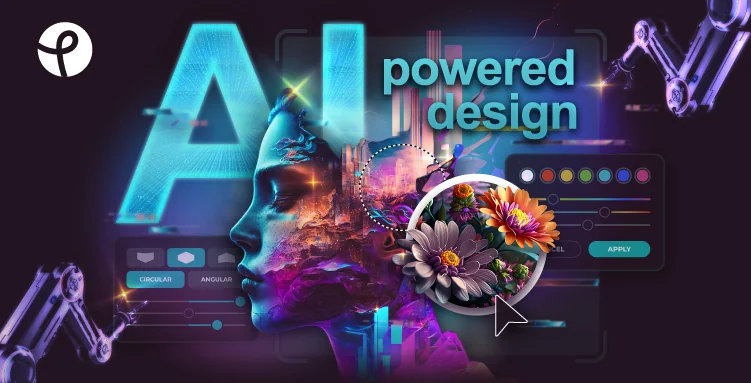
Description
🖼️ Tool Name:
Pixlr: AI-Powered Editor
🔖 Tool Category:
AI-powered image editing platform; it falls under the category of creative AI tools focused on photo editing, enhancement, background removal, and design-ready visuals.
✏️ What does this tool offer?
Pixlr provides a browser-based AI image editor that combines traditional photo editing tools with AI-powered features. It enables users to quickly edit, enhance, and design images for social media, marketing, e-commerce, and creative projects without requiring professional design software.
⭐ What does the tool actually deliver based on user experience?
• AI background removal and object cleanup
• Image enhancement and upscaling
• Text-to-image generation (Pixlr AI tools)
• Smart fill, replace, and generative expand features
• Templates and presets for social media and marketing designs
• Layer-based editing similar to Photoshop (but simpler)
• Fast, web-based workflow suitable for creators and marketers
🤖 Does it include automation?
Yes — Pixlr includes practical automation features, such as:
• One-click background removal and subject detection
• Automated image enhancement and resolution improvement
• AI-powered object removal and replacement
• Reusable templates for repetitive design tasks
💰 Pricing Model:
Freemium
🆓 Free Plan Details:
• Free access with ads
• Limited AI credits and exports
• Basic editing and design features
💳 Paid Plan Details:
• Subscription plans (Plus / Premium / Team)
• Higher AI usage limits and export quality
• Ad-free experience
• Advanced AI tools and commercial usage rights
🧭 Access Method:
• Web-based application
• Desktop and mobile apps
🔗 Experience Link: