Square Online
Description
️ 🖼Tool name:
Square Online
🔖 Tool category:
️ ✏What does this tool offer?
Square Online allows you to easily create an online store with ready-made templates, manage products, inventory, and customers from a single control panel, with direct connection to Square's payment solutions, both in-store and online. The platform is suitable for various businesses such as stores, restaurants, beauty services, and service activities.
⭐ What does it actually offer based on user experience?
Centralized management of online stores, inventory, and customers
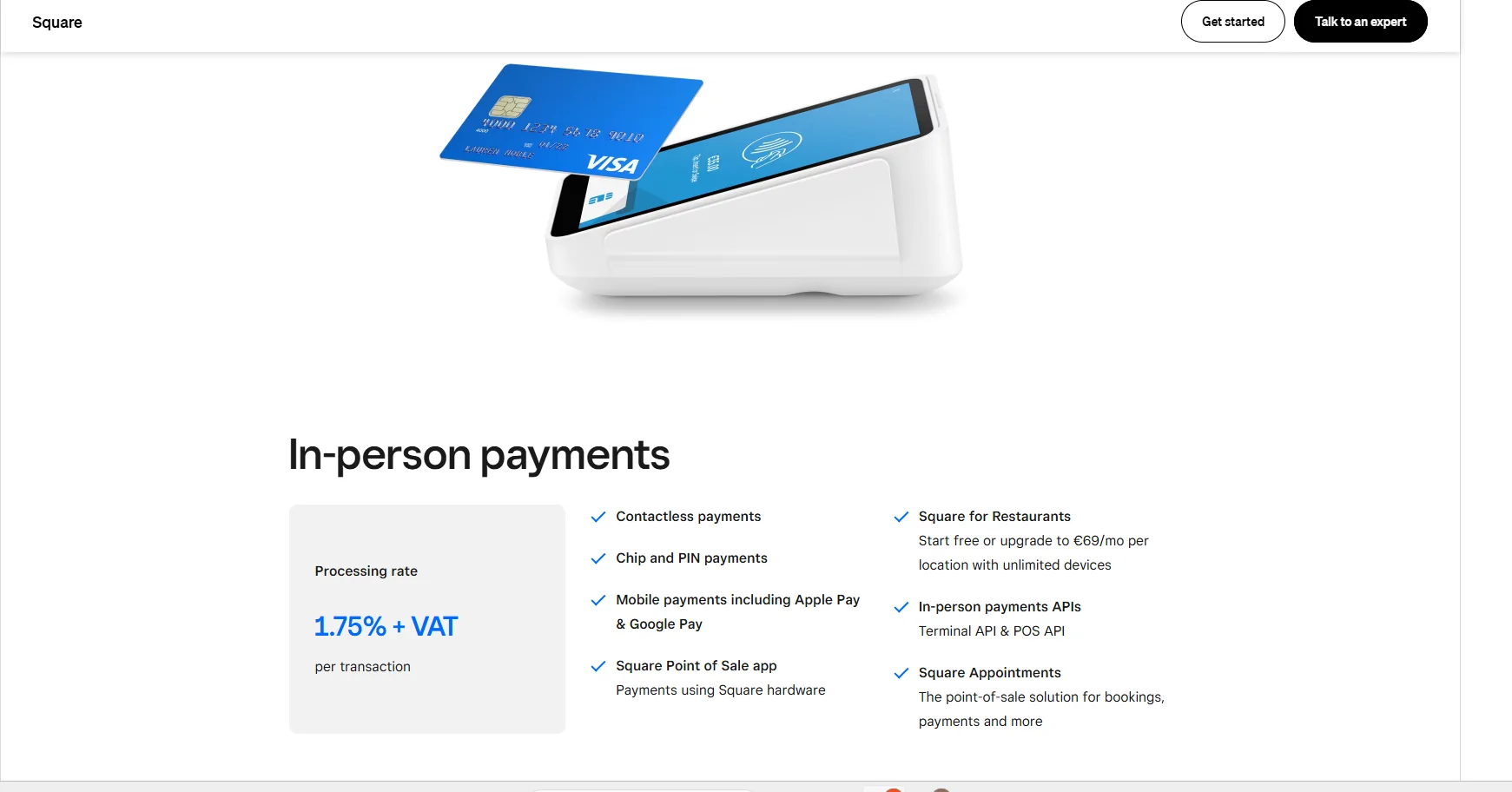
Accept in-person payments using various Square devices (point of sale, reader, kiosk, mobile devices)
Accept electronic payments, credit cards, and digital wallets such as Apple Pay and Google Pay
Support invoicing, subscriptions, recurring payments, and manual card entry
Seamlessly connect sales between your physical and online stores
🤖 Does it include automation?
Yes, the platform includes automation for inventory management, customers, billing, and recurring payments to streamline daily operations for small and medium-sized businesses.
💰 Pricing model:
Freemium + optional paid plans + processing fees per transaction
🆓 Free plan details:
Ability to create a free online store
Pay fees on transactions only (varies depending on in-person, online, or remote payment)
Includes product, customer, and inventory management
💳 Paid plan details:
Optional paid plans to add advanced features based on business size and needs
Includes custom reports, advanced marketing tools, and additional subscription and billing management capabilities
🧭 How to access the tool:
Register via the official website, start creating your free store immediately, or upgrade to any paid plan as needed
🔗 Trial link or official website:
https://squareup.com/ie/en/pricing