Description
🖼️ Tool Name:
Pixfy AI
✏️ What makes Pixfy AI unique in 2026?
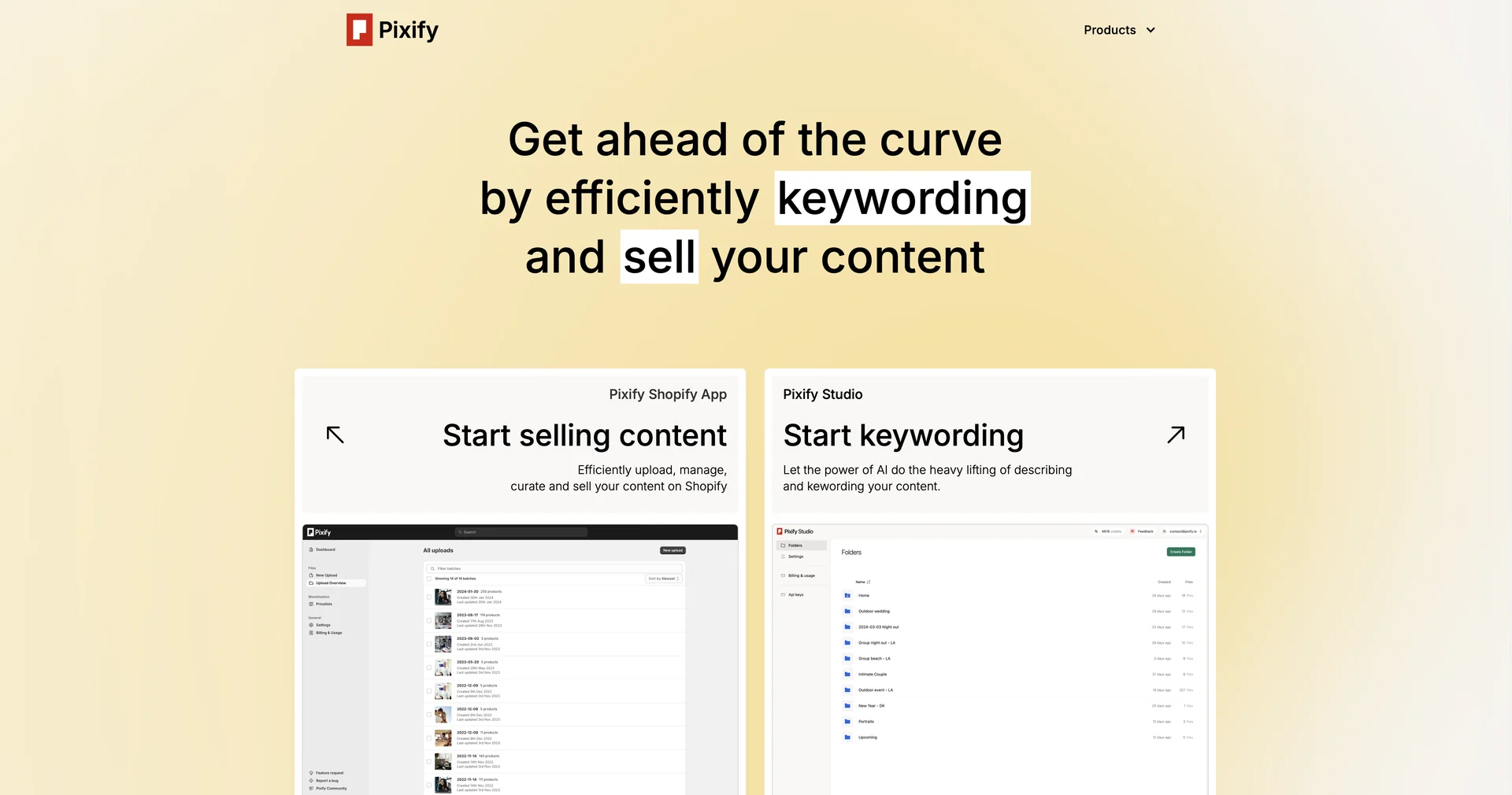
The "Keywording King": Its Pixify Studio is the gold standard for stock photographers. It doesn't just "tag" images; it understands the context, generates Getty/iStock-compatible metadata, and saves creators an average of 50+ hours per month.
Intelligent Audit & Optimization: It features a "Checklist" system that audits your designs for professional standards, ensuring your images are "safe" and high-quality before you export or publish them.
FTP & Bulk Workflow: Unlike most AI editors that handle one image at a time, Pixfy supports FTP uploads/downloads, allowing pros to sync entire subfolders and let the AI process them in the background.
Multi-Model Access: Pixfy aggregates the best generative models (DALL-E, Flux, and proprietary models) into a single interface, allowing you to compare outputs side-by-side.
E-commerce Ready: Features deep integration with Shopify, allowing users to generate product descriptions and optimized images directly for their online storefronts.
Privacy-First Training: A major win for 2026—Pixfy explicitly states that user-uploaded files are never used to train their public AI models, respecting the intellectual property of photographers.
⭐️ User Experience (2026):
"The Efficiency Expert": Rated 4.8/5. Users describe it as "the missing piece of the photography workflow," bridging the gap between clicking the shutter and selling the shot.
💵 Pricing & Plans (February 2026 Status)
Pixfy uses a credit-based system where each action (like keywording an image or a 5-second video) consumes 1 credit.
🎁 How to Get Started:
Head to or Start by using the Free AI Keywording Tool to see how accurately it identifies your images. No credit card is required to try the basic features.
⚙️ Access or Source:
Official Website
Category: AI Asset Management, Photography Workflow, Image Generation.
Platforms: Web, Desktop (Mac/Win), Android.
🔗 Experience Link: