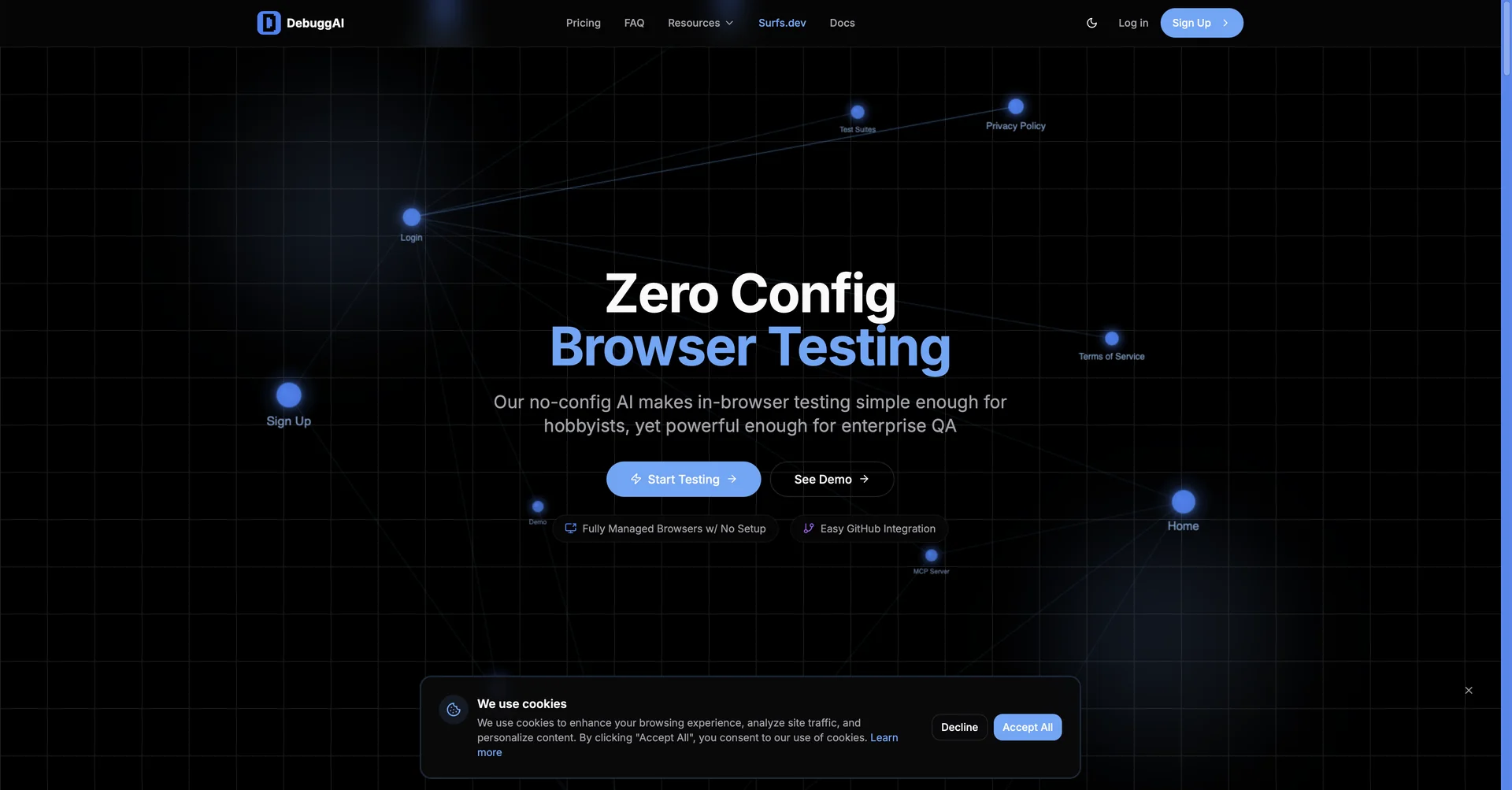
Description
🖼️Tool Name:
DebuggAI
✏️ Overview & AI Features (2026 Edition):
Text-Based Test Requests: You no longer need to write Playwright or Cypress code. Simply type commands like "Test the checkout flow with a guest account" in plain English, and the AI agent builds and runs the flow.
Zero-Config GitHub Integration: By connecting your repository, DebuggAI automatically analyzes code diffs (Pull Requests) and triggers specific tests that target only the modified areas of your app.
Secure Local Tunneling: Specifically designed for "localhost" testing. It creates an encrypted bridge between your local development server and its remote AI agents, allowing you to test before you even push to a staging environment.
MCP Protocol Support: (2026 Update) Fully supports the Model Context Protocol (MCP). This allows AI coding assistants (like Claude) to "use" DebuggAI as a tool to verify the code they just wrote, ensuring a closed-loop "Code -> Test -> Fix" cycle.
AI Debug Chat & Inline Fixes: When a test fails, DebuggAI doesn't just show an error; it provides a conversational interface to explain the stack trace and suggests "one-click" patches directly in your IDE's diff view.
Multimodal Visual Reports: Every test run generates a step-by-step visual report. If a bug is found, it includes a GIF of the failure, console logs, and network activity, making it easy to pinpoint the root cause.
⭐️ User Experience (2026):
"The Developer’s Safety Net": Rated 4.9/5. It is highly praised by dev teams for eliminating "flakey tests" and reducing the DevOps overhead associated with browser-based automation.
💵 Pricing & Plans (February 2026 Status)
DebuggAI offers a tiered model focused on usage and team collaboration:
🎁 How to Get Started:
Visit debugg.ai or install the extension from the VS Code Marketplace. Connect your GitHub account, start your local server, and use the shortcut ⌘ ⌥ C to trigger your first AI-managed test.
⚙️ Access or Source:
Official Website
Category: AI Software Testing (QA), Developer Tools, Browser Automation.
Primary Use Case: Automating E2E browser tests, validating Pull Requests, and debugging localhost applications using natural language.
🔗 Experience Link: