Quicklogo
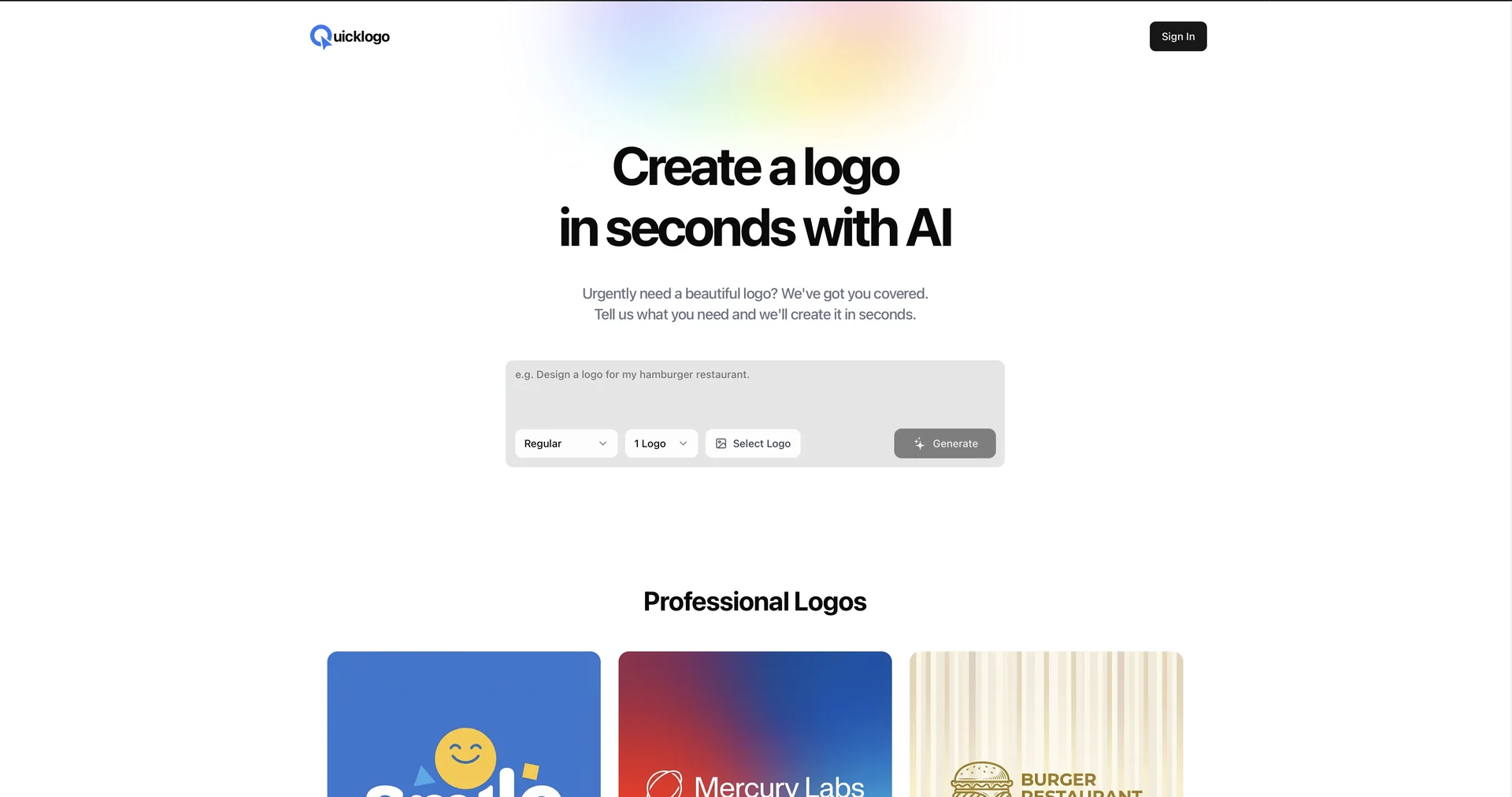
Features
- Generates custom vector-style logos from text prompts
- Suggests colors based on your industry and consumer psychology
- Pairs logo icons with matching fonts automatically
- Creates variations in different layouts, weights and colorways without re-entering the prompt
- Builds logos in SVG so they scale without pixelation
- Shows instant mockups on business cards, app icons, t-shirts and signage
- Includes a built-in editor to tweak colors and fonts
Pricing Details
💵 Pricing & Plans (February 2026 Status): Quicklogo follows a "Try Before You Buy" model, allowing for unlimited previews: Plan Price (Approx.) Key Features Free Preview $0 Unlimited generations; Low-resolution watermarked previews. Basic Pack ~$19 (One-time) High-res PNG & JPG; Transparent background; Lifetime storage. Full Brand Kit ~$49 (One-time) Vector (SVG/PDF) files; Brand style guide; Social media kit. 🎁 How to Get Started: Visit Quicklogo.ai. Enter your business name, describe your "vibe" (e.g., "Futuristic and bold"), and browse through the generated options. Once you find one you love, use the built-in editor to tweak the colors or fonts before downloading your brand package.