AVCLabs PhotoPro AI
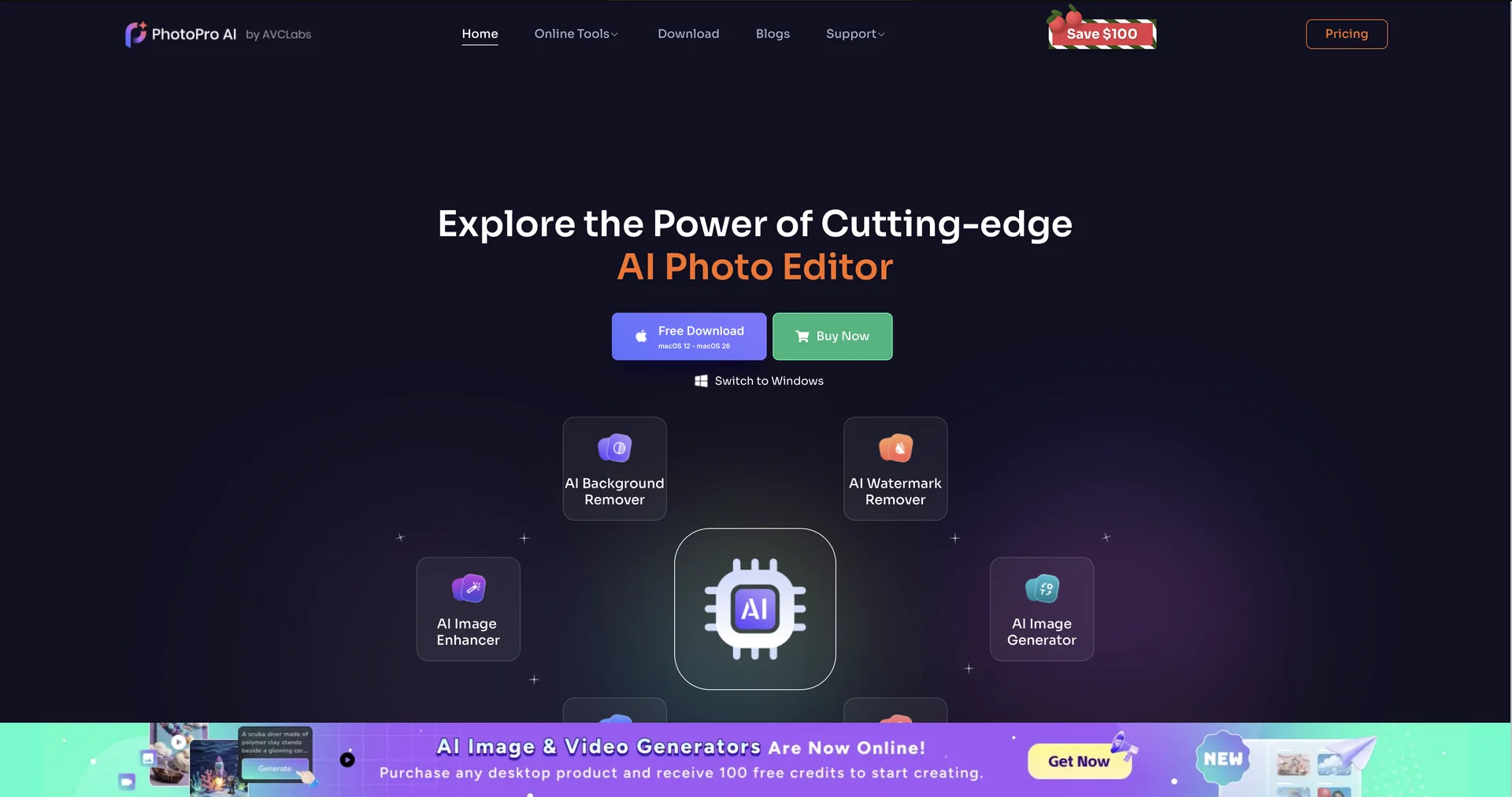
Description
🖼️ Tool Name:
AVCLabs PhotoPro AI
✏️ Overview & Key AI Features (2026 Edition):
Generative AI Replace: A powerful tool that allows you to swap elements within a photo (e.g., changing a person’s outfit or the sky) simply by describing the new object in text.
Intelligent Face Refinement: Automatically detects human faces to smooth skin, remove blemishes, and brighten eyes while maintaining natural textures.
Lossless Image Upscaling: Unlike standard resizing, it "reconstructs" missing pixels, allowing for 400% enlargement while keeping edges crisp and details clear for large-scale printing.
AI Matting (Precision Cutouts): Features industry-leading edge detection that can isolate complex subjects like fine hair or transparent objects from their backgrounds.
Smart Color Calibration: Automatically fixes white balance, exposure, and color deviations in landscape and indoor photos captured in sub-optimal lighting.
GPU-Accelerated Processing: Optimized for 2026 hardware (including NVIDIA RTX 40/50 series), ensuring that complex AI renders happen in seconds rather than minutes.
⭐️ User Experience (2026):
"Pro Results for Beginners": Rated 4.8/5 for its extreme ease of use. Users often describe it as "Photoshop power without the Photoshop headache," specifically praising the speed of the background removal tool.
Reliable Restoration: Highly rated by genealogy enthusiasts for its ability to "breathe life" into century-old family photos with realistic colorization.
💵 Pricing & Plans (February 2026 Status):
🎁 How to Get Started:
Download the AVCLabs PhotoPro AI desktop application. Import your photo and select one of the seven primary AI models (e.g., Upscale, Inpaint, or Matting) from the top menu bar. Apply the settings, preview the AI's "magic" in real-time, and click Save to export your polished image.
⚙️ Access or Source:
Official Website
Category: AI Image Editing, Photo Restoration, Creative Design.
Primary Use Case: E-commerce product preparation, portrait retouching, and historical photo preservation.
🔗 Experience Link:
https://www.photopro-ai.com