Description
️ Name of the tool: 🖼
CodeAnt AI
Tool Category: 🔖
DevOps, CI/CD and monitoring
Programming and development
Code creation and review
Governance, Compliance & Policy
Data and analytics
️ What does this tool do? ✏
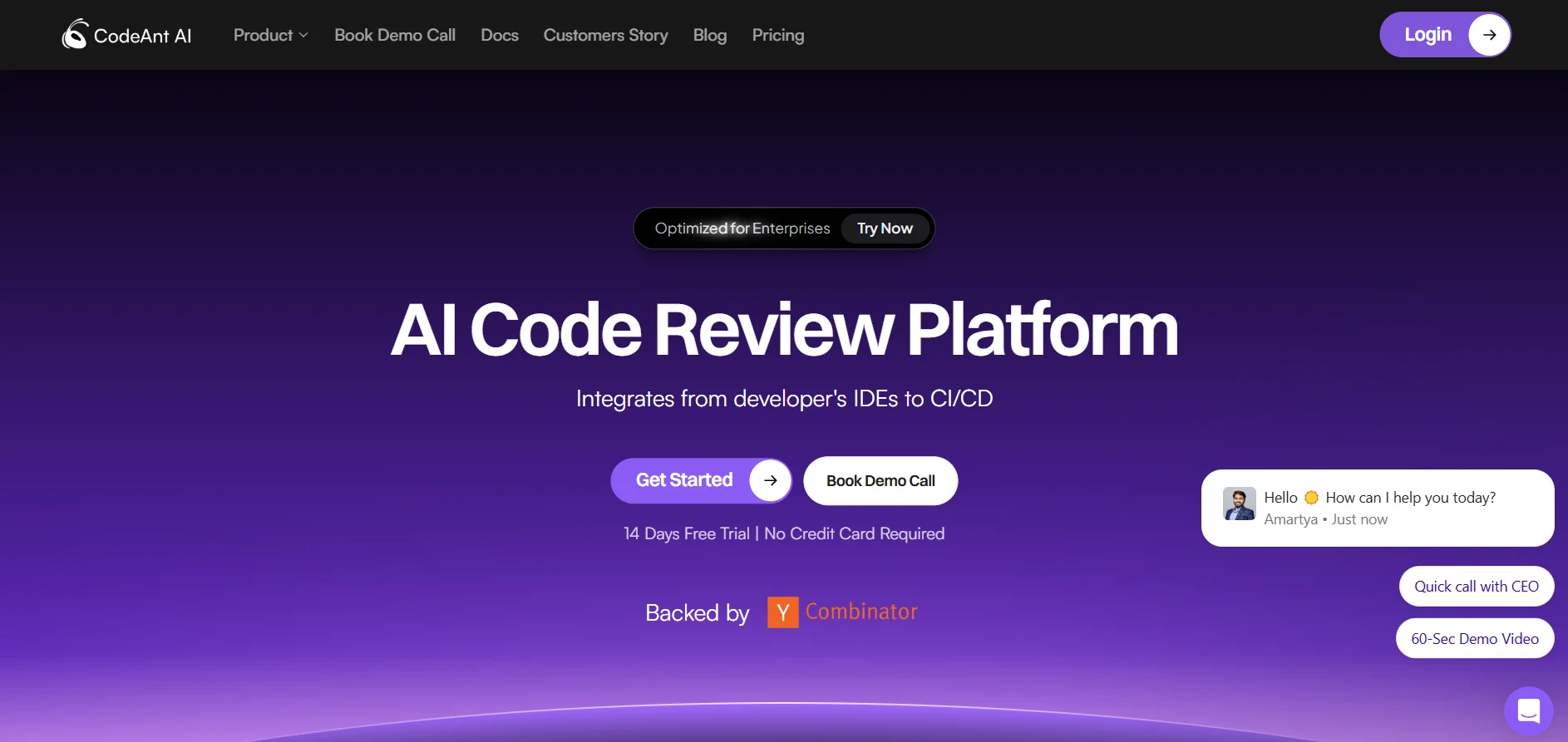
CodeAnt AI helps development teams and companies manage code health, quality, and security before it reaches production. The platform automatically reviews Pull Requests using AI and provides intelligent summaries of code changes, while detecting security vulnerabilities, bugs, and data leaks such as API keys or passwords. The tool provides comprehensive visibility into code quality and developer performance within the team, with support for an advanced Dashboard dashboard to track overall code health, number of revisions, and performance indicators. CodeAnt AI integrates directly with modern development environments, CI/CD pipelines, and code management systems, becoming part of the daily workflow and not just an external inspection tool.
What does it actually offer based on user experience? ⭐
Users find CodeAnt AI significantly useful to reduce manual code review time and improve software quality. The tool supports more than 30 programming languages, offers automatic summaries of merge requests, and intelligent conversations that help developers quickly understand changes. The tool automatically prevents code from being merged when there are critical issues or sensitive leaks, and provides Developer 360 performance indicators to continuously monitor team productivity and code quality. The advanced dashboard helps teams track security performance and code quality, making it suitable for large projects and organizations that need to comply with security standards.
Does it include automation? 🤖
Yes, CodeAnt AI relies on comprehensive code review automation, including: Change review, bug and vulnerability detection, leak detection, intelligent summarization, automatic warnings for critical issues, and setting up dashboards to monitor performance and code. All of this is done automatically with the possibility of manual intervention when needed.
Pricing model: 💰
CodeAnt AI is based on a paid subscription based on user and number of revisions:
🆓 Free plan details:
The platform offers a 14-day free trial (Free Trial) that allows testing all the tool's features before committing to pay. There is no permanent free plan or Freemium, just a time-limited trial.
Details of the paid plans: 💳
Basic Plan: $10 per user per month, includes up to 100 AI code reviews and 100 smart summaries of merge requests, with support for multiple languages and creating customized Prompts. Suitable for small teams or individuals.
Premium Plan: $24 per user per month, includes unlimited code reviews, advanced dashboards, SAST static security analysis, full integration with Jira and Azure Boards, dedicated Slack support, White-Glove onboarding, and SOC2, HIPAA, and VAPT audit reports. Geared towards medium and large teams.
Enterprise Plan: Pricing is undisclosed and determined by contacting the sales team, and includes all Premium features, dedicated On-Premise or VPC support, dedicated Success Manager, dedicated Support Engineer, and extensive customization capabilities for larger organizations.
️ How to access the tool: ⚙
CodeAnt AI can be accessed by registering an account on the official website and experiencing the platform first-hand before signing up. The tool integrates with local development environments and CI/CD pipelines to become part of your daily workflow.
Link to the trial or official website: 🔗
https://codeant.ai