Description
🖼️ Tool Name:
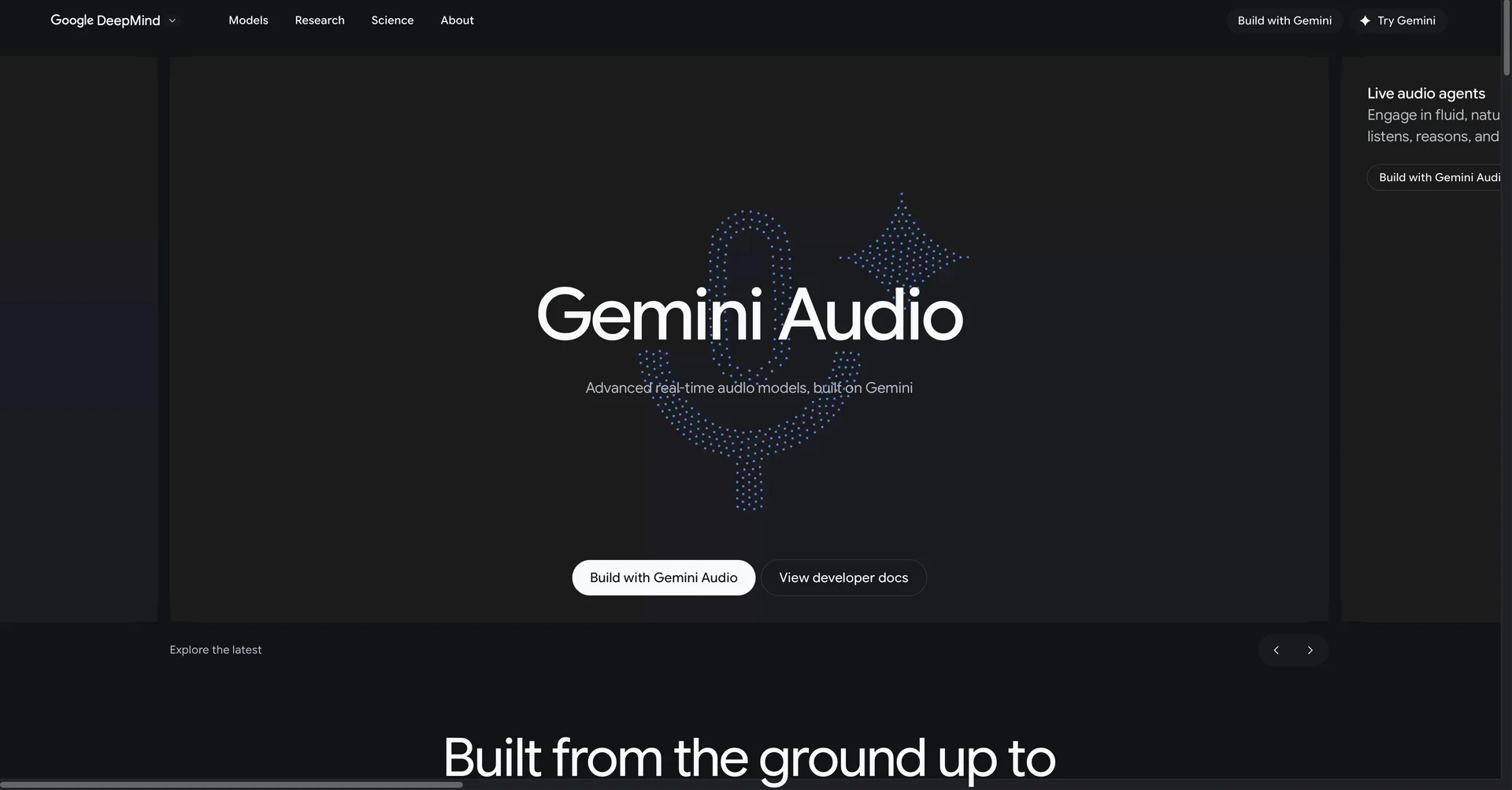
Gemini Audio
✏️ Overview & Key AI Features (2026 Edition):
Gemini Live (Real-Time Interaction): A conversational mode that allows for "Barge-in" (interrupting the AI mid-sentence). It uses Gemini 3.1 Pro to respond with human-level emotional tone and sub-second latency.
Audio Overview (Podcast Mode): Now a flagship feature across Google Docs and Drive. It can take a 100-page PDF and turn it into a 10-minute "Deep Dive" podcast between two AI hosts who use banter, jokes, and metaphors to explain the content.
Native Multimodality: Unlike older models that use a separate "ear" (STT) and "mouth" (TTS), Gemini 3.1 processes audio directly. This allows it to "hear" laughter, detect sarcasm, and understand the difference between a question and a command based purely on pitch.
Live Speech Translation: A beta feature in Google Translate that translates streaming speech while preserving the speaker’s original pacing, pitch, and emotional weight (Affective Dialog).
Speaker Diarization & JSON Formatting: For developers and researchers, it can turn an unorganized lecture or support call into structured data (JSON) with timestamps and speaker labels.
Context Window for Audio: Can process up to 8.4 hours of continuous audio in a single prompt, allowing it to "read" entire conferences or audiobook series in one go.
⭐️ User Experience (2026):
"The Voice of the Future": Rated 4.9/5 for its integration. Users love the "Hands-free" capability on Pixel devices and the ability to listen to their work reports as a podcast while commuting.
Accessibility Leader: Heavily praised by the visually impaired community for its "Visual-to-Audio" descriptions where Gemini describes live camera feeds in a conversational way.
💵 Pricing & Plans (February 2026 Status):
🎁 How to Get Started:
On any Android or iOS device, tap the Gemini Live icon (waveform symbol) to start a real-time chat. Alternatively, go to NotebookLM or Google Docs, click "Tools," and select "Audio Summary" to hear your document come to life as a podcast.
⚙️ Access or Source:
Official App: Google Gemini (Android/iOS).
Web Portal
Developer API
Category: Multimodal AI, Audio Production, Productivity, Accessibility.
🔗 Experience Link:
https://2u.pw/gQtV7b