QP Notes (QP)
Description
️ Tool name: 🖼
QP Notes (QP)
Tool category: 🔖
• Content management and publishing
• Content and text writing
• Automation and smart agents
• No-code workflows
• Integrations and APIs
️ What does this tool offer? ✏
QP provides a comprehensive system for managing, organizing, and customizing prompts, with the ability to create multi-step smart actions to efficiently perform repetitive and complex tasks. The tool allows you to store prompts in an organized manner, share them within groups, and link them to API keys for different AI models, or work through external subscriptions to chatbots. It also provides a browser extension that enables users to access the tool with a single click within their work environment, along with customized setup and training services for organizations, and the creation of AI solutions tailored to the needs of each team.
What does it actually offer based on user experience? ⭐
User testimonials indicate that QP has brought about a tangible transformation in nonprofit work environments and various business sectors. The director of a nonprofit organization explained that the tool has reduced the burden of paperwork and grant applications, giving him time to focus on the essence of the work. A user from the nonprofit sector confirmed that the time needed to prepare grant applications was reduced from weeks to hours. In the field of mental health, the tool helped reduce repetitive tasks, allowing more time for direct communication with the community. In the business sector, users noted the ease of customization and the tool's seamless integration into workflows without complexity, enhancing rather than replacing team skills by taking over analysis and routine tasks and freeing up more space for creativity and strategy. Advanced users also praised the flexibility of customizing actions and linking them to specific tasks such as data reformatting or strategic analysis, as well as the ease of preparing initial drafts of documents and completing repetitive tasks at record speed.
Does it include automation? 🤖
Yes, QP includes advanced automation capabilities through the creation of multi-step custom procedures that can be linked to repetitive or complex tasks, with the possibility of integration via API keys for different AI models. It also enables centralized management of licenses and groups in enterprise plans, and usage analysis to determine the best balance between cost and usage intensity.
Pricing model: 💰
QP uses a flexible subscription model that allows you to choose between monthly or annual payments, with a discount of more than 10% for annual subscriptions. Plans range from free to advanced professional, including integrated AI packages, as well as a customized plan for enterprises through direct communication.
🆓 Free plan details:
The Lite plan is completely free and includes private storage for up to 150 prompts, the ability to download prompts, access to public groups, and use of the QPEDIT extension for Chrome. It also allows you to link a user-specific API key to any AI model, or rely on an external chatbot subscription without the need for an AI subscription built into QP.
Paid plan details: 💳
The Pro plan, priced at $45 per year, includes all the features of Lite with unlimited prompt storage, the ability to share content with friends, and create group chats, while still offering the flexibility to connect API keys or use external subscriptions.
The Pro with AI plan, priced at $160 per year, includes all the benefits of Pro plus an integrated subscription that gives access to the best AI models in one package, with 1,000 QP credits per month. This plan allows you to adjust the size and pricing of credits based on usage intensity, and switch between different models within QP without the need for additional separate subscriptions.
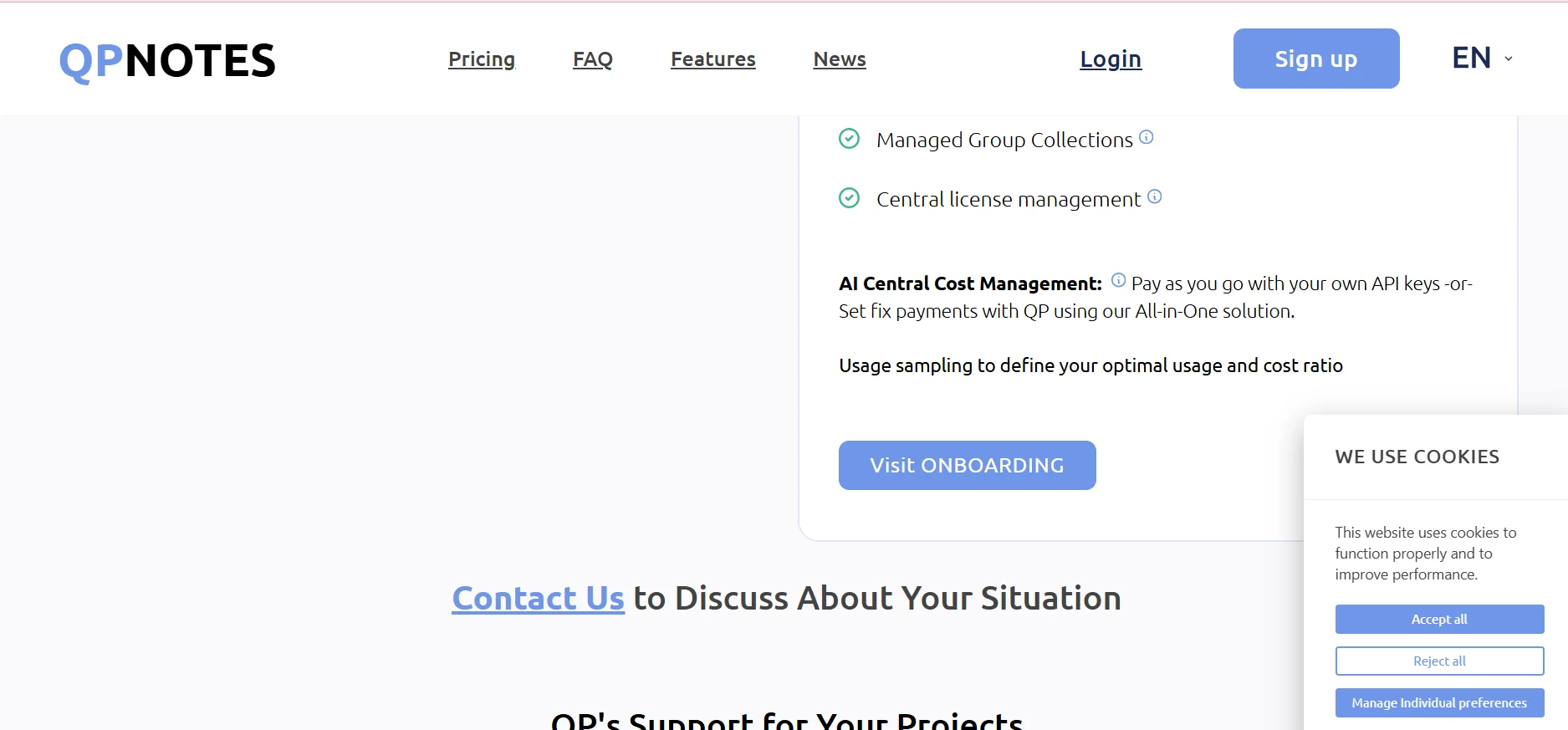
The Pro plan for enterprises is offered through dedicated communication and includes all Pro benefits, plus customized team setup and training, building AI functions tailored to the enterprise's needs, and centralized license and group management. It also provides a system for managing AI costs, whether through pay-as-you-go via enterprise API keys or through fixed payments within a comprehensive solution from QP, along with trial usage analysis to determine the best balance between cost and usage volume, with the option to start with a free trial period.
How to access the tool: 🧭
QP can be accessed directly via the web, in addition to using the QPEDIT extension for Chrome, which allows you to run the tool and use prompts and actions from anywhere within your work environment with a single click.
Trial link or official website: 🔗
https://qpnotes.com/pricing