Tool name: Project Neo
Tool category: 🔖
• Analytics and dashboards
• 3D and engineering/interior design
• 3D modeling and rendering
• Smart interior design
• Article and publication generation
️ What does this tool offer? ✏
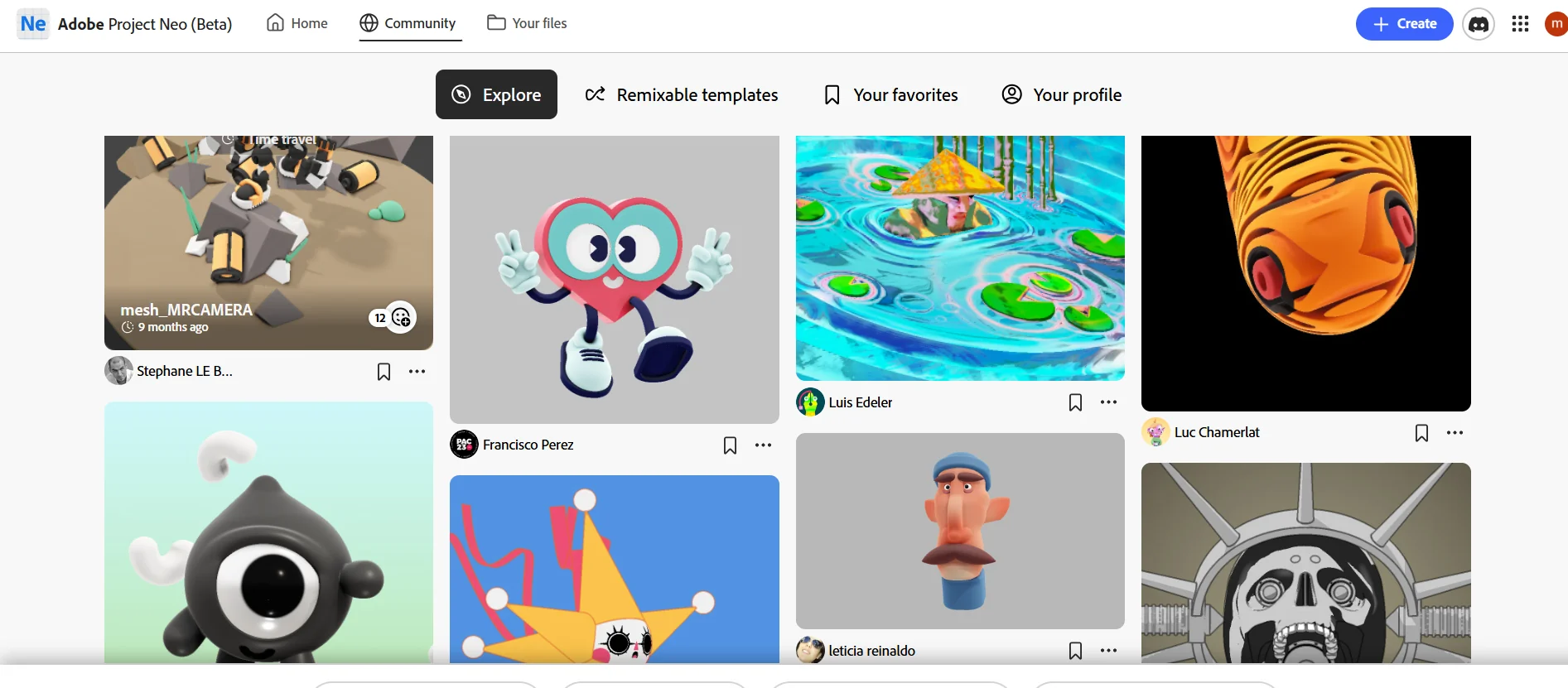
Adobe Project Neo lets you create any digital design in minutes, with multiple options to suit your creative style. The tool's capabilities include creating new designs, importing vector graphics, designing 3D text, and generating designs directly from a specific scene. It also allows you to leverage the creativity of the Neo community to rework existing designs and add a personal touch, fostering collaborative creativity and providing ready-made sources of inspiration.
What does it actually offer based on user experience? ⭐
Project Neo provides a fast and seamless design experience, with immediate results that can be used and shared, enabling users to leverage a rich creative library of ready-made projects that can be modified according to individual needs, enhancing productivity and creativity in digital projects.
Does it include automation? 🤖
Yes, the tool includes some automation features such as instant generation of designs from a specific scene and quick reworking of graphic elements, to facilitate the design process without the need for lengthy manual steps.
Pricing model: 💰
Adobe Project Neo is based on a beta model, with the tool available for free during the trial period. Pricing details for the full version have not yet been officially announced on the website.
🆓 Free plan details:
Users can try out the basic Project Neo tools during the trial period for free, with the ability to create and edit designs and use community features.
Paid plan details: 💳
Details of the paid plans have not yet been officially announced, but they are expected to include full access to all tools, advanced features, and additional facilities to support professional projects.
How to access the tool: 🧭
Project Neo can be accessed via the official website, where you can register for an account to use the trial version and interact with the Neo community.
Trial link or official website: 🔗
https://projectneo.adobe.com/