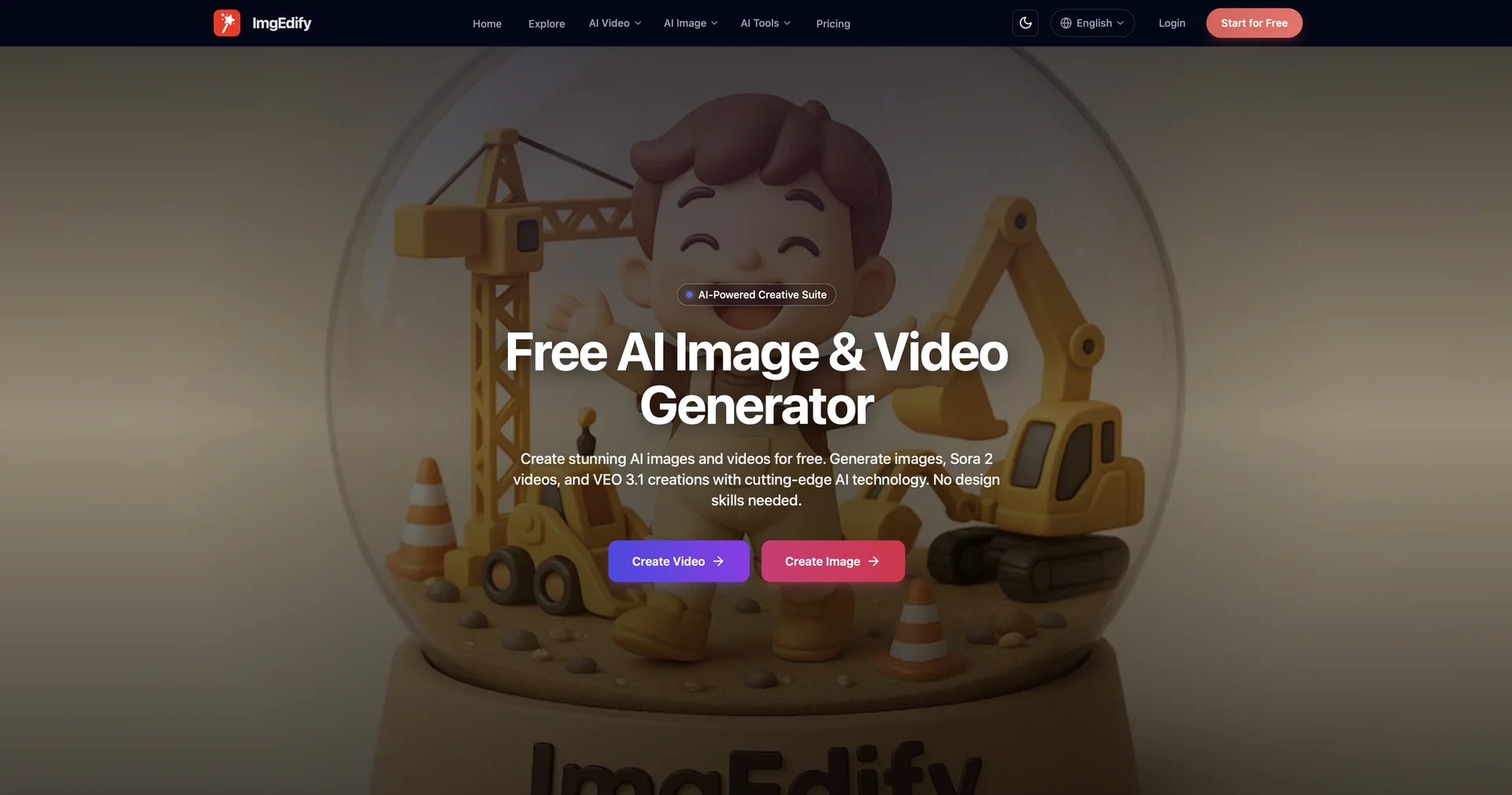
Description
🖼️ Tool Name:
ImgEdify AI
✏️ Overview & Key AI Features (2026 Edition):
Web-Native Editing: Through its browser extensions, users can right-click any image on the web to instantly enhance, transform, or apply artistic styles without leaving their current tab.
Nano Banana 2 & Pro: Utilizes the latest generation of hyper-real portrait models specifically tuned for avatar commerce and high-fidelity fashion visualization.
Sora 2 Studio: A dedicated environment for video creators that provides cinematic storyboards, camera rigs, and dialogue timing templates based on text prompts.
Ghibli AI Specialist: Known in the creator community for its industry-leading "Ghibli-style" transformation, which applies a hand-drawn, magical aesthetic to any photo.
Face Swap & Portrait Suite: Advanced face detection and seamless blending controls for professional-quality portrait transformations and fun creative projects.
AI Action Figure Creator: A unique feature that transforms photos into professional action figure designs with dynamic poses and detailed accessories.
⭐️ User Experience (2026):
"Creative Swiss Army Knife": Rated 4.9/5 by content creators and digital marketers. It is praised for its versatility—specifically the ability to move from a simple browser search to a finished AI-edited asset in seconds.
Efficiency Focus: Users report that the browser-integrated workflow "doubles their efficiency" by removing the need to download and re-upload images to separate editing platforms.
💵 Pricing & Plans (March 2026 Status):
ImgEdify follows a "Freemium" model with a low entry barrier for individual creators.
🎁 How to Get Started:
Visit to start generating on the web, or install the ImgEdify Extension from the Chrome Web Store. Start by testing the "Image-to-Image" feature on a personal photo to see how the Ghibli or Cyberpunk filters reimagine your world.
⚙️ Access or Source:
Official Website
Browser Extensions
Category: AI Image Generation, Browser Productivity, Video Storyboarding.
Primary Use Case: Streamlining visual content creation for designers and marketers by providing powerful AI editing tools directly within the web browsing experience.
🔗 Experience Link:
https://imgedify.com